
Project
Bellville branch
Bellville floor notes covering Epson product positioning, demo readiness, and the day-to-day requirements of Cape trade customers.
How Bellville branch activity plays out in a trade week
The Bellville branch page covers Epson graphic-arts discussions for trade customers in the Cape. It focuses on demo readiness, product positioning and the practical questions buyers bring from the Bellville side of the market.
Bellville enquiries usually start with the exact Epson unit under review, the media being tested, and the branch conditions around the printer area. Cape humidity, sea air and loading access can change handling, drying and demo planning. Trade buyers often need product fit, workflow checks and branch-specific observations recorded clearly for Bellville discussions.
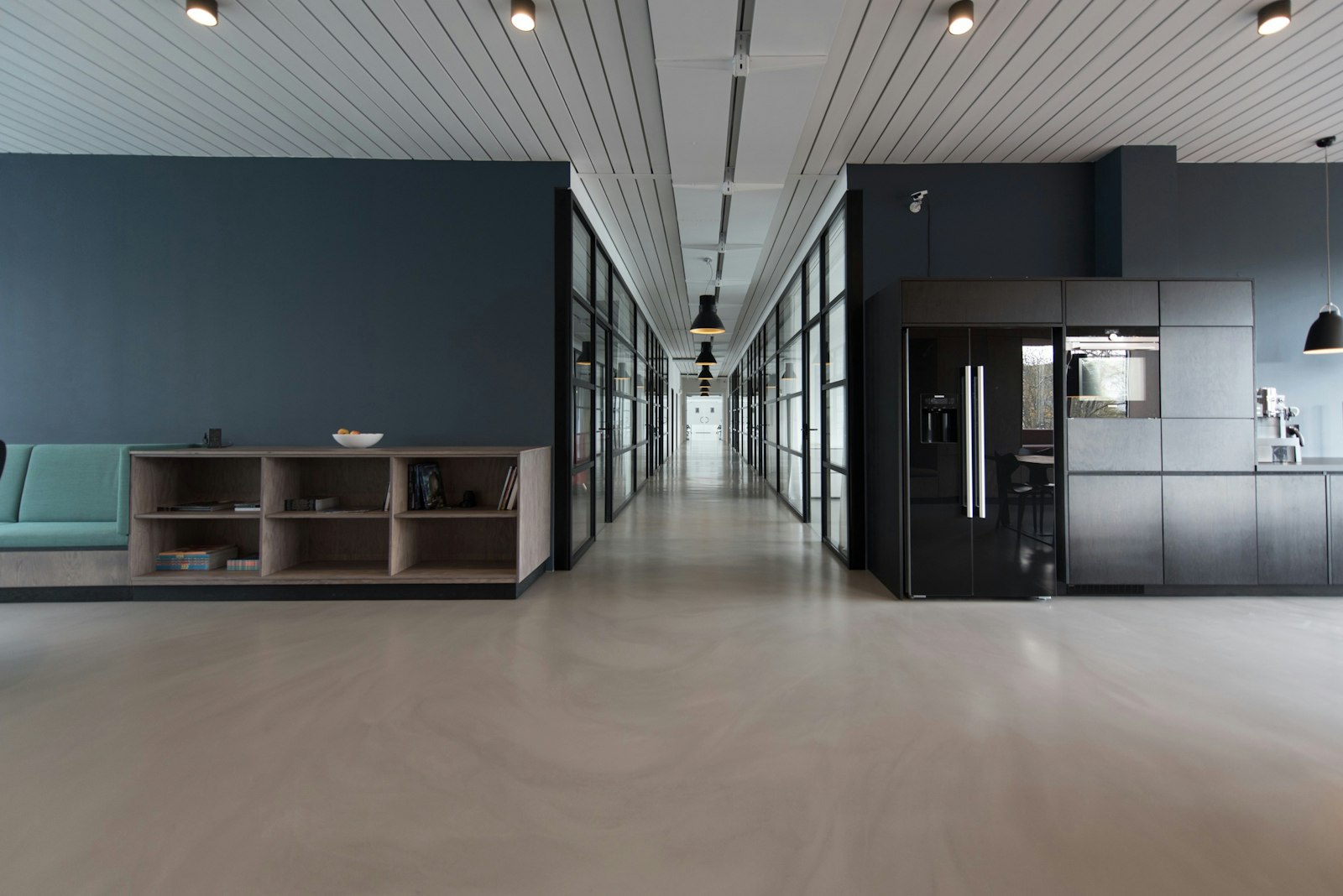
Include one wide photo of the Bellville printer space before the discussion moves to specs or pricing. That image helps place the Epson unit against bench space, roll storage, power points and operator access. A short branch record kept with the machine file also makes later checks easier when staff compare demo output with site conditions.
Bellville branch handover points
After a Bellville demo you get a usable record of the Epson model discussed, the media tested and the branch concerns raised during the session. Notes work best when they name the output target, the workflow step under review and any install or stock issue affecting the decision. Trade buyers in the Cape usually need fewer assumptions and more detail tied to the actual setup.
Link the Bellville branch with the matching workflow record and the relevant branch entry before adding more equipment to the discussion. Check media, install and stock details against that record before anything is booked for dispatch or demonstration. Tell us the Epson model, the media and your monthly print volume, and the demo floor team will set up the right comparison.
- Bellville branch workflow checks in use
- Printer area photo taken before testing
- Branch details sent through the form
Cape trade conditions to record
Bellville discussions often need dispatch timing, branch access and demo scheduling captured against the correct Epson range. Some Cape sites operate from older industrial units where space, ventilation and power layout affect installation planning. When a printer is live on customer work, record the active fault separately from the normal production routine so testing does not blur the issue.
Coastal air can affect storage habits, routine cleaning intervals and how media is kept before a print test. Dust from busy warehouse and workshop areas still matters, especially around sensors, feed paths and covers that are opened often during a trade day. A Bellville demo should show Epson hardware handling, media behaviour and workflow sequence under branch conditions, with the output checked against the buyer's intended work.
Operated by Astros Marketing (Pty) Ltd from 2 Makro Place, Sunnyrock 1401.
Bellville demo record essentials
Send Bellville details with branch photos, planned demo timing, Epson ranges in focus, and any stock, install, or workflow issues already identified. Keep the subject line clear.
Record the Bellville discussion against the correct Epson unit, media set, and branch visit so later checks match the same setup. Keep the demo summary, branch photos, and workflow comments together when a Cape buyer asks for print, install, or stock context.
What our Epson Graphic Arts customers say
Verified Google reviews