

Drivers
Find setup notes for Epson SureColor roll-fed and flatbed printing, from posters and CAD output to photo and display work.
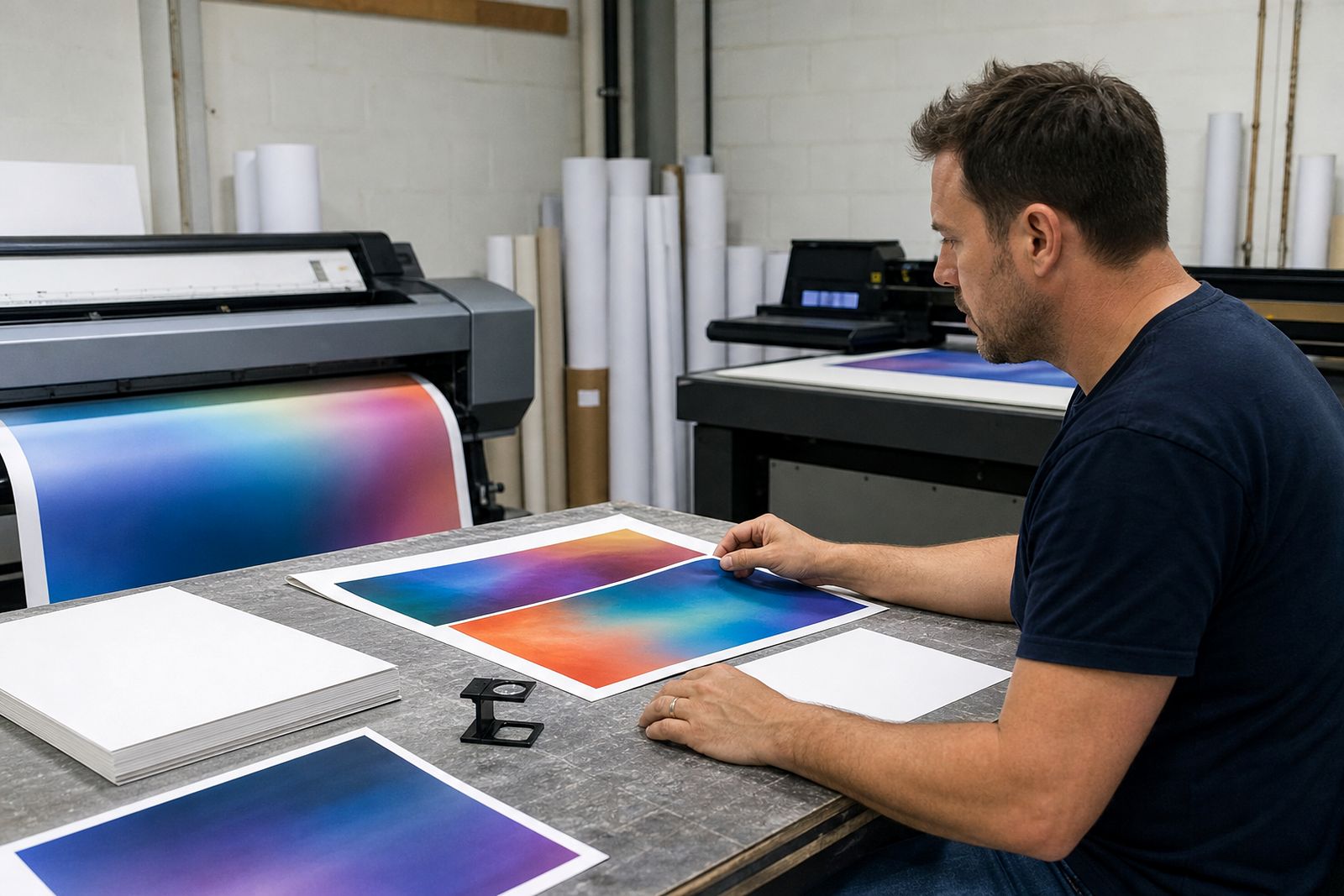
Set up a clean print run
These resources are for South African graphic-arts teams that need reliable setup notes for Epson SureColor roll-fed and flatbed printing. Use them when you are preparing posters, CAD output, photographic work, indoor display graphics, rigid boards or short-run display pieces.
Start with the job intent, then match the media, profile and machine setup before you load material. For roll-fed work, check media loading, take-up tension and heater settings. For flatbed work, confirm head height and vacuum hold so the board stays stable through the run. A quick nozzle check before output can save time and help keep colour and detail consistent.
When you need practical guidance, open the notes that fit the task, then keep them beside the operator station. If you are comparing setup steps or preparing a handover, the install checklist, media guide and spec card are a good starting point.
Check the basics before you print
Use the resources here to keep the job moving and reduce avoidable stops. The notes focus on day-to-day print-room checks, not theory, so operators can work through them quickly and confidently.
- Confirm the correct media is loaded and seated properly.
- Set take-up tension for the roll and watch for skew or slack.
- Match heater settings to the media and the intended finish.
- Set head height and vacuum hold for rigid board output.
- Run a nozzle check and verify the colour profile before production.
If a job needs extra care around photo work or colour consistency, the photo protocol and warranty note can help you keep your process tidy and documented.
Use the right note for the job
The cards below are arranged for quick access, so your team can find the right setup note without searching through unrelated material. They support common print-room tasks such as care, safety, shipping, power, spare parts and handoff detail.
For demo days and operator training, eProfile supports Epson channel sales and routine support from Gauteng and Cape Town demo floors, with demo studios in Clearwater, Cresta, Pavilion, Tyger Valley, Baywest, Mimosa and Riverside. If you want to see a machine in action or compare options for your team, use the demos and contact links to ask for a quote via the contact form.
eProfile is operated by Astros Marketing (Pty) Ltd. Epson is a trademark of its owner. eProfile is a channel supplier.
Drivers
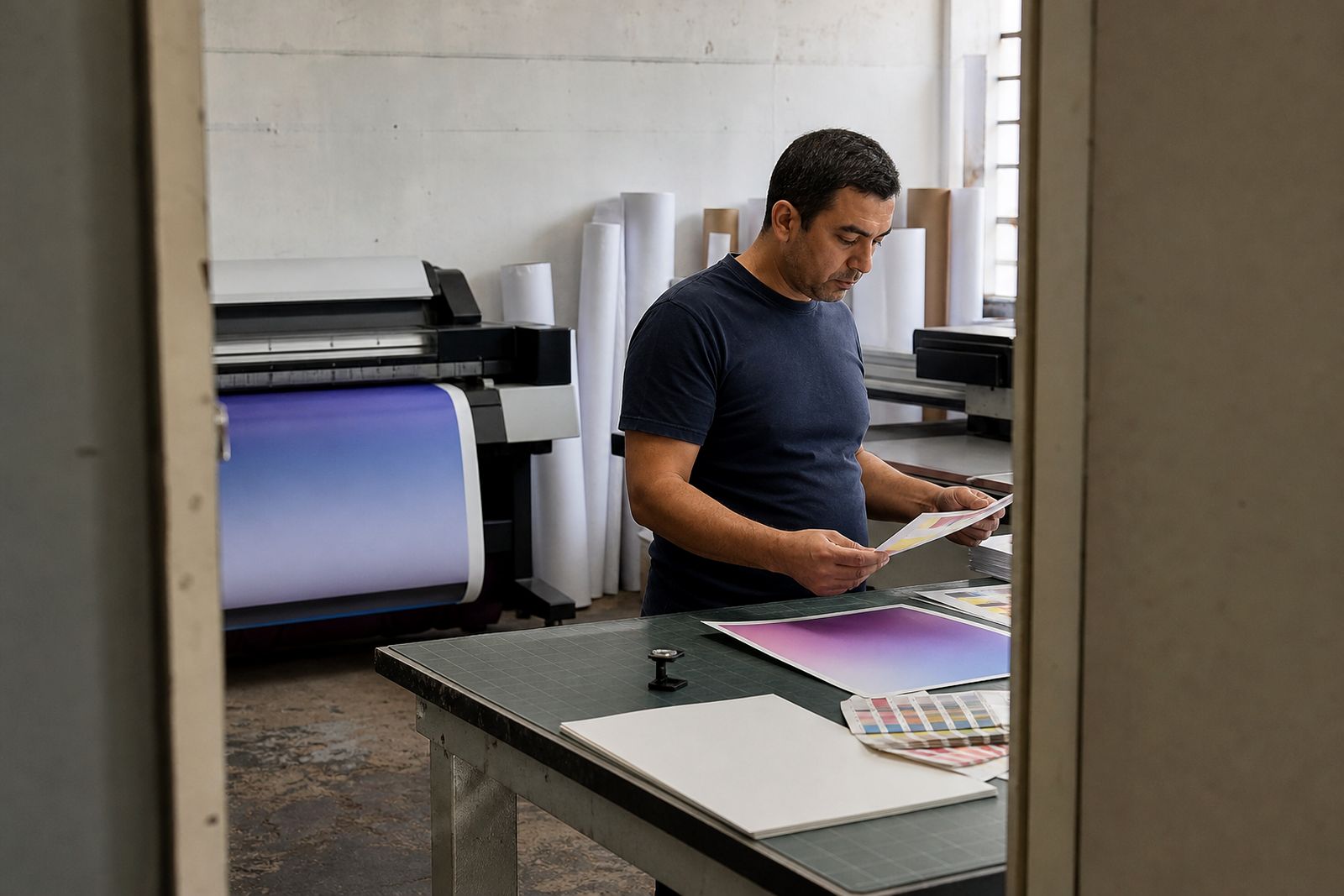
Routine care notes
Routine care notes for Epson graphic-arts equipment, covering the checks print teams do between jobs and media changes.
Read more
FAQ guide
Quick answers on media, site details and demo planning for Epson graphic-arts installations in South Africa.
Read more
Handoff template
A handoff template for Epson installs and demos, so operators leave with the settings, media notes and routine details they need.
Read more
Install checklist
An install checklist for Epson print hardware, including floor space, access, power and routine points to confirm before delivery.
Read more
Media guide
A media guide for Epson graphic-arts output, with stock handling notes, application fit and print considerations for common local work.
Read more
Photo protocol
A photo protocol for Epson site checks, showing which angles and floor details help before a demo, delivery or installation.
Read more
Power guide
A power guide for Epson demo and production setups, covering supply, plugs, circuits and floor planning before installation day.
Read more
Safety brief
Basic safety checks for lifting, placement, ventilation and operator care before Epson hardware goes into use.
Read more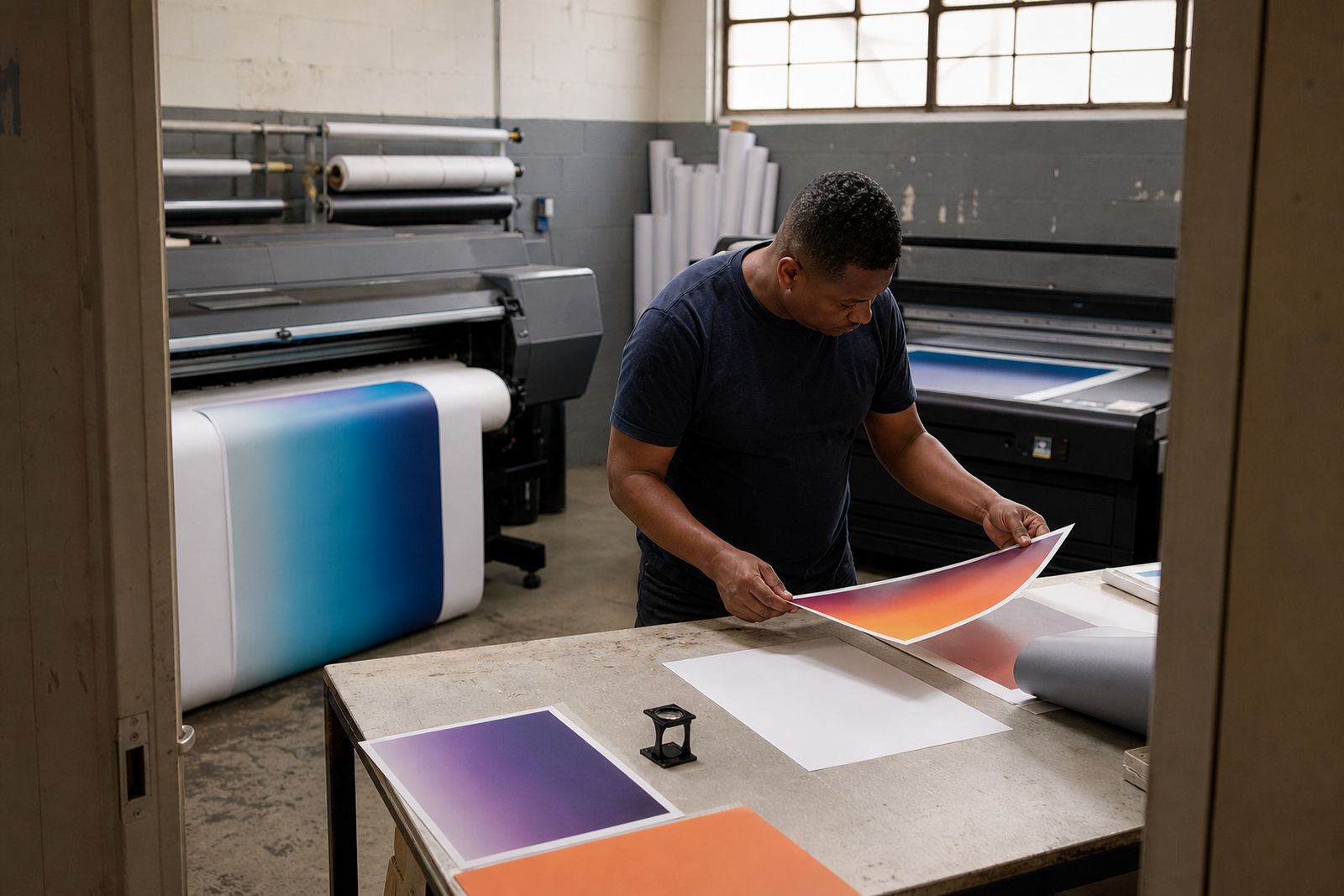
Shipping note
Shipping notes for moving Epson units to site, with handling, access and receiving checks that matter on local deliveries.
Read more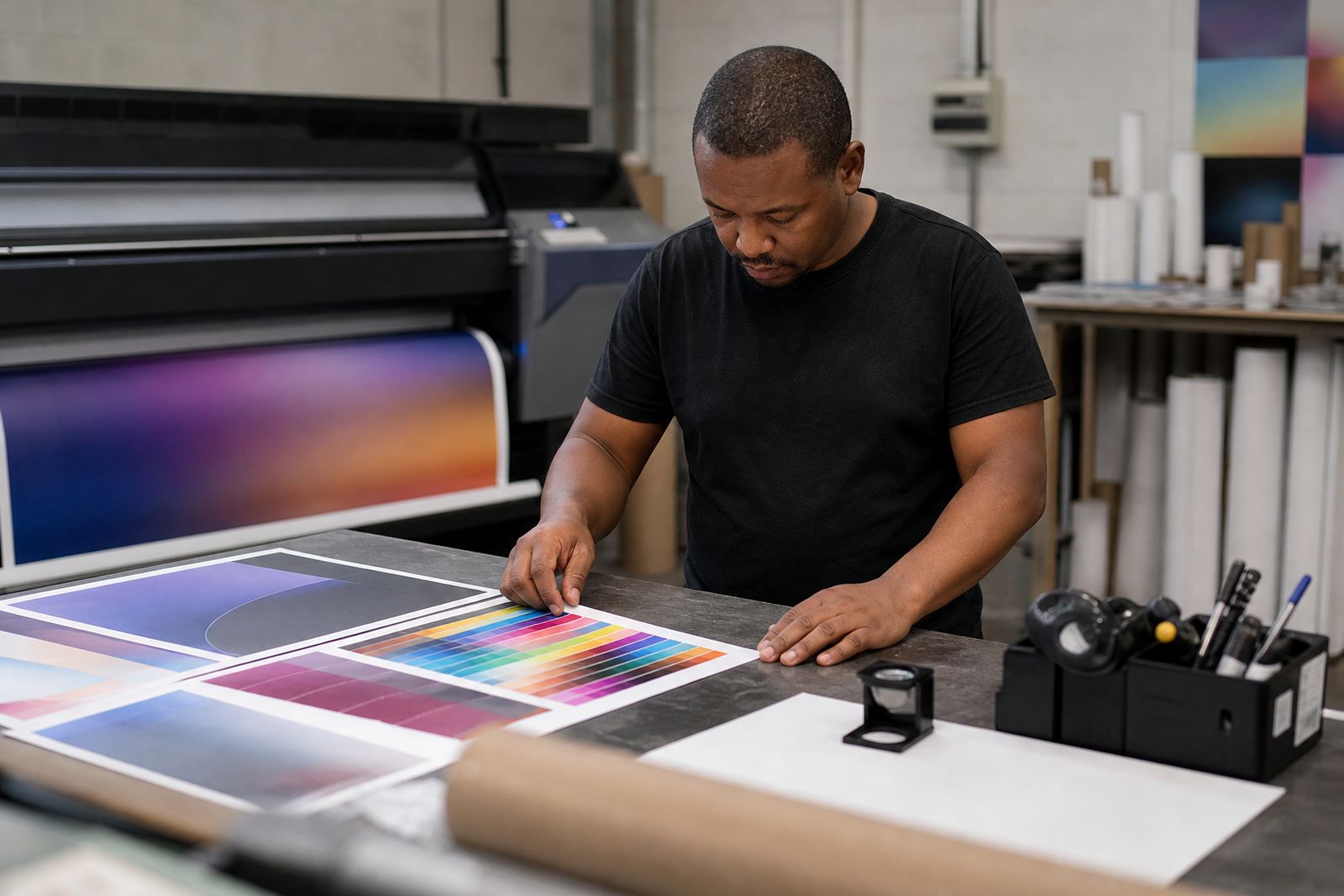
Spare parts guide
Keep key Epson consumables and service items ready for South African print production with this spare parts guide.
Read more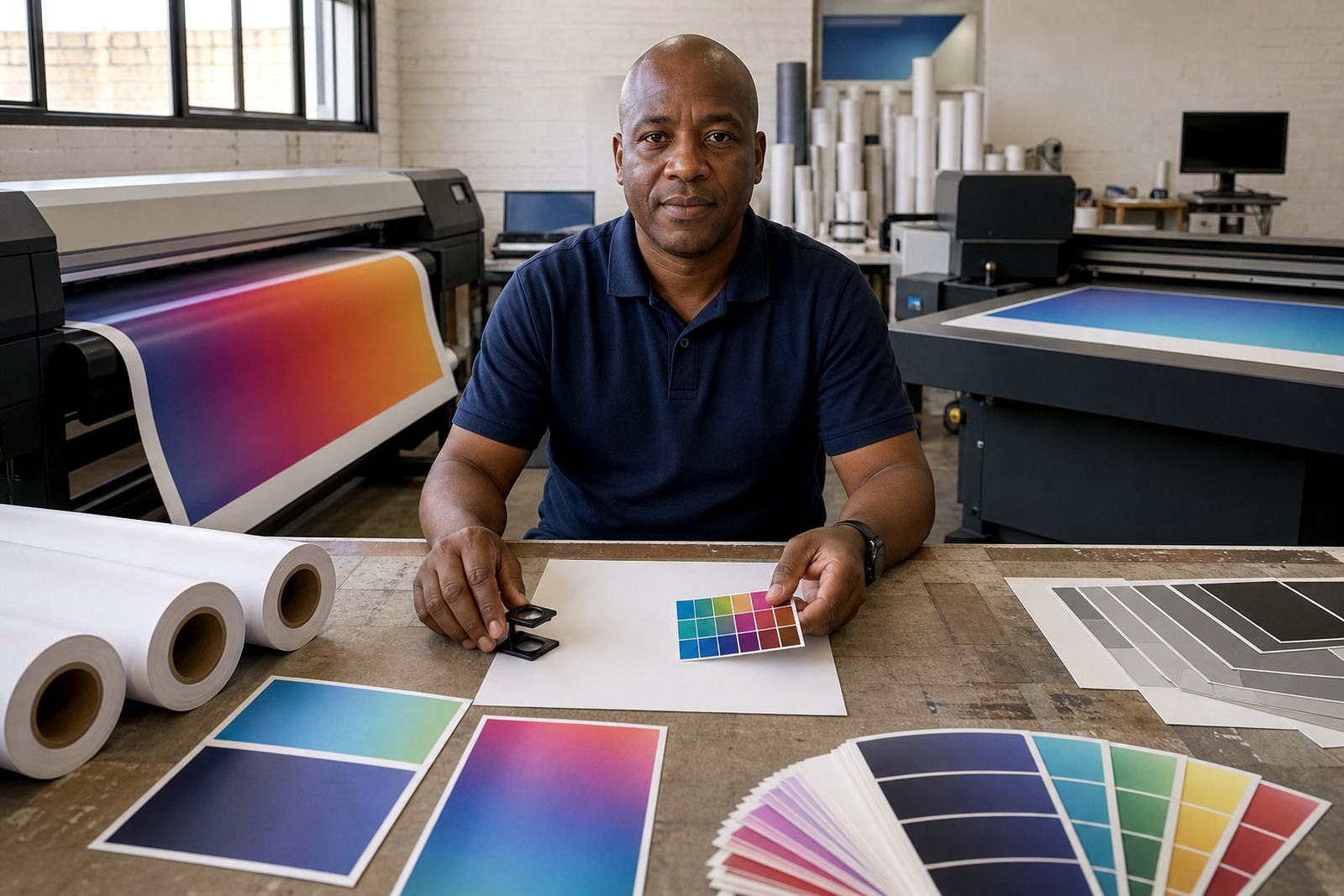
Spec card
Key machine specs for Epson graphic-arts models, laid out for South African print rooms and demo-floor comparisons.
Read more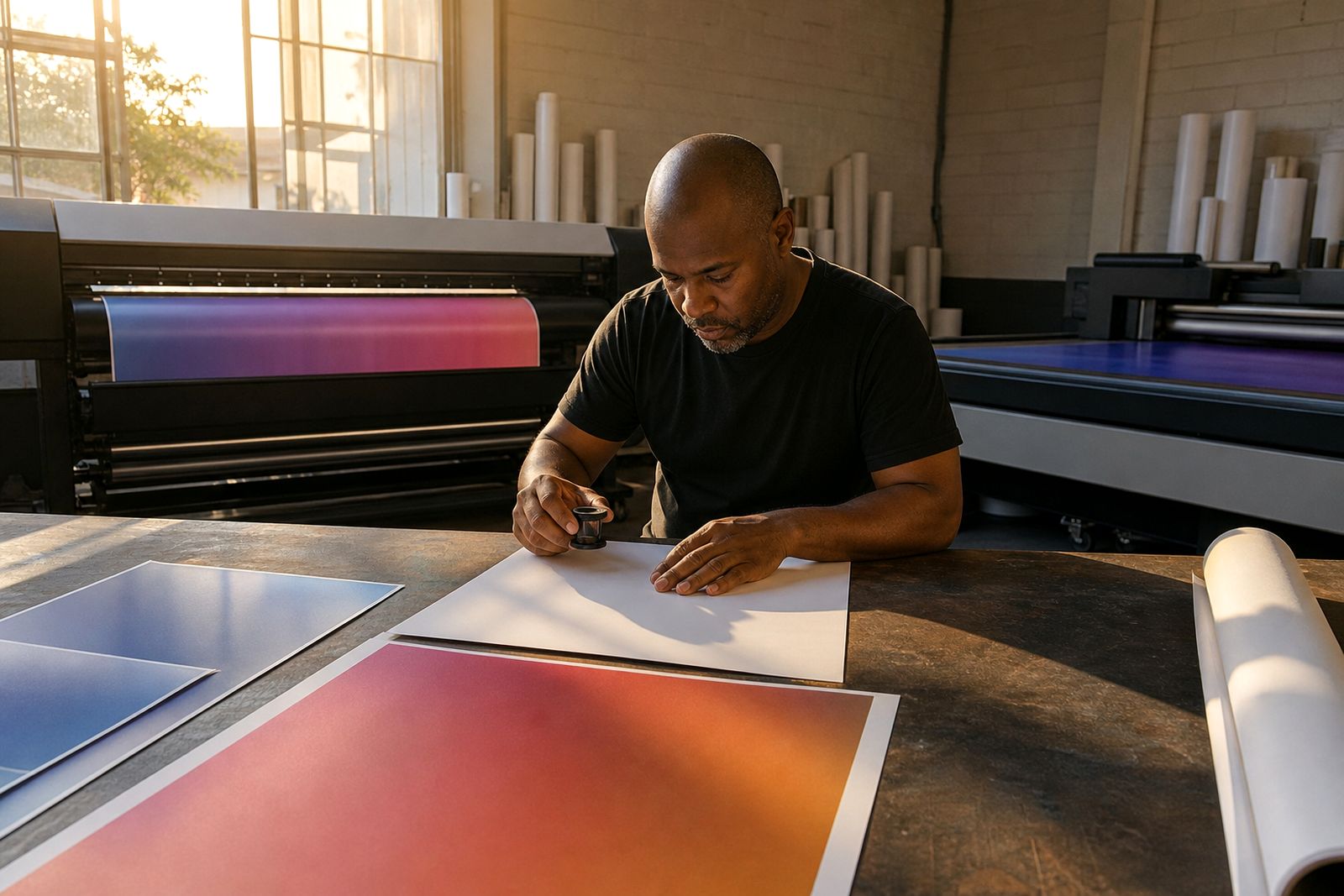
Warranty guide
Review warranty paperwork and cover details for Epson graphic-arts equipment used on South African sites.
Read moreWhat our Epson Graphic Arts customers say
Verified Google reviews
Tell us what you print and where it hurts
Send a note through our contact form with the media you print, the printer you run or are considering and where the workflow slows down, and we will come back with practical options and a quote.
Open the contact form