

Studio notes
eProfile shares practical notes on Epson SureColor demo days, training and print-room handling for South African graphic-arts sites.
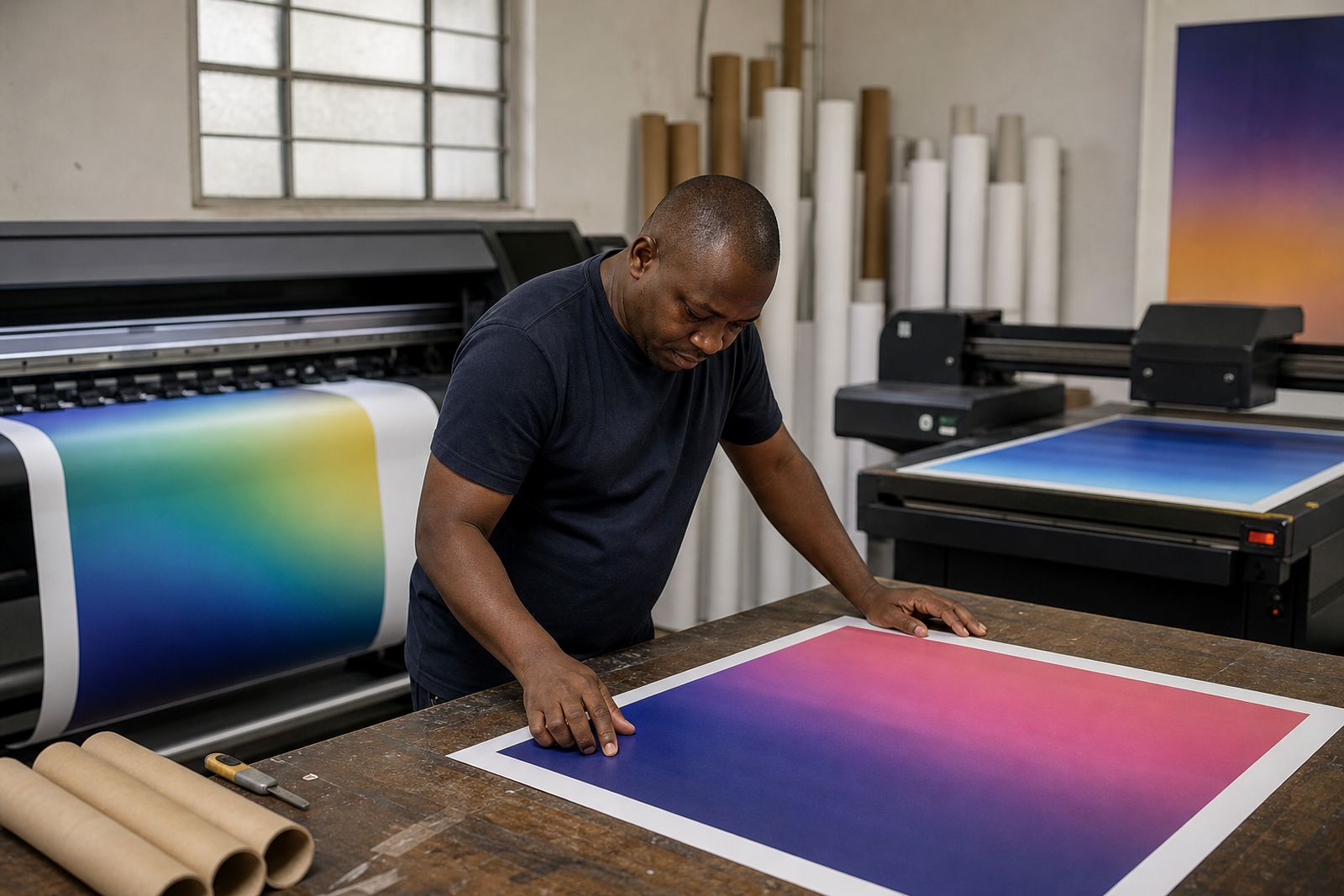
Practical demo support for print rooms
eProfile helps South African graphic-arts teams get more from Epson SureColor roll-fed and flatbed printers with hands-on demo days, training days and clear routine notes. The focus is practical: better media loading, steadier take-up tension, the right heater settings, correct head height, solid vacuum hold, cleaner nozzle checks and reliable colour profiles.
Our demo floors in Gauteng and Cape Town support sign and print shops, photo labs and designers who need output for posters, CAD work, photographic jobs, indoor display graphics, rigid boards and short-run display pieces. If you want to compare media behaviour, check a setup before a run, or tighten your operator routine, our studio notes give you useful guidance and field-tested habits.
What the studio covers
The studio cards below group the day-to-day topics that matter in busy print rooms. Some notes focus on clean handling and handover, while others cover environmental issues, loading discipline and output control. Together, they help teams keep work moving with fewer pauses and less waste.
- Demo day and Training card guide for operator learning
- Substrate check guide, First article and First photo for setup discipline
- Highveld dust note, Humidity note and Coastal care for site conditions
- Export week, Warehouse pace note and Courier notes for moving work through the process
Plan a visit or ask for guidance
If you are weighing up a roll-fed printer for posters, CAD output or photographic work, or a flatbed setup for boards and display pieces, the studio team can help you think through the steps before you commit. You can visit the nearest demo studio in Clearwater, Cresta, Pavilion, Tyger Valley, Baywest, Mimosa or Riverside, or ask for a quote via the contact form.
eProfile operates from Gauteng and Cape Town demo floors and is run by Astros Marketing (Pty) Ltd. Epson is a trademark of its owner, and eProfile works as an Epson channel supplier for South African print teams who want practical support, strong output and a clearer production routine.
Studio notes
Audit trail
A practical note on audit trail, covering job records, settings history and sign-off points that help trace print decisions later.
Read more
Coastal care
A practical floor note on coastal care for Epson hardware running in Cape Town humidity and salt air.
Read more
Courier notes
A practical floor note on courier instructions for ink, media, parts and demo stock moving to site.
Read more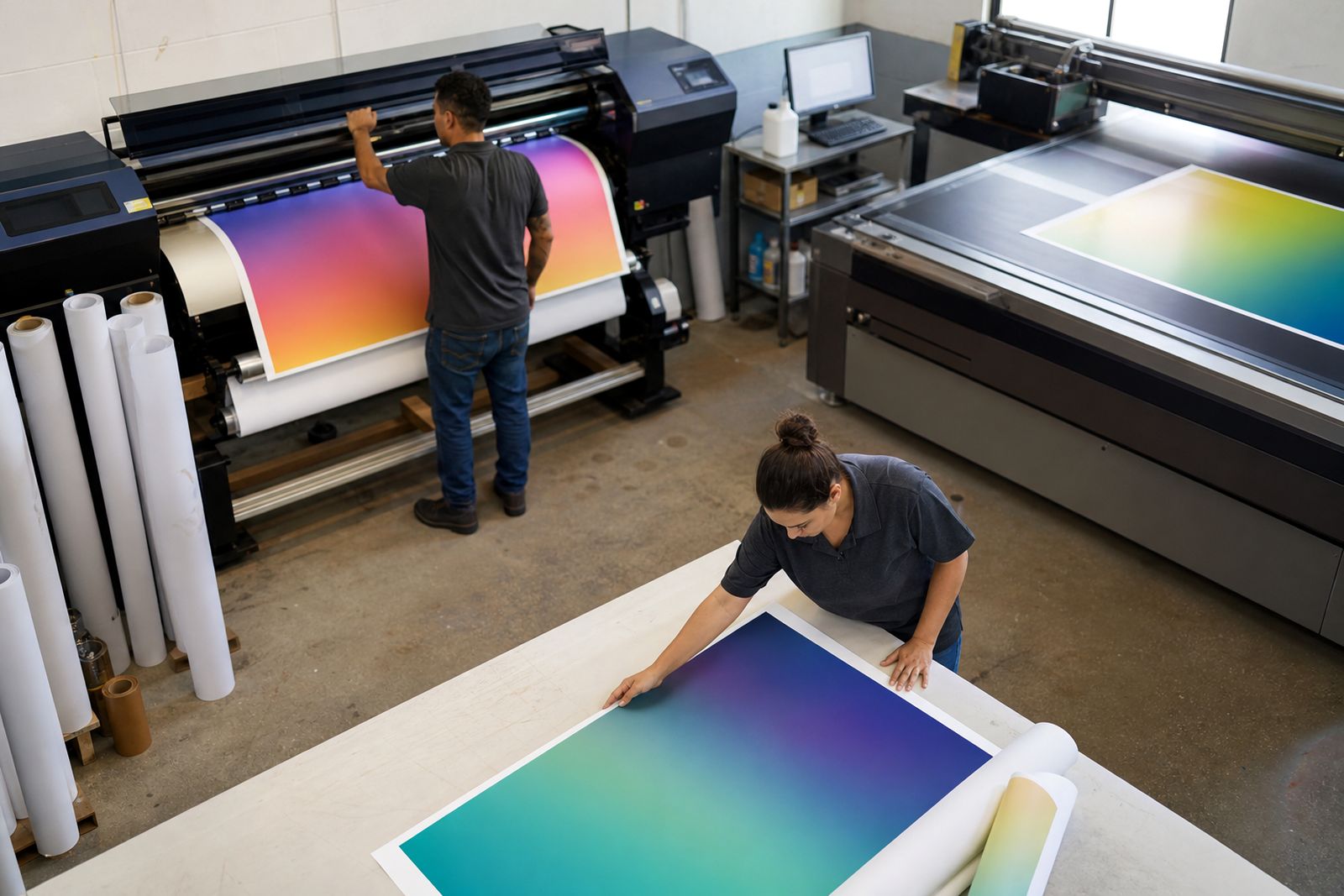
Cut-off habits
A practical floor note on cut-off routines that keep paper, ink and dispatch aligned at the start of the day.
Read more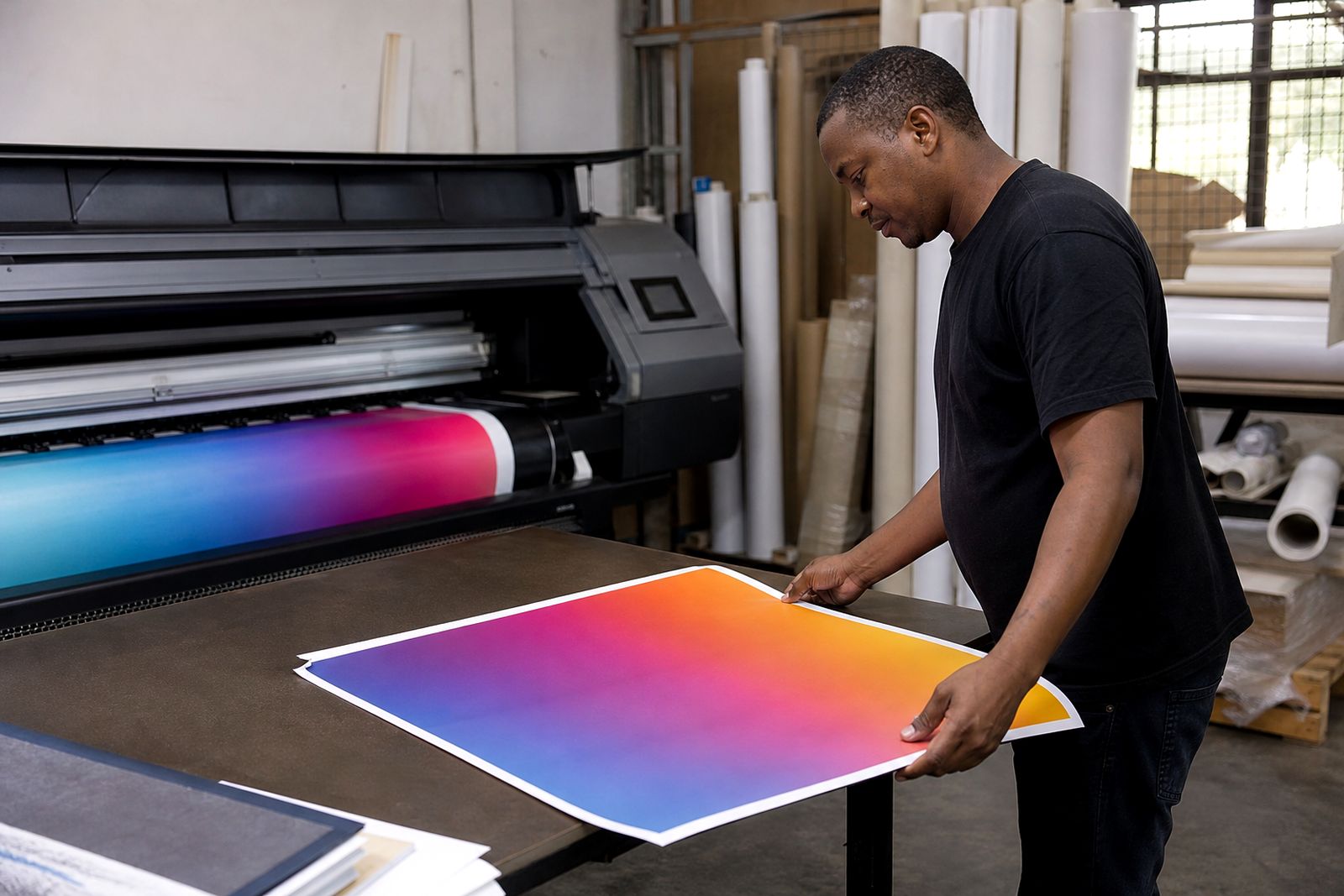
Demo Day
A practical note on demo day, from floor prep and sample sets to the questions graphic-arts teams usually ask first.
Read more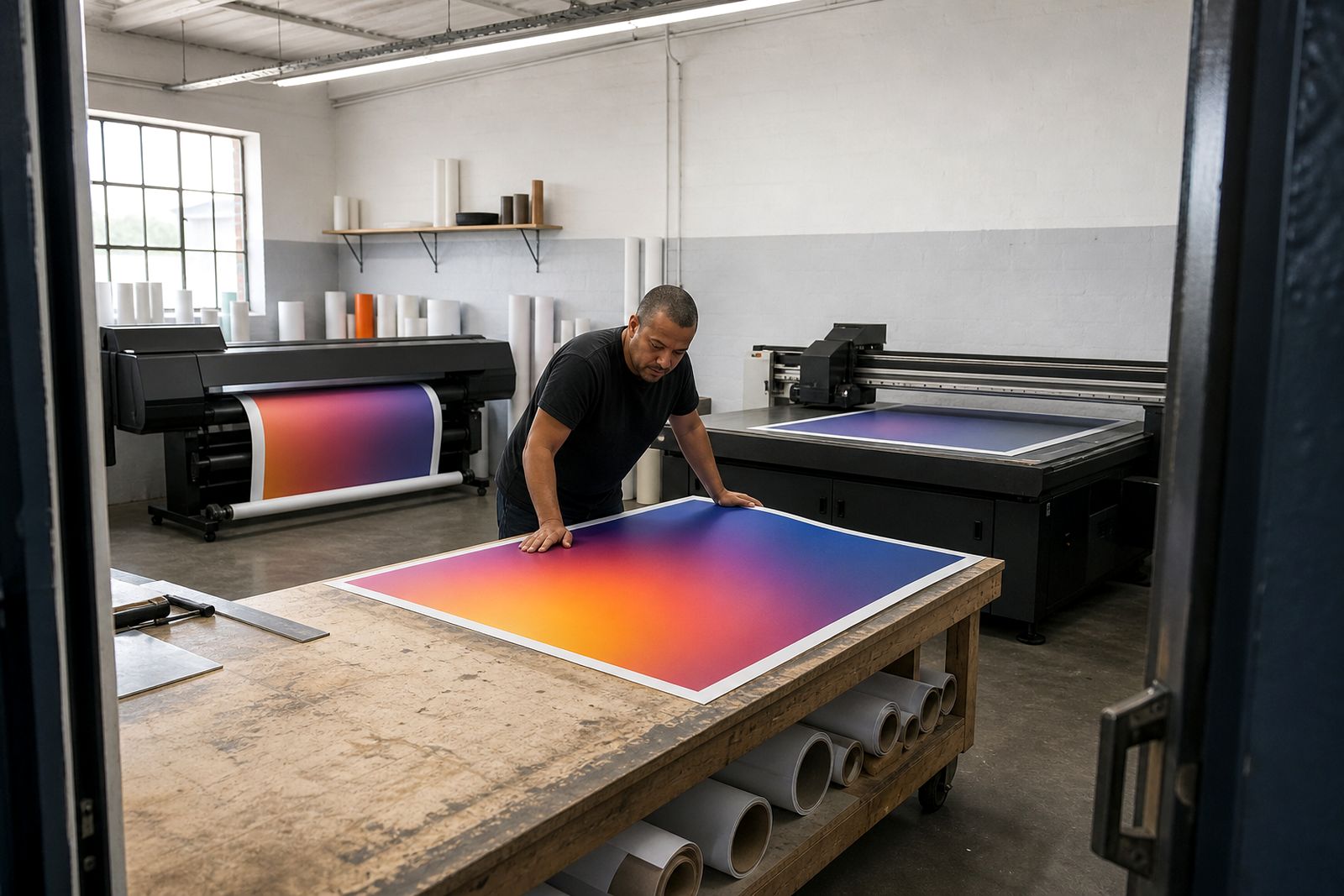
Dust wipes
A housekeeping note on wiping down printers, cutters and sample areas before dust marks end up on graphic-arts output.
Read more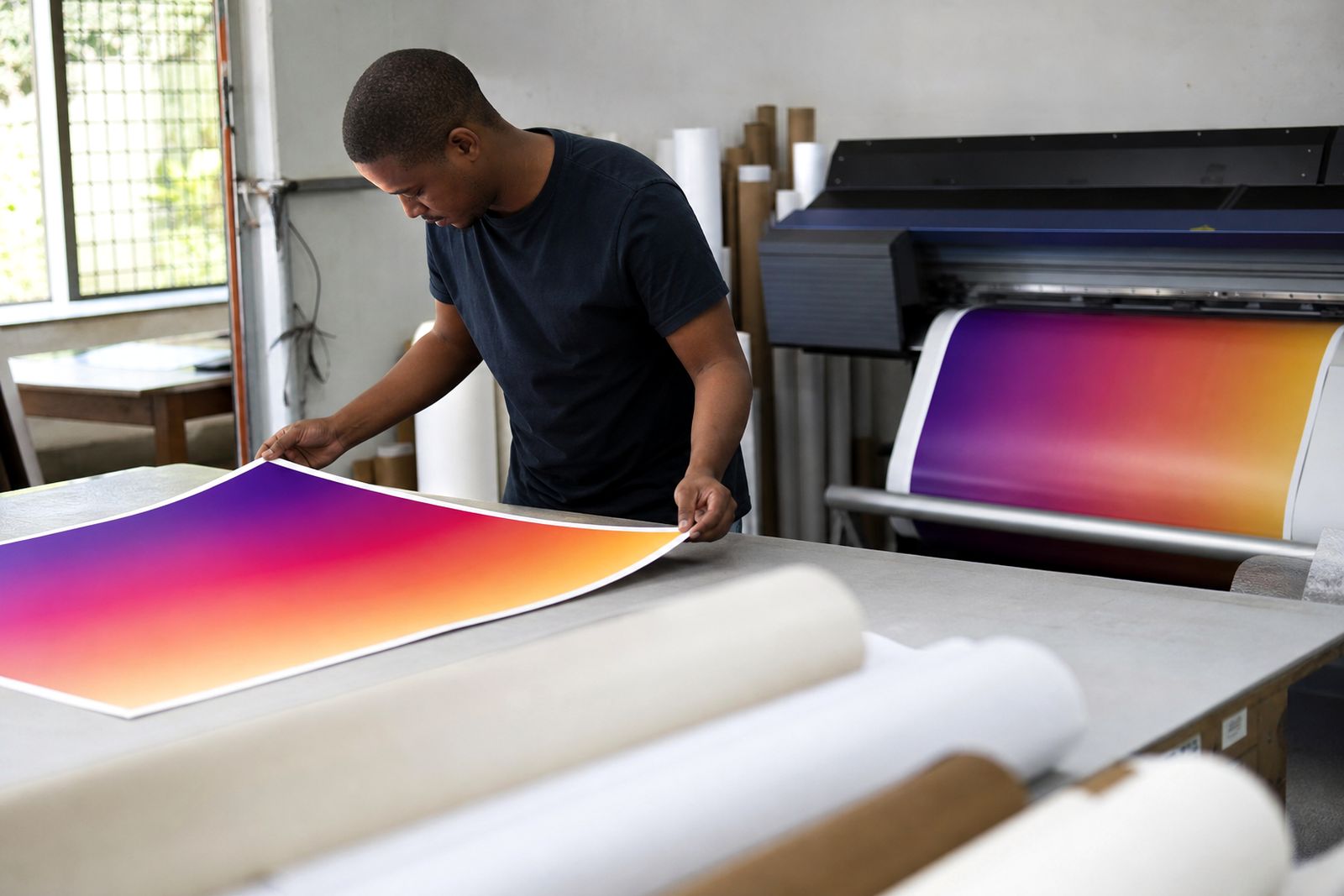
Export Week
A practical note on export week, focused on proofs, packaging checks and document flow for work leaving South Africa.
Read more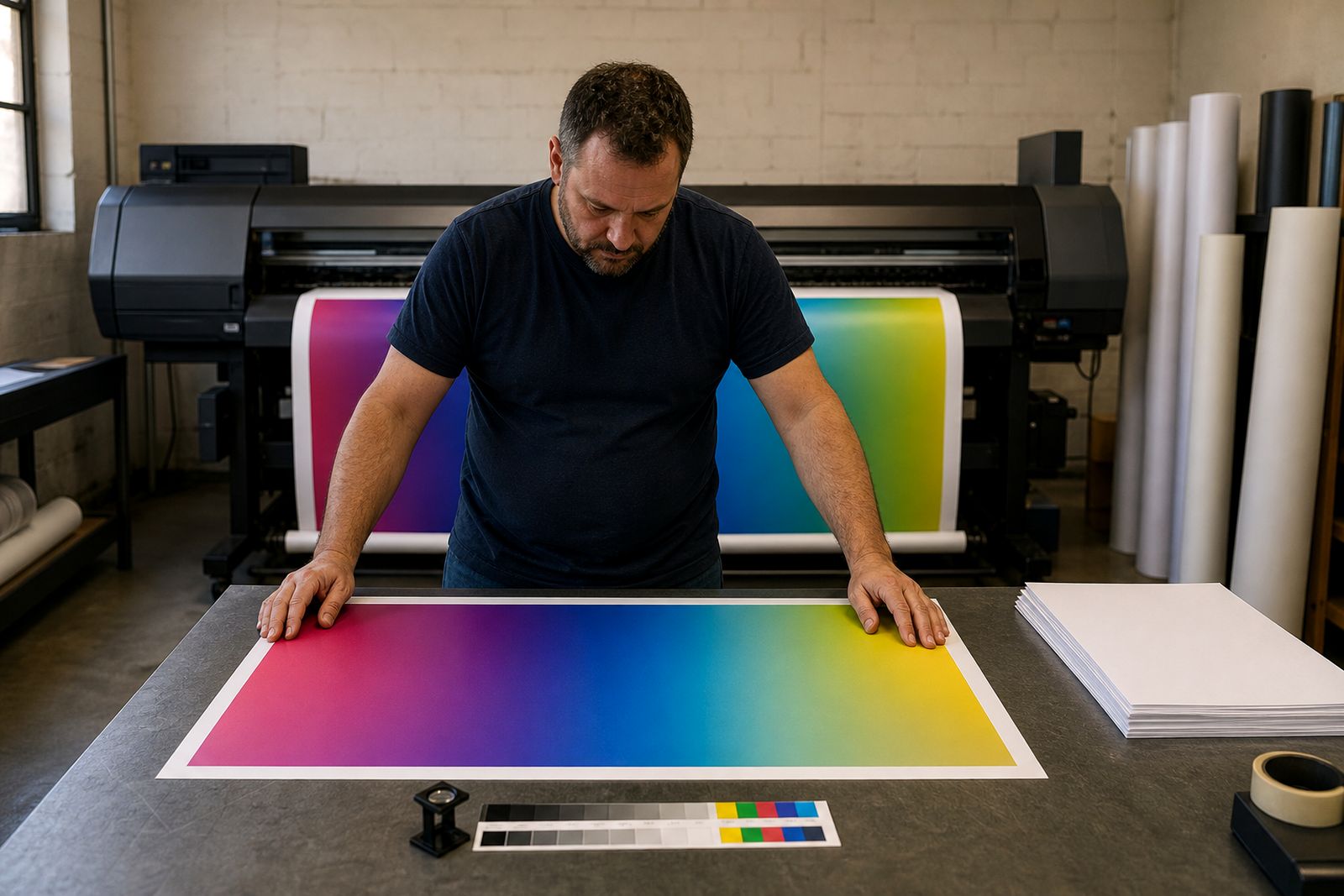
First article
Learn how to sign off the first approved print so the rest of the run matches colour, detail and substrate choice.
Read more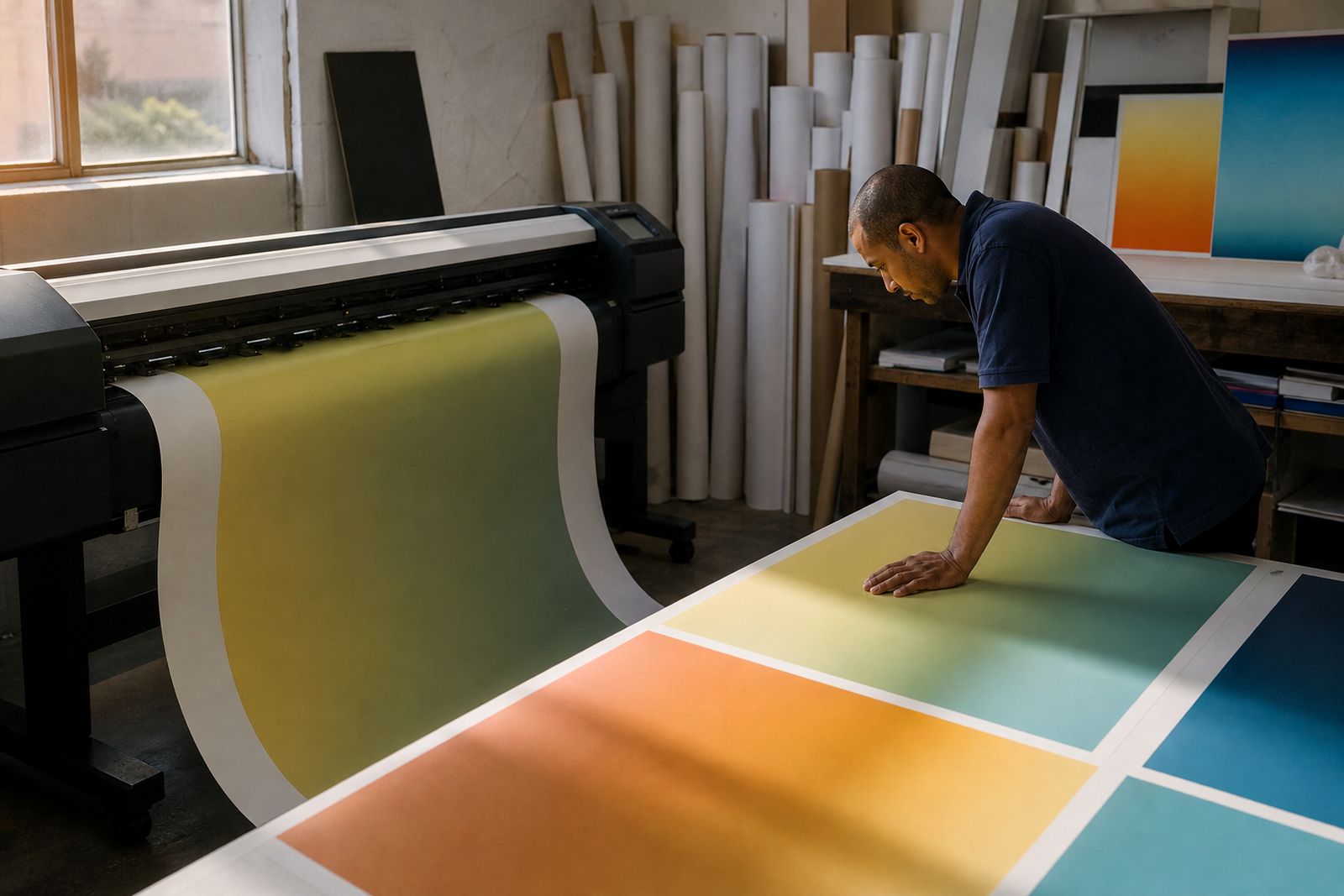
First photo
A practical floor note on the first install photos teams should send before an Epson demo or setup visit.
Read more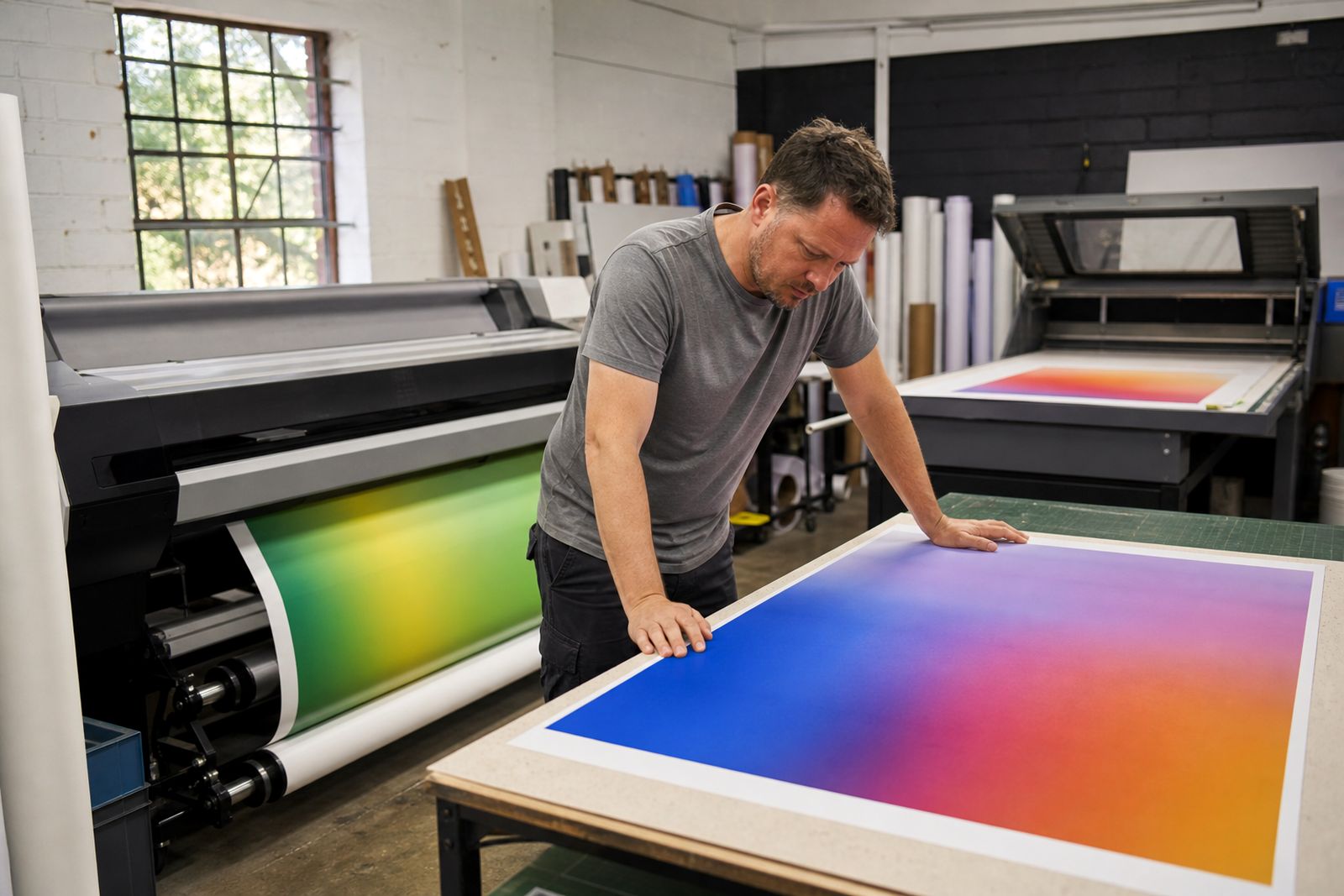
Handoff mail
A practical note on handover mail, with the install details, routine settings and next-step actions worth sending after an Epson demo or delivery.
Read more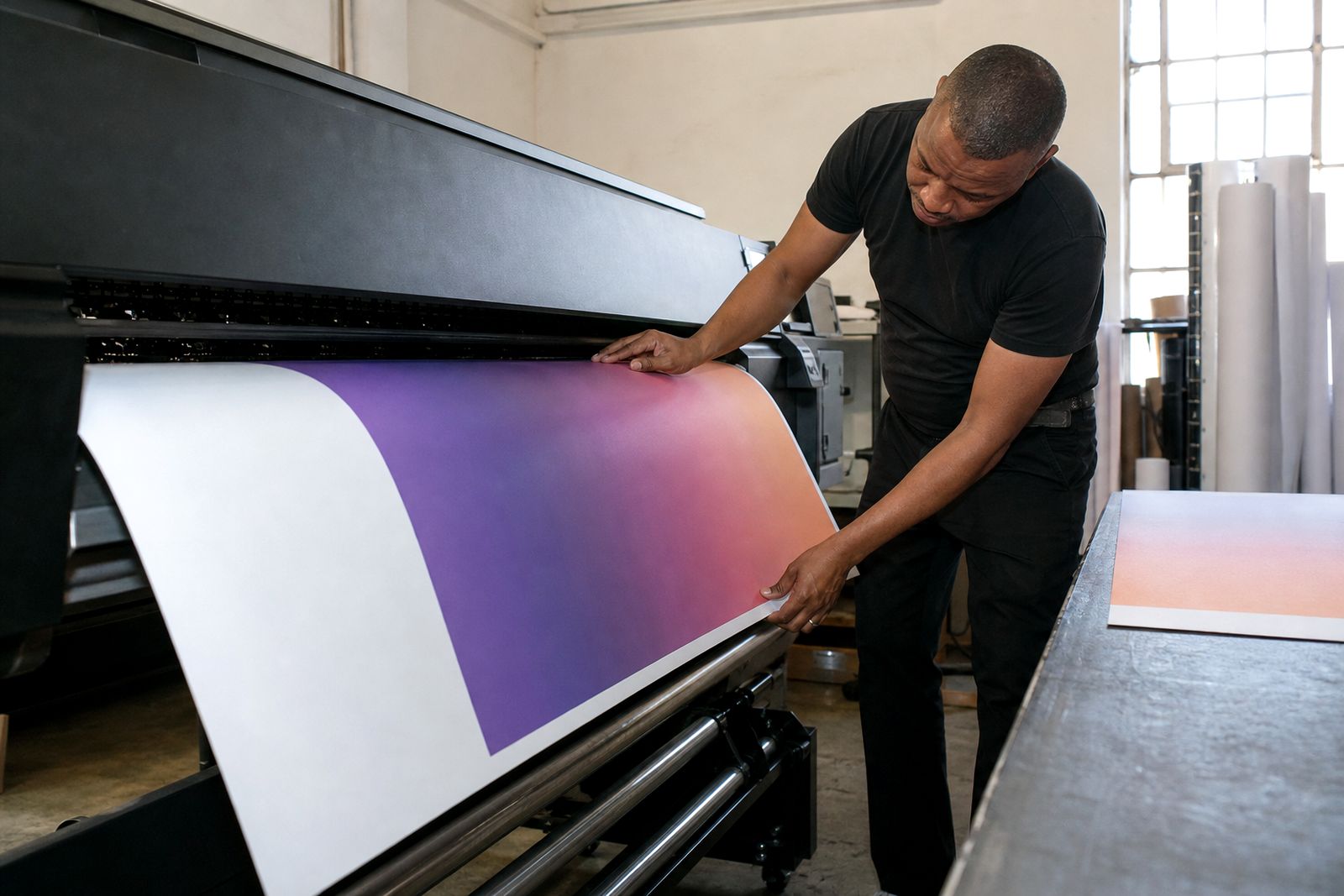
Highveld dust note
A practical floor note on Highveld dust control around printers, cutters and routine stations.
Read more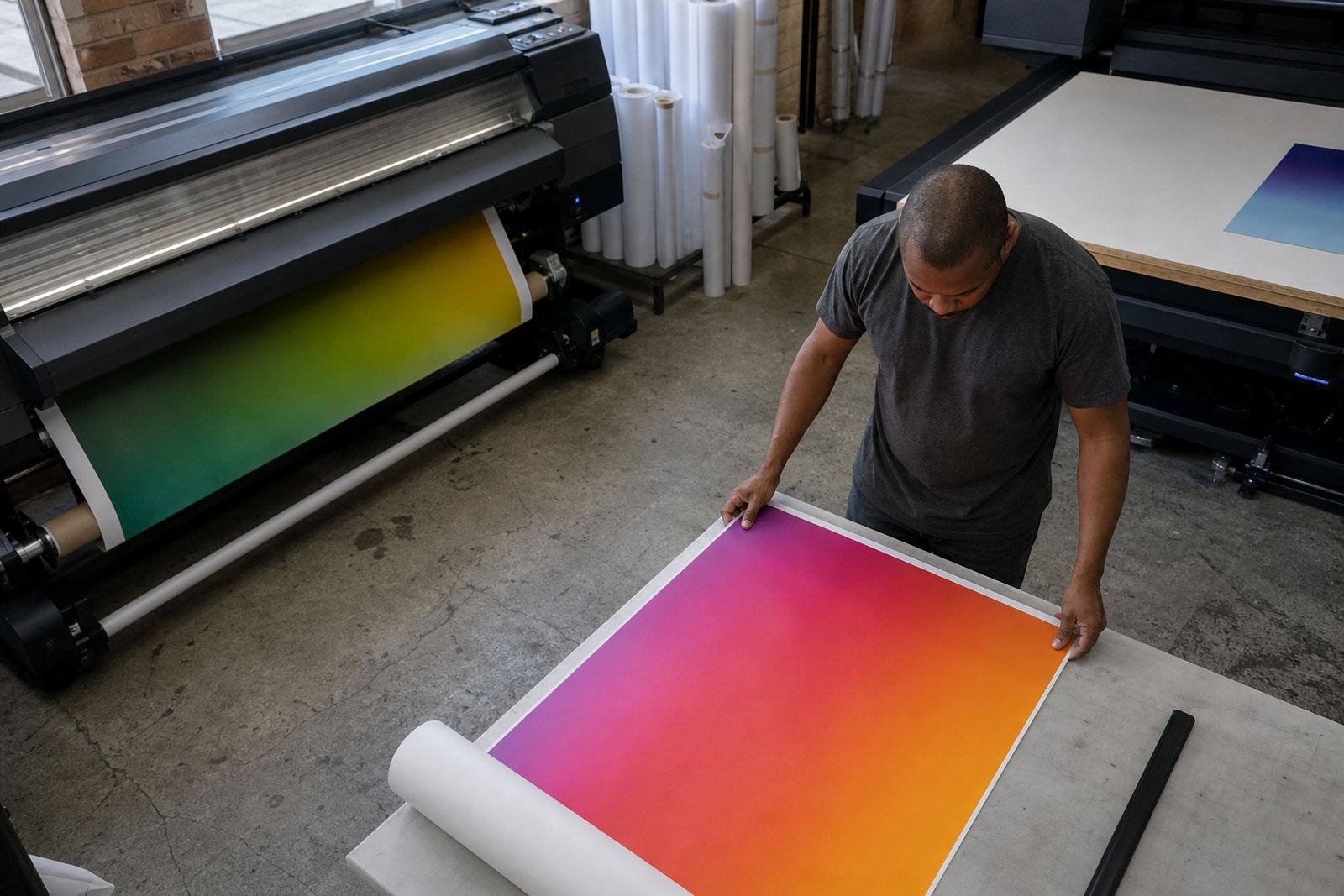
Humidity note
A practical note on humidity around media storage and print rooms, because paper behaviour and output stability change with the weather.
Read more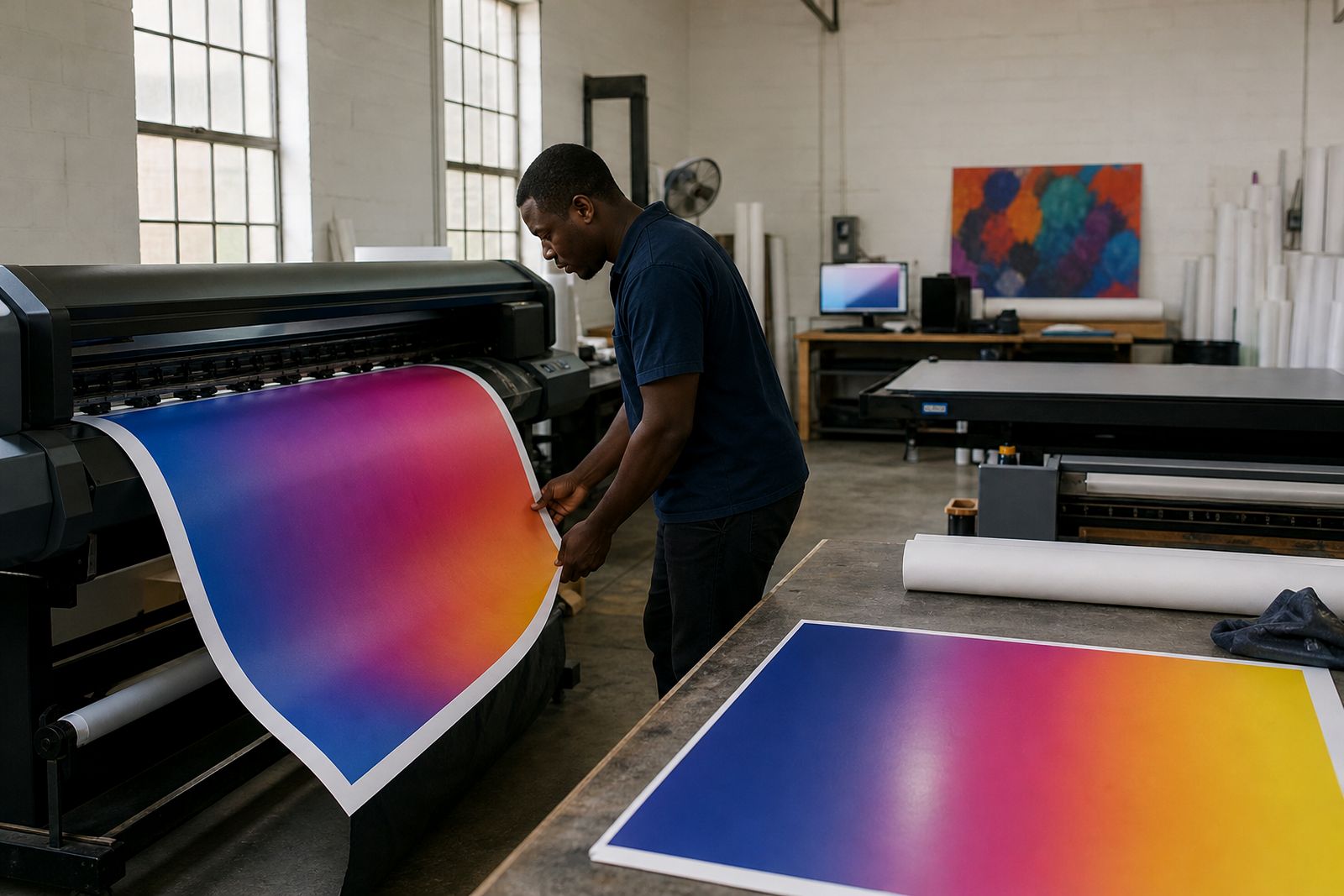
Mall demo guidance
Plan a public Epson demo with guidance on footprint, power, sample choice and visitor movement in retail spaces.
Read more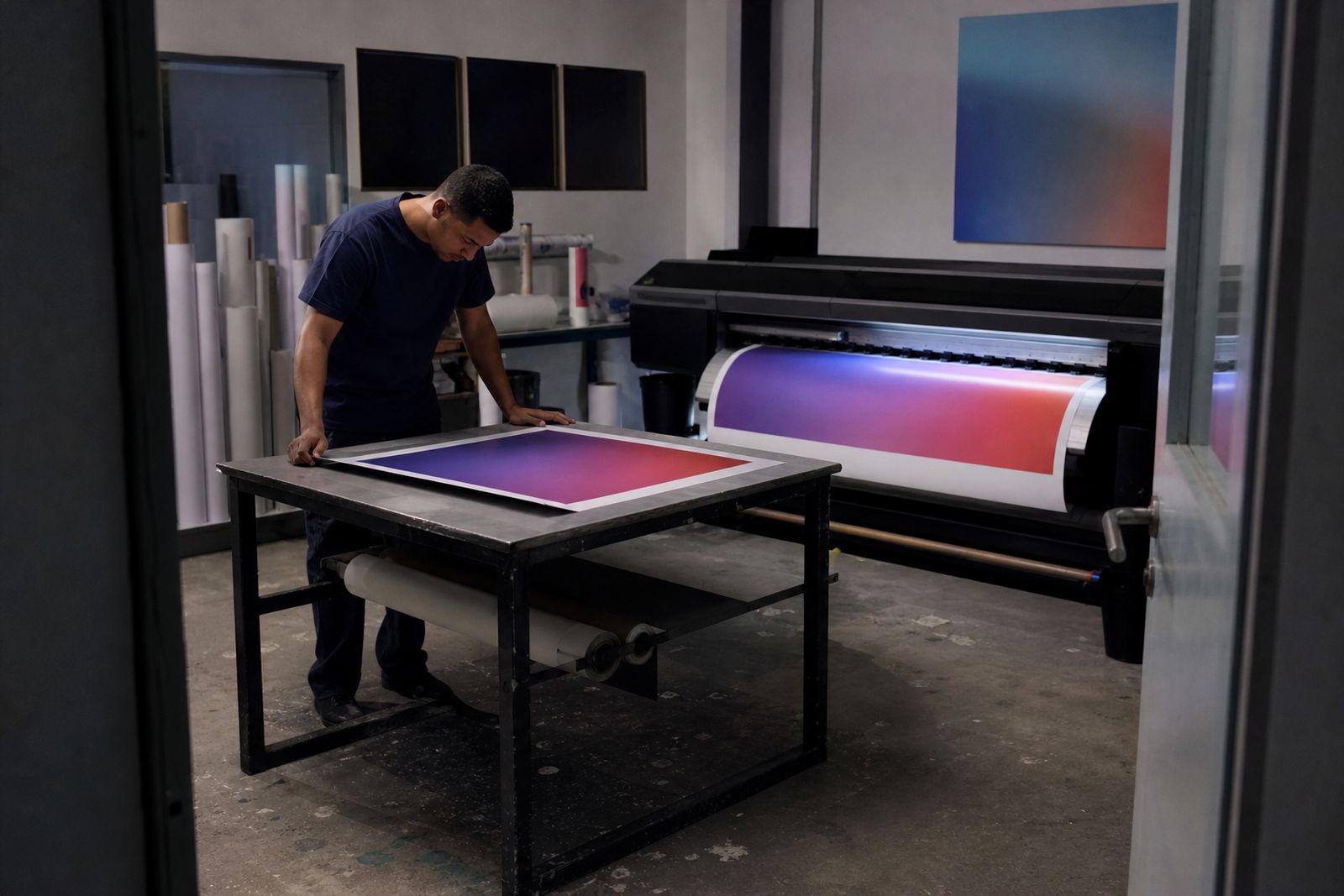
Overnight print notes
A practical note on night shift, including media loading, queue checks and operator handoff points for after-hours printing.
Read more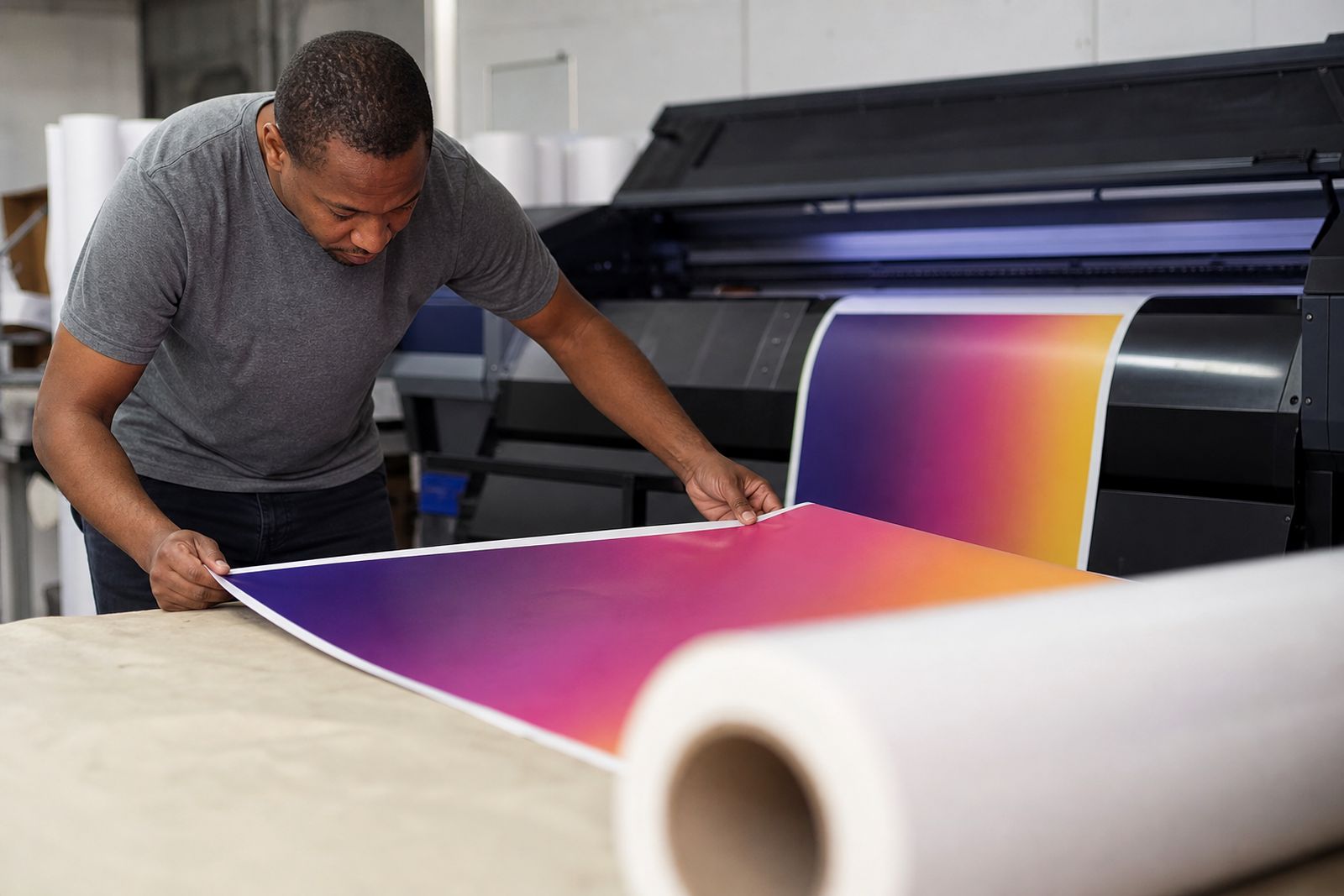
Photo angle tips
A useful note on photographing print samples and hardware from angles that show colour, detail and finishing properly.
Read more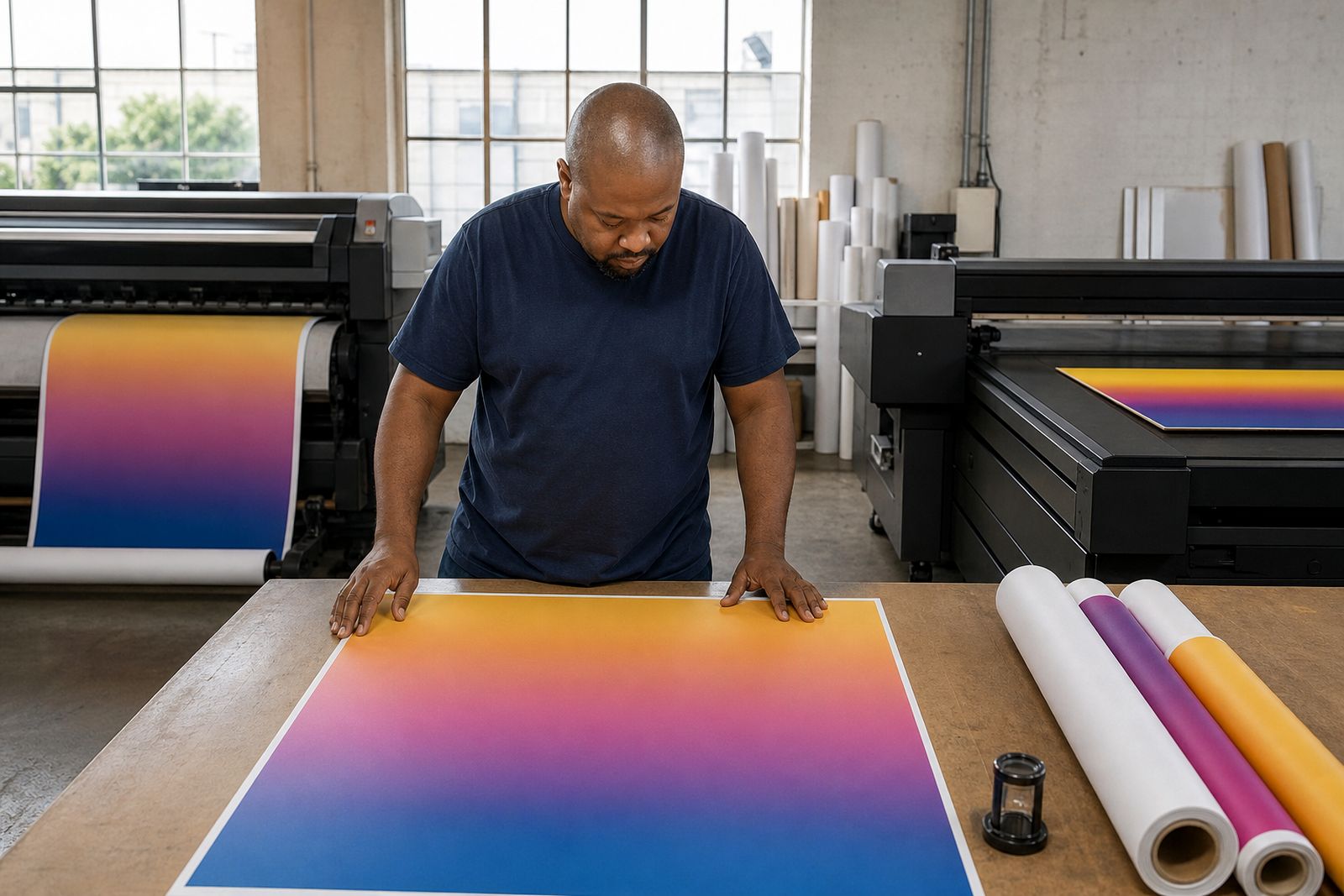
Power window note
Use clear shutdown order, restart checks and power handling advice for wide-format production setups.
Read more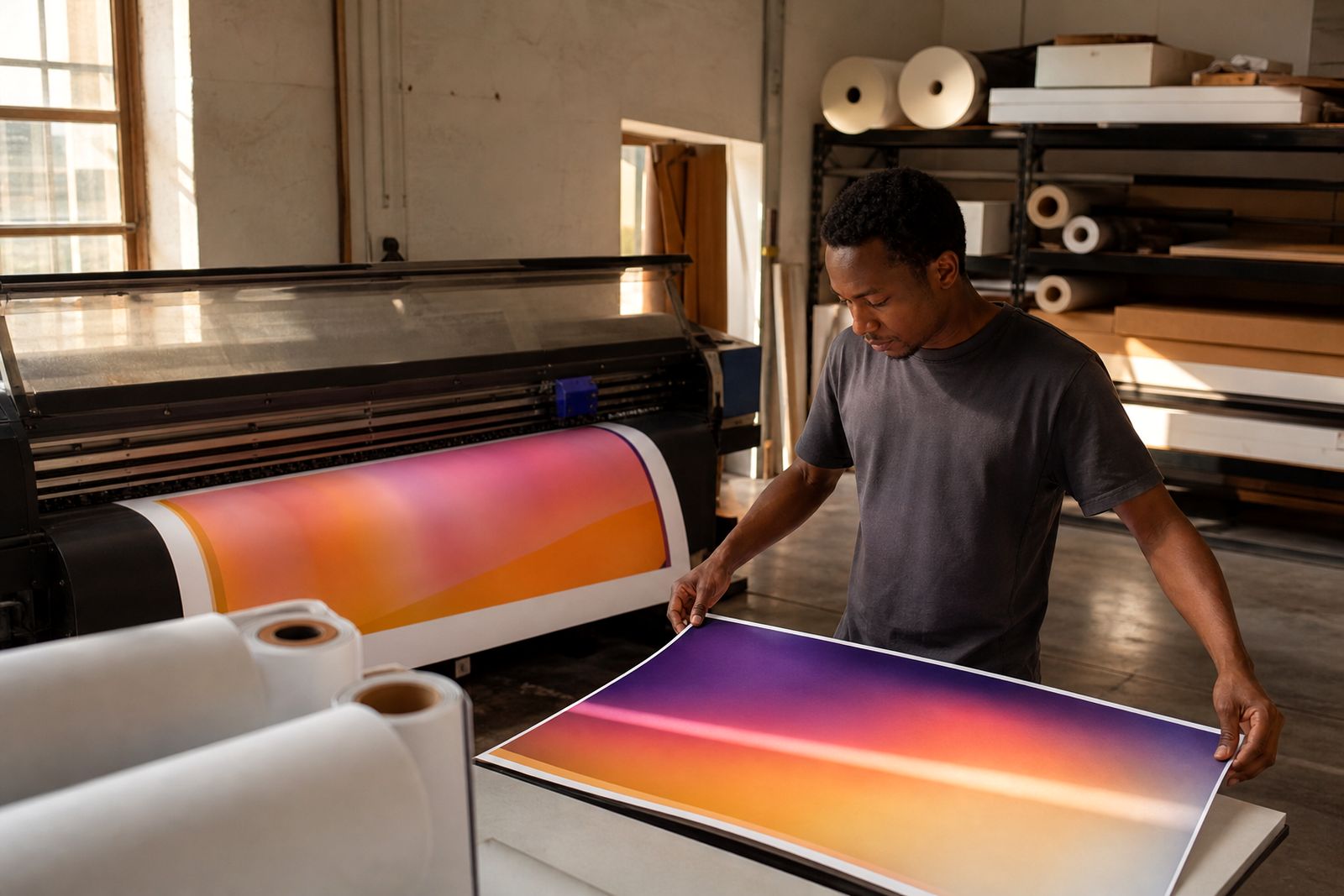
Seasonal load planning
A planning note on busy periods, open days and month-end demand, when demo printers, consumables and sample packs move fastest.
Read more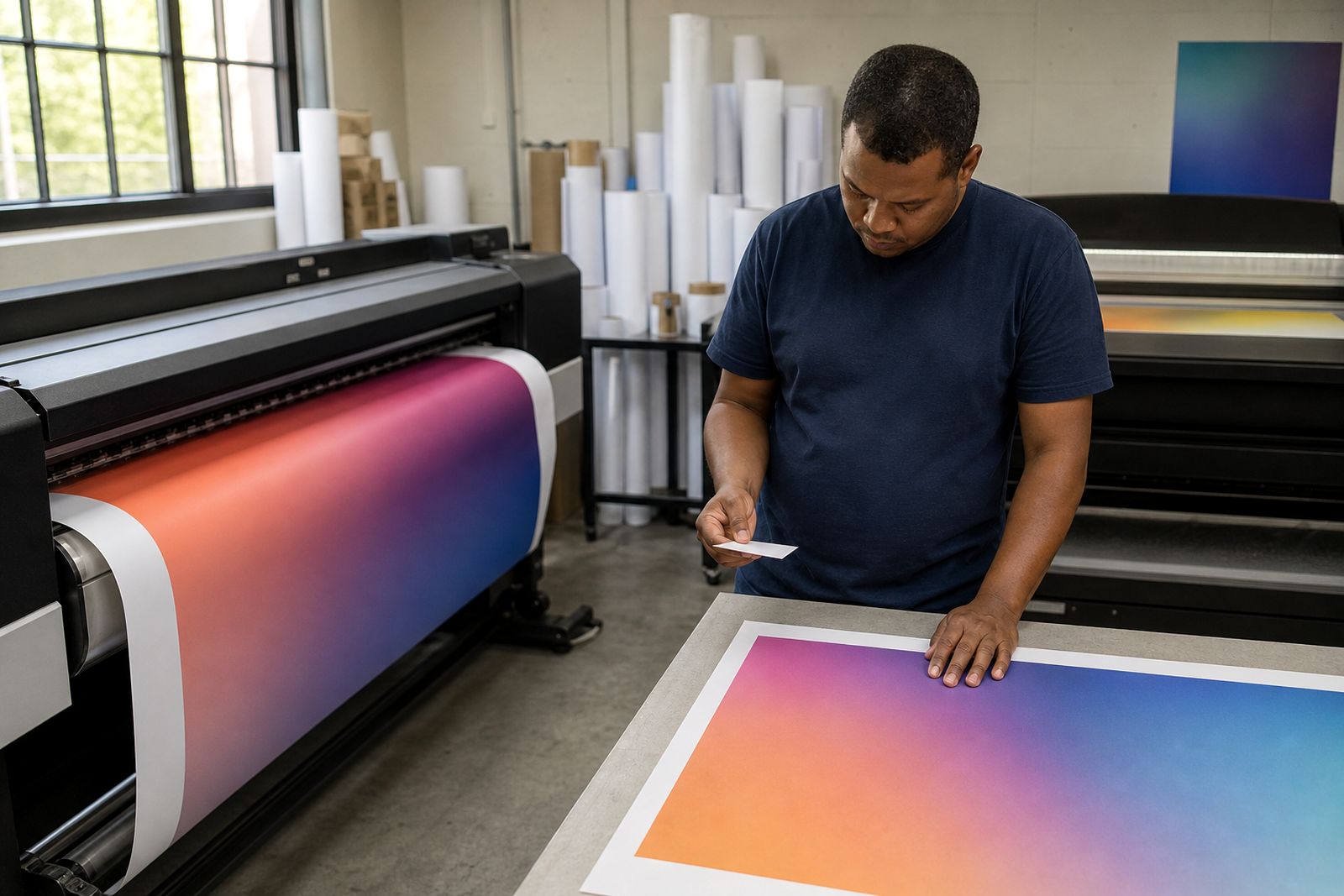
Shift card guide
Keep handovers clear with cards that record loaded media, the file used and the output expected next.
Read more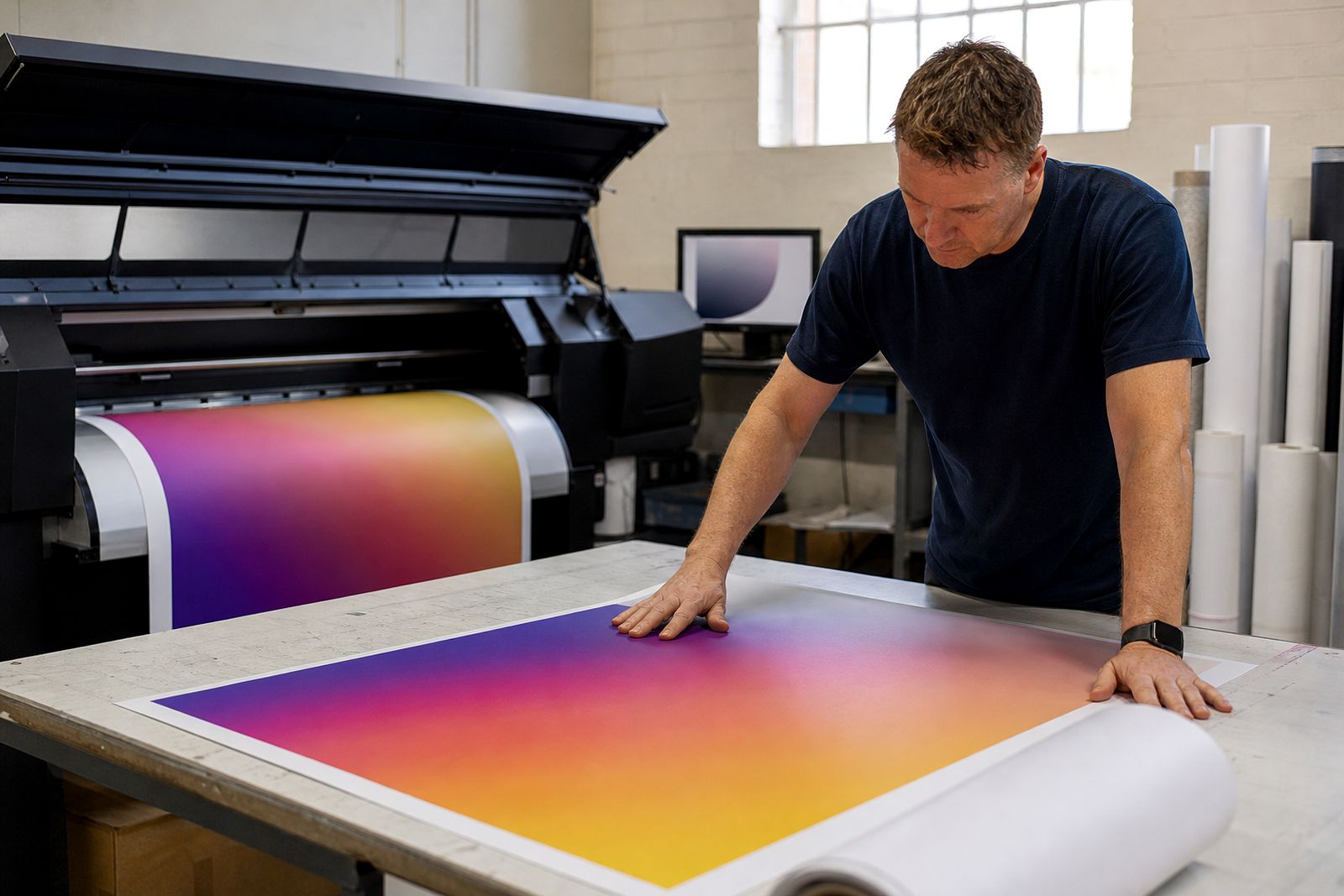
Soft start plan
A practical note on soft start, with a staged rollout approach for Epson hardware, colour setup and team adoption on the production floor.
Read more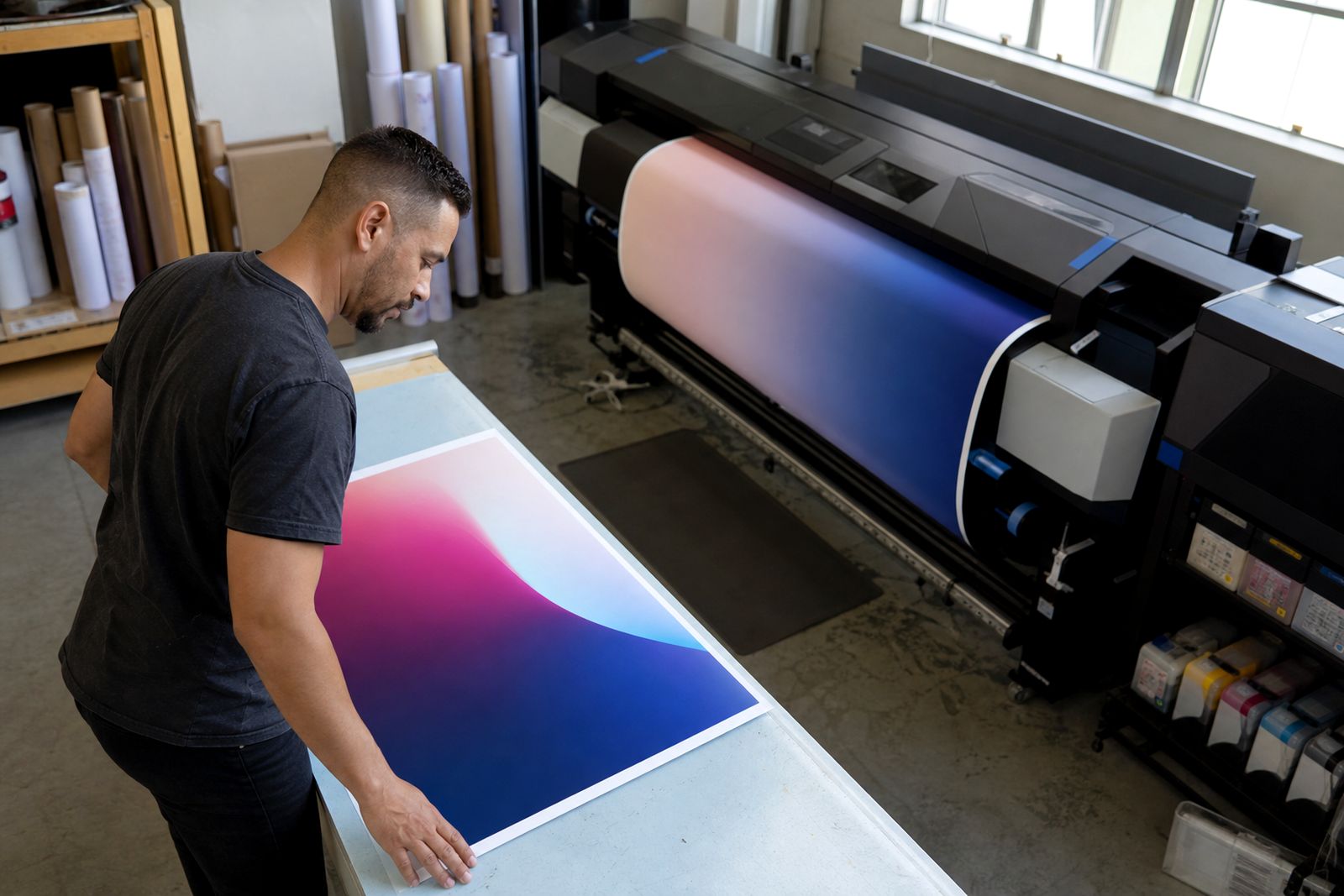
Spare planning note
A practical note on spare planning, covering the parts and consumables that most often stop an Epson printer before the main service visit.
Read more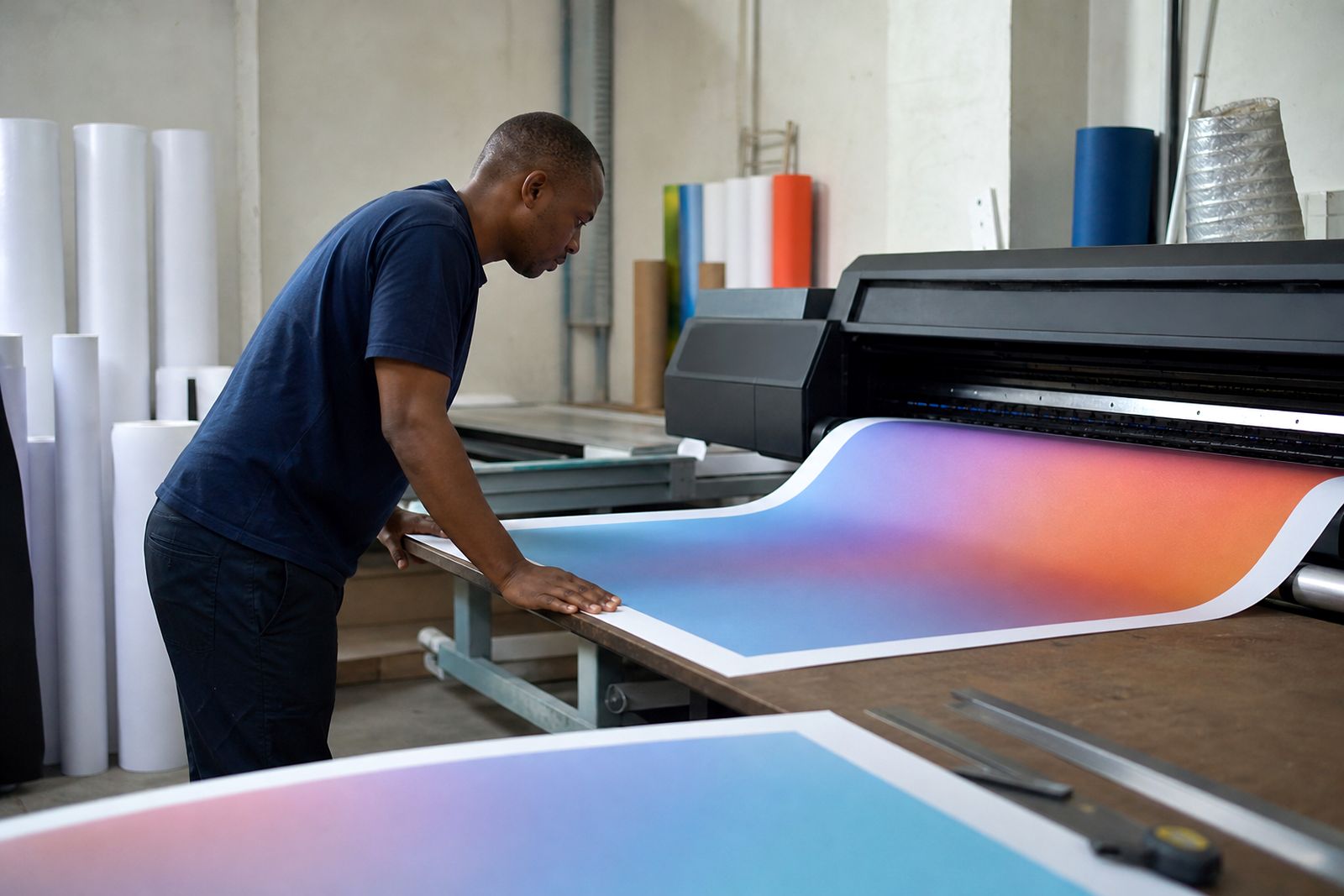
Subject line guide
A simple guide to clear email subject lines for demo bookings, quotes and routine follow-ups, so nothing gets lost in the chain.
Read more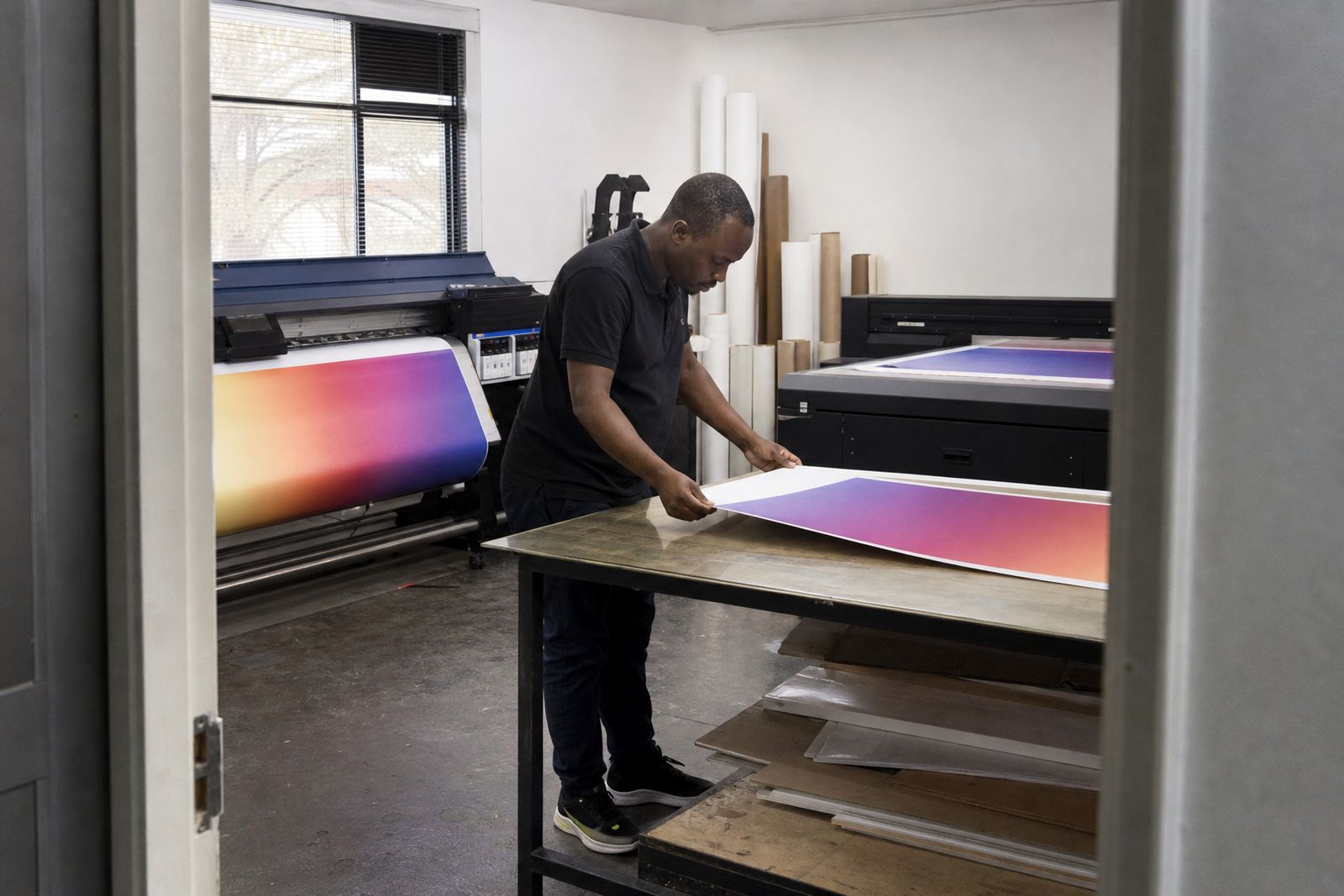
Substrate check guide
A quick check on roll media, boards and print surfaces before an Epson demo starts, so colour, feed and finish are not left to chance.
Read more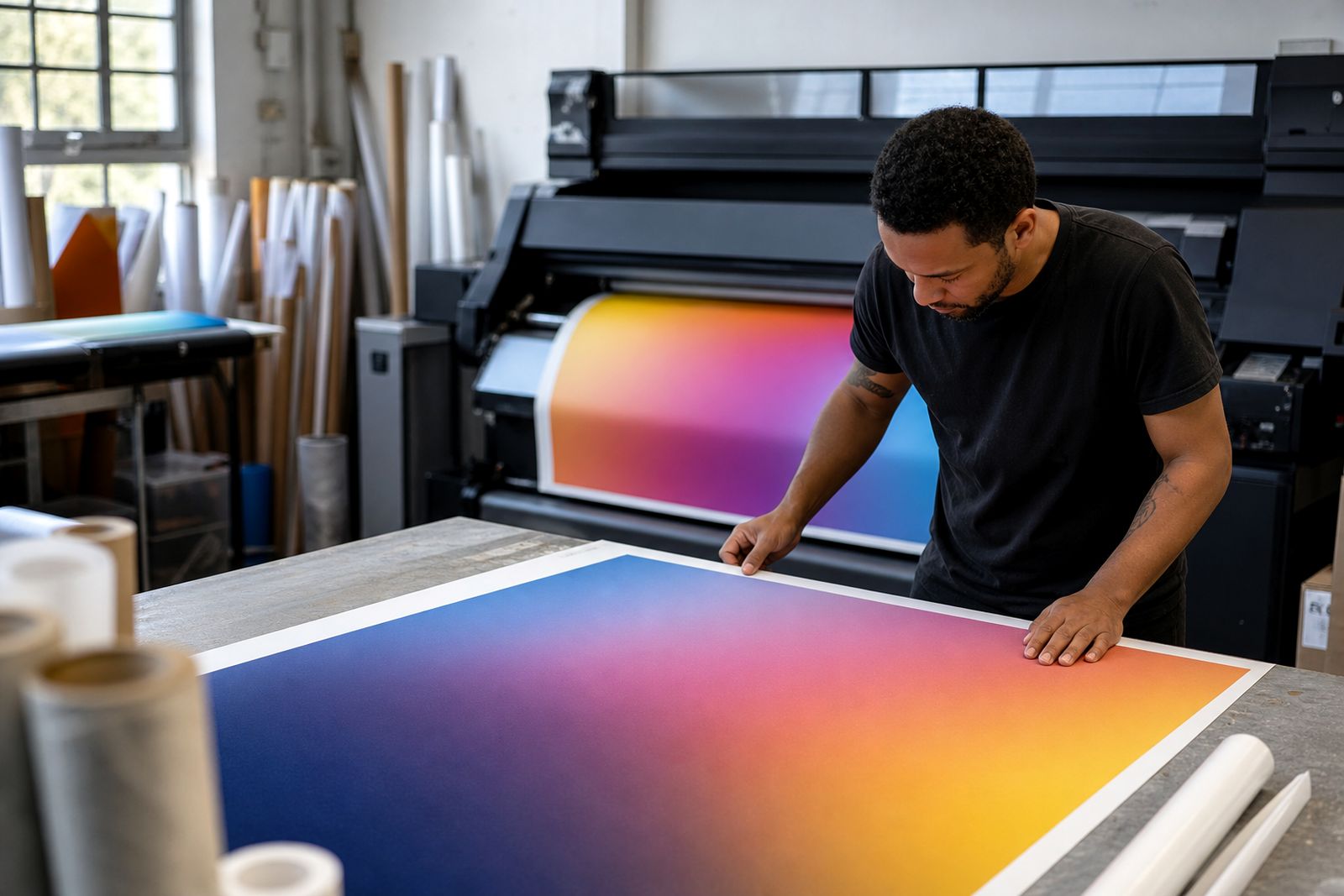
Training card guide
A practical note on the training card, setting out the operator basics, RIP checkpoints and print-room responsibilities to cover first.
Read more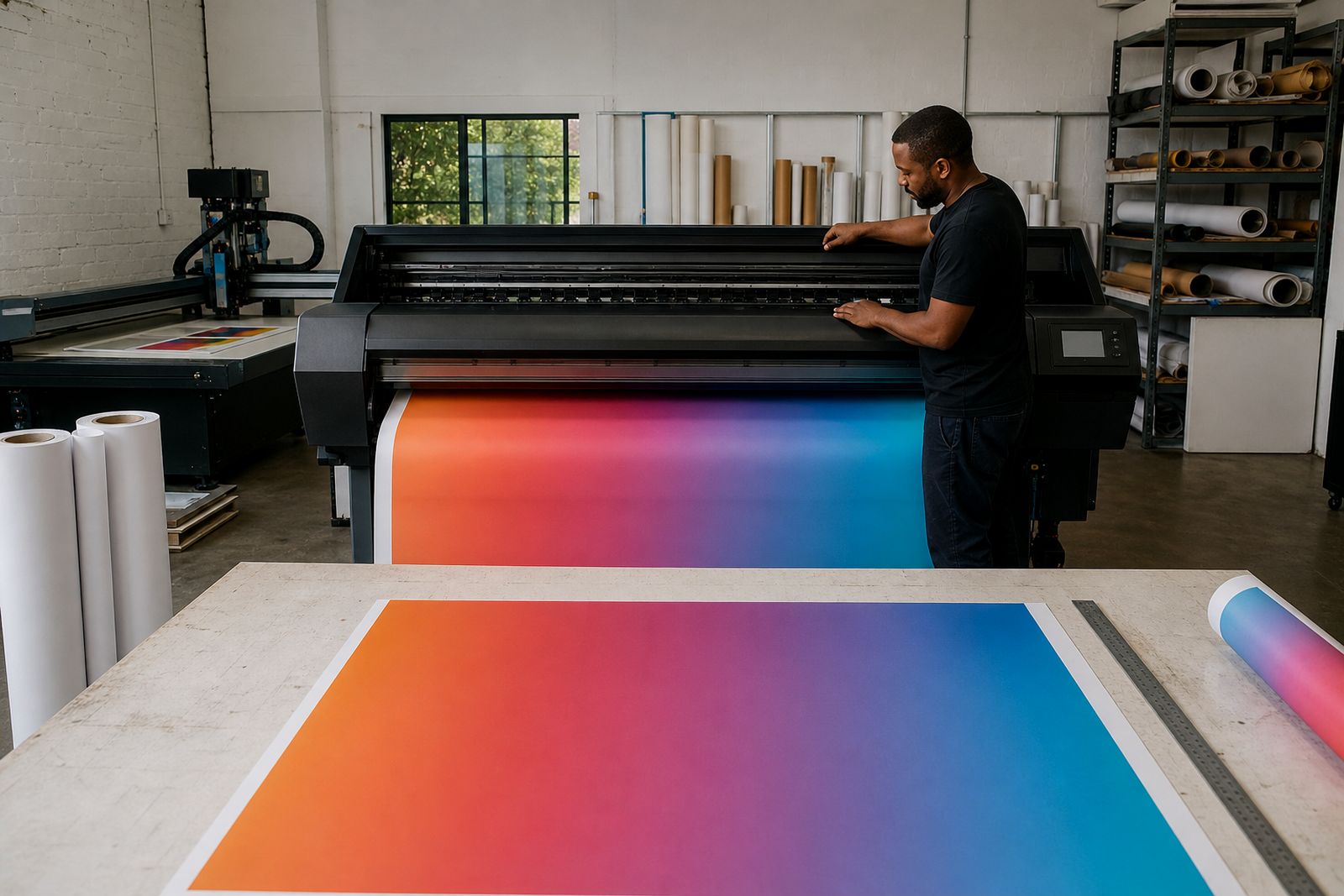
Warehouse pace note
Keep demo stock and media moving smoothly through the day so Gauteng and Cape Town spaces stay ready to print.
Read moreWhat our Epson Graphic Arts customers say
Verified Google reviews
Tell us what you print and where it hurts
Send a note through our contact form with the media you print, the printer you run or are considering and where the workflow slows down, and we will come back with practical options and a quote.
Open the contact form