
Studio
Spare Logic
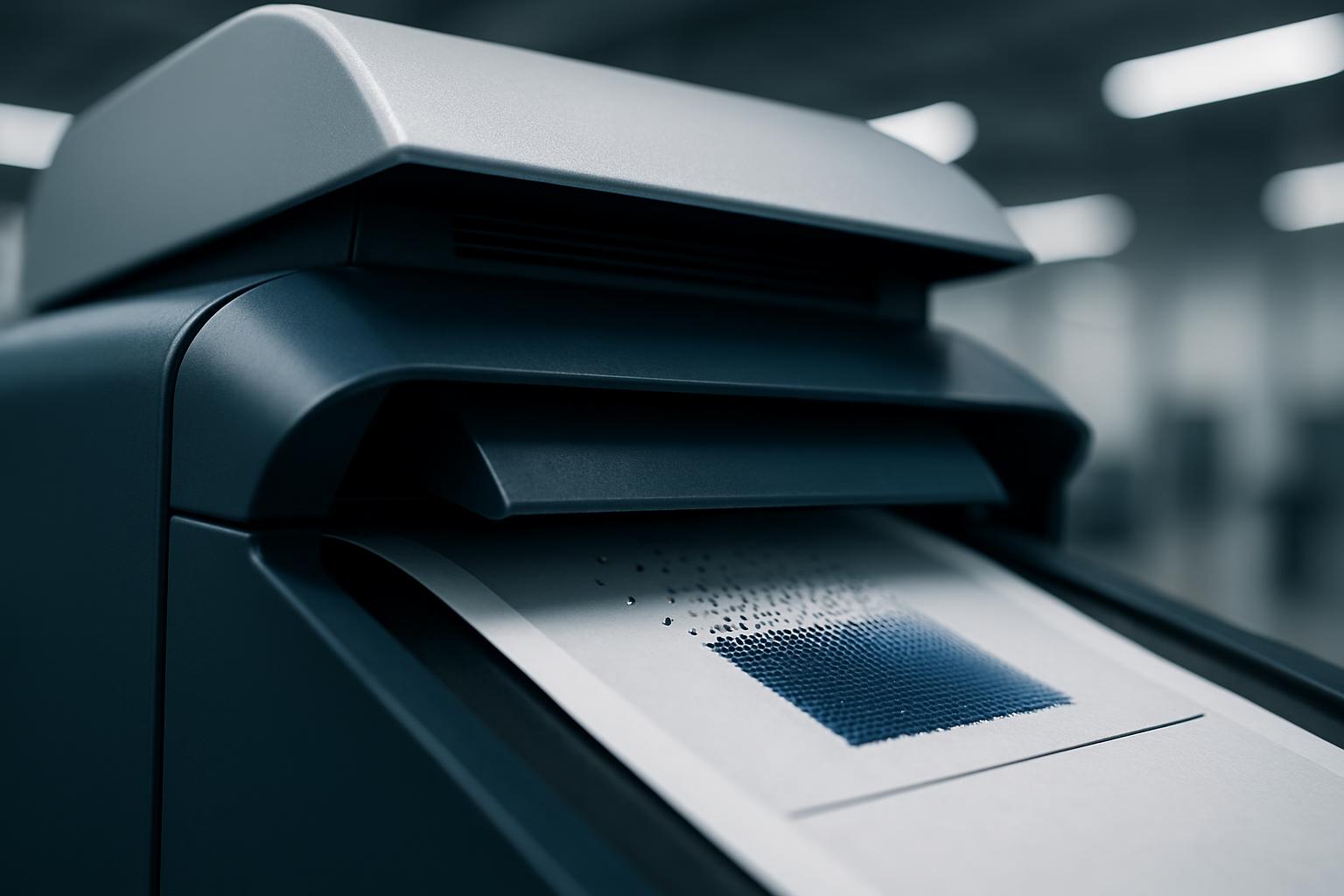
A practical note on spare planning, covering the parts and consumables that most often stop an Epson printer before the main service visit.
A service call gets complicated when nobody can confirm the exact part, model variant or fault history. Spare Logic covers the spare and serial-number habits that make Epson support, planning and ordering more accurate.
Spare Logic keeps the wording direct and tied to stoppages that matter on Epson graphic-arts units. The note focuses on part identity, serial capture and the consumables that commonly halt printing in Gauteng, KZN and the Western Cape.
Serial and part checks first
- Printer model and serial recorded
- One sharp photo of the failed part, panel code or consumable label
- Exact part number, cartridge code or maintenance item listed so ordering is traceable later
- Fault history noted with operator name, date and machine variant
Read this note alongside the related service and workflow pages. Spare planning only works when the printer model, media use and repeat fault pattern are viewed together.
How Spare Logic supports Epson showroom units and demo stock
Spare Logic covers the parts and consumables most likely to stop an Epson printer before the main service visit happens. For eProfile customers, sensible spare planning can reduce interruptions on graphic-arts work and keep basic issues from stalling the floor.
Begin with the item that actually stops output, whether that is an ink supply, maintenance tank, cutter, printhead clean result or feed issue. Cape Town moisture, Highveld dust, power interruptions and courier timing can all change which spare should be held on site.
Capture the first machine photo before anything is removed. Keep a small record at the printer with the serial number, current consumables and the last fault message. That habit reduces ordering errors and helps the next operator see what was changed.
What to keep near the printer
Use a short spare list that names the Epson model, the part code and the reason it is held. Add the last replacement date where possible. A brief, usable record is worth more than a long stock sheet that nobody updates.
Link Spare Logic with the matching workflow note and the relevant studio page before expanding a parts list. Check every order entry against the machine label and the existing fault record before stock leaves your site. Tell us the Epson model, the media and your monthly print volume, and the demo floor team will set up the right comparison.
- Spare lists matched to Epson models
- First error code captured before resets
- Contact route kept on file
Stock conditions that affect spares
Plan around freight cut-off times, dispatch windows, older power layouts and demo bookings on Epson equipment. Some printers are showroom units and others are carrying paid work, so the spare requirement is not the same. When a unit is live in production, separate the immediate stoppage from the normal weekly consumable plan.
Coastal air can shorten the interval between routine cleaning tasks and inland dust can build up around covers, sensors and paper paths. Load-shedding changes when checks are run and when print samples can be compared properly. A demo visit is there to show Epson hardware behaviour, handling and workflow under working conditions.
Operated by Astros Marketing (Pty) Ltd from 2 Makro Place, Sunnyrock 1401.
Notes to send with faults
A practical note on spare planning, covering the parts and consumables that most often stop an Epson printer before the main service visit.
Write the spare note while the fault is current so the message stays linked to the right printer and the right part. Include the model variant, serial number, consumable state and any panel message shown at the time. Pair it with a job summary or media note when the printer was demonstrated during a customer session.
What our Epson Graphic Arts customers say
Verified Google reviews