

Printers
Explore Epson SureColor printers for South African print rooms, sign shops, photo labs and design studios needing steady output.
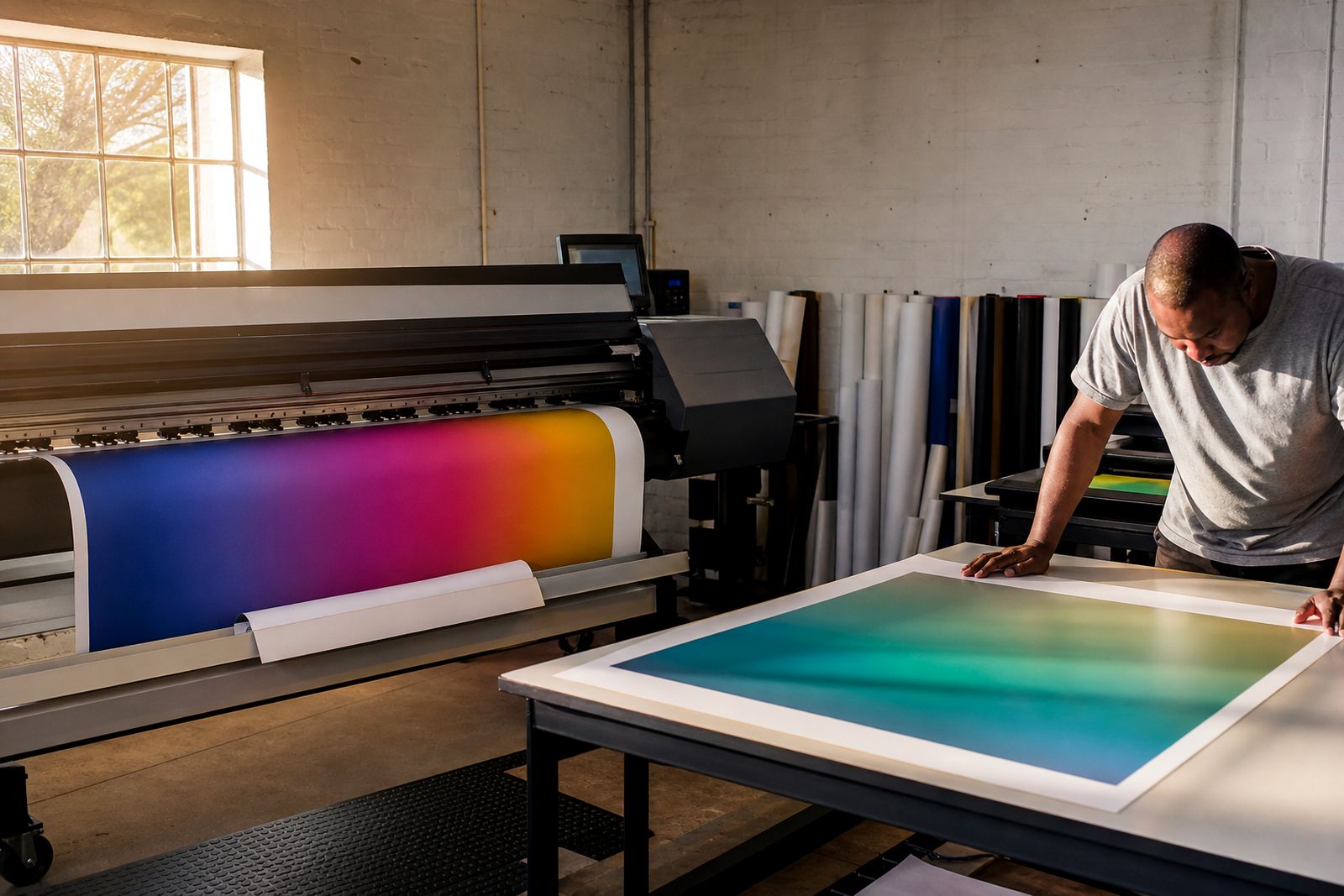
Printers for South African graphic-arts teams
eProfile supplies Epson SureColor printers for busy South African print rooms, sign shops, photo labs and design studios that need dependable output and practical setup support. The focus is on roll-fed printing for posters, CAD output, photographic work and indoor display graphics, plus flatbed output for rigid boards and short-run display pieces.
Alongside the hardware, the team shares routine notes that help operators keep jobs moving and keep output consistent. That includes media loading, take-up tension, heater settings, head height, vacuum hold, nozzle checks and colour profiles. If your team is balancing production, proofing and install-ready output, the aim is to make each stage clearer and easier to repeat.
You can explore the printer options below, or start with a demo day or training day when your operators want to see the routine in action. For project questions, ask for a quote via the contact form.
Roll-fed and flatbed output
Different rooms need different print setups, and eProfile keeps both in view. Roll-fed Epson SureColor printers suit posters, proofing, CAD output, photographic work and indoor display graphics where speed, roll handling and consistent colour matter. Flatbed output suits rigid boards and short-run display pieces where direct-to-substrate work is the better fit.
That choice is often about the real work in the room, not just the device itself. Media choice, heater settings and take-up tension can affect how cleanly jobs run, while vacuum hold, head height and nozzle checks help support stable output from one run to the next.
For teams planning a new routine or tightening an existing one, the related notes under roll-fed and flatbed can help frame the conversation before a demo.
Demo floors, training and support
eProfile works from Gauteng and Cape Town demo floors, with additional demo studios at Clearwater, Cresta, Pavilion, Tyger Valley, Baywest, Mimosa and Riverside. Those spaces are there for practical, hands-on conversations about setup, media handling and the day-to-day details that matter in production.
Demo days and training days are useful when operators want to see how a printer behaves with specific media and routines. The team can talk through loading, profile choice, nozzle checks and the settings that help keep output predictable. That kind of support is especially helpful when a shop is moving between poster work, photo output, signage and short-run display pieces.
eProfile is operated by Astros Marketing (Pty) Ltd. Epson is a trademark of its owner, and eProfile works as a channel supplier. If you need to talk through a project, a routine or a demo, use the contact form.
Printers
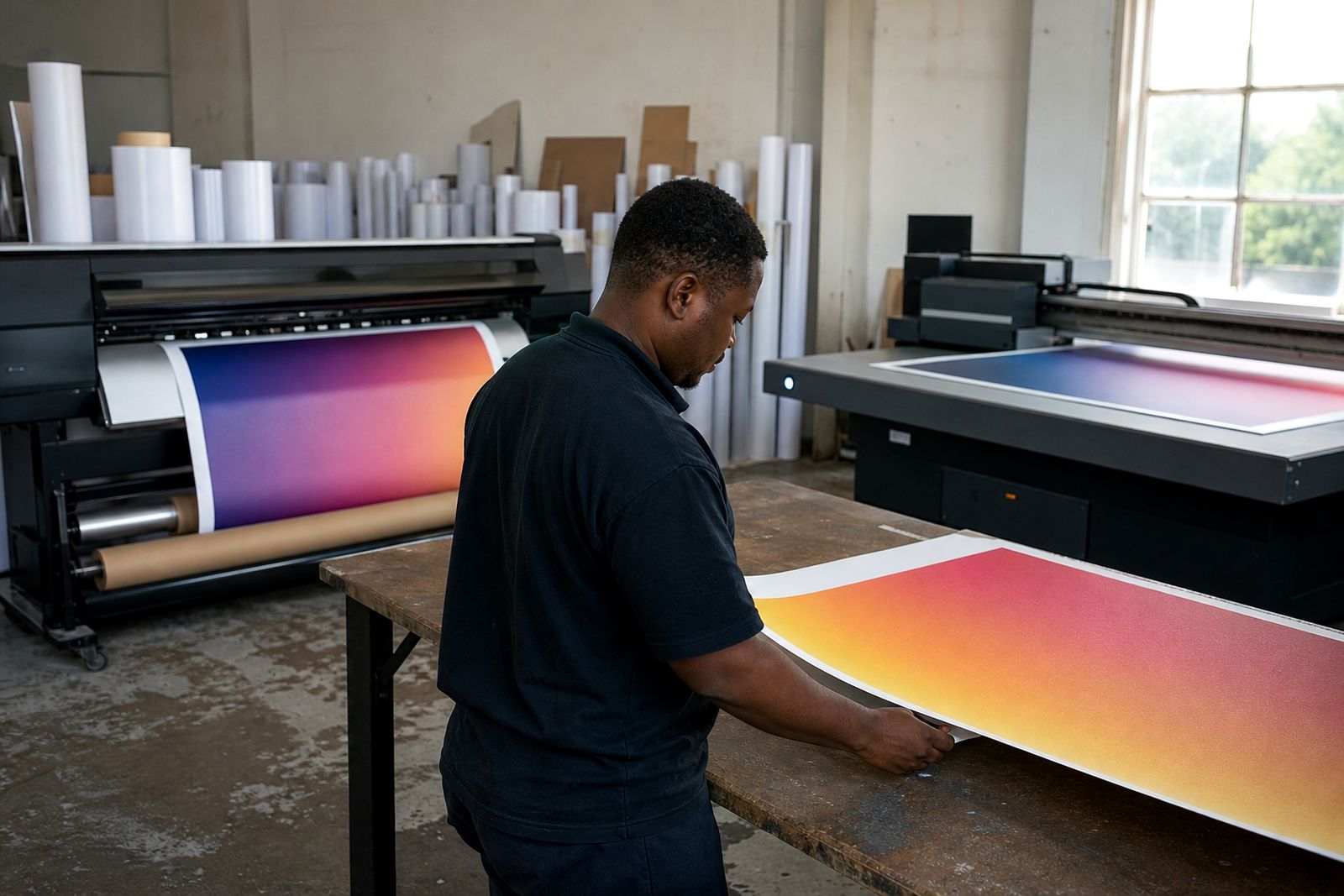
Coastal pack
Coastal pack deals with the humidity, storage and handling issues that usually appear after the first settled print week.
Read more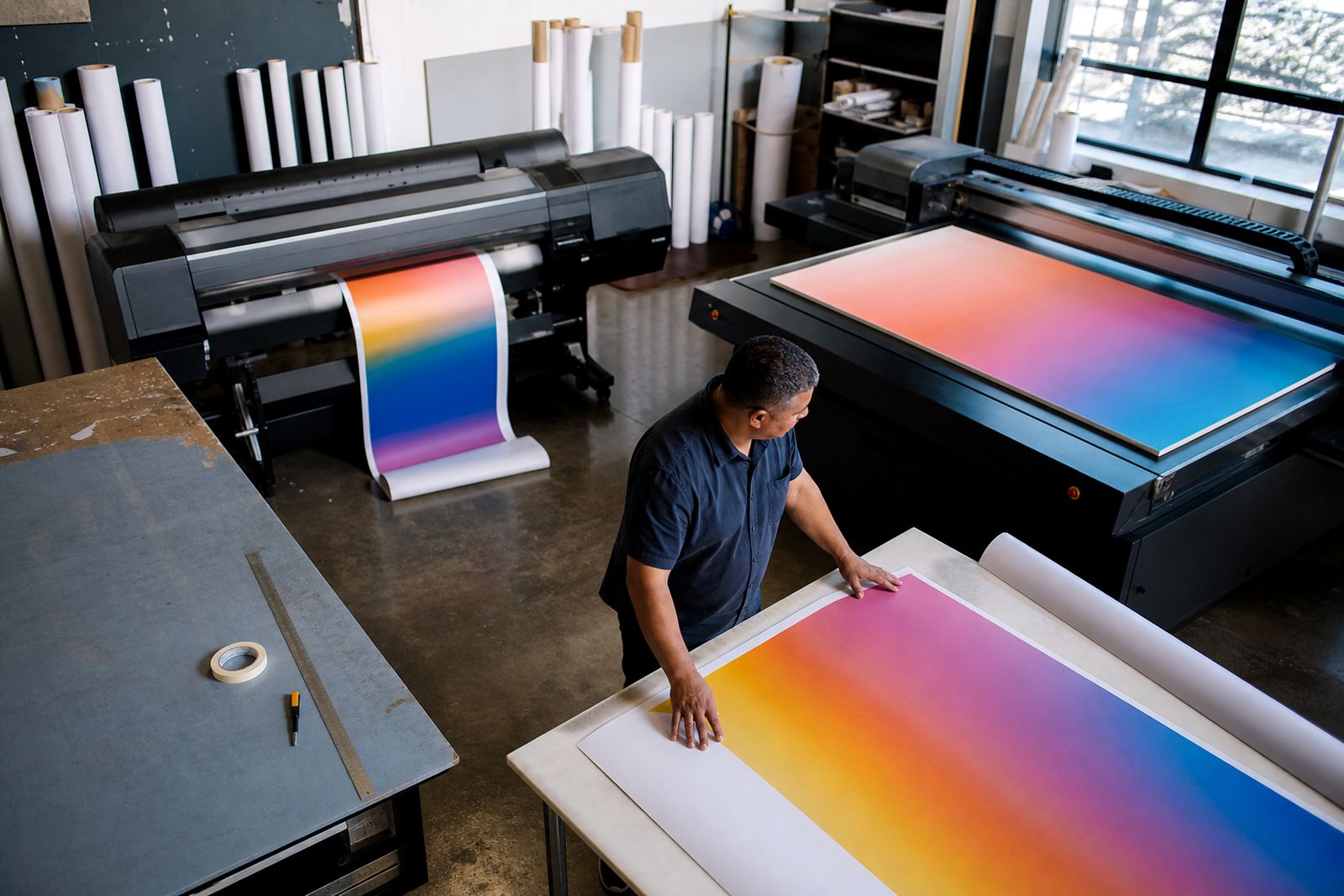
Demo day
See how eProfile runs a practical Epson demonstration, from the work shown to the preparation needed before printing begins.
Read more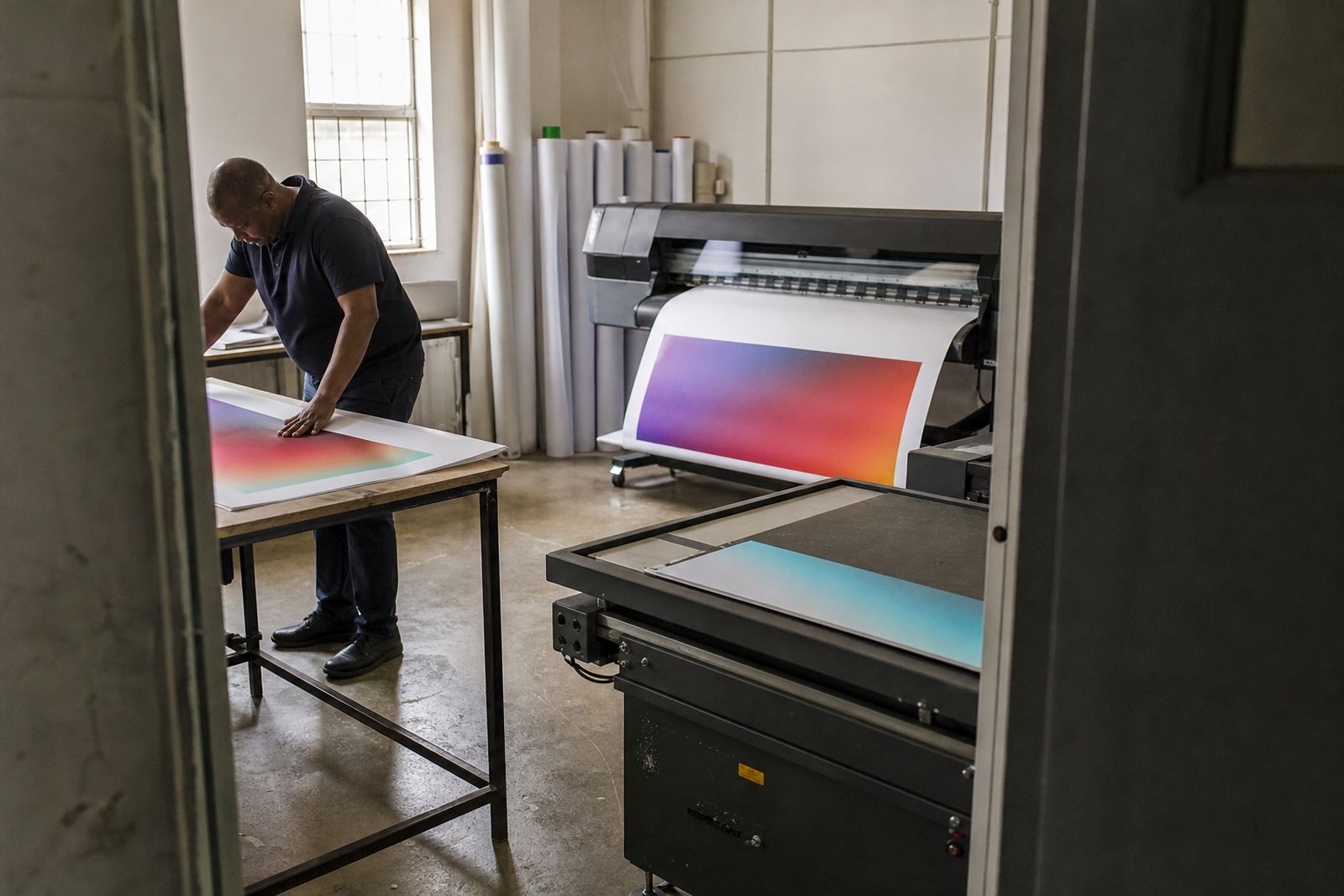
Export week
Export week deals with the packing, paperwork and dispatch snags that usually appear after the first settled print week.
Read more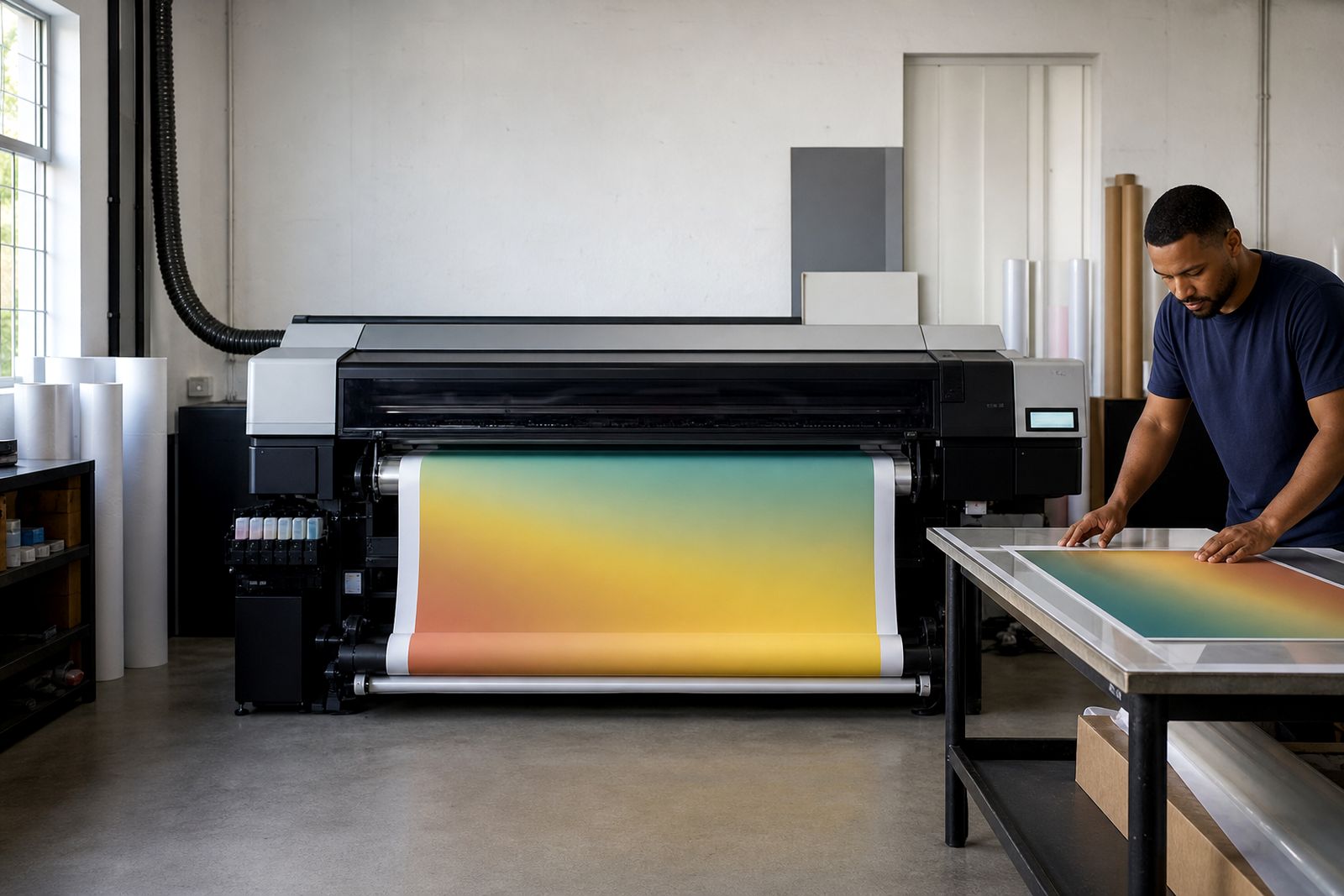
Highveld pack
Highveld pack deals with the dust, static and airflow issues that usually appear after the first settled print week.
Read more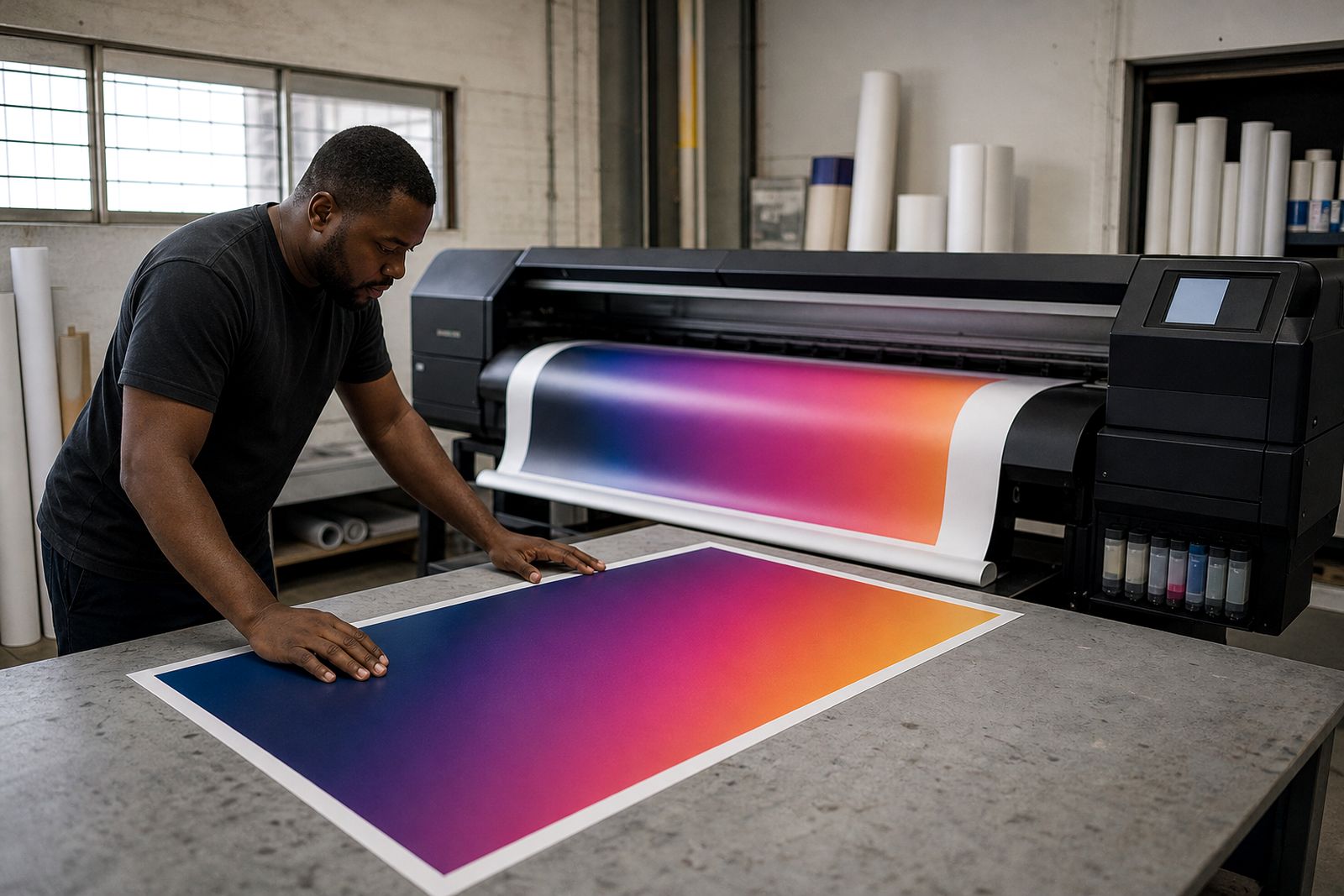
Ink care
Learn the routine ink care steps that help Epson graphic-arts printers stay stable and avoid wasted media.
Read more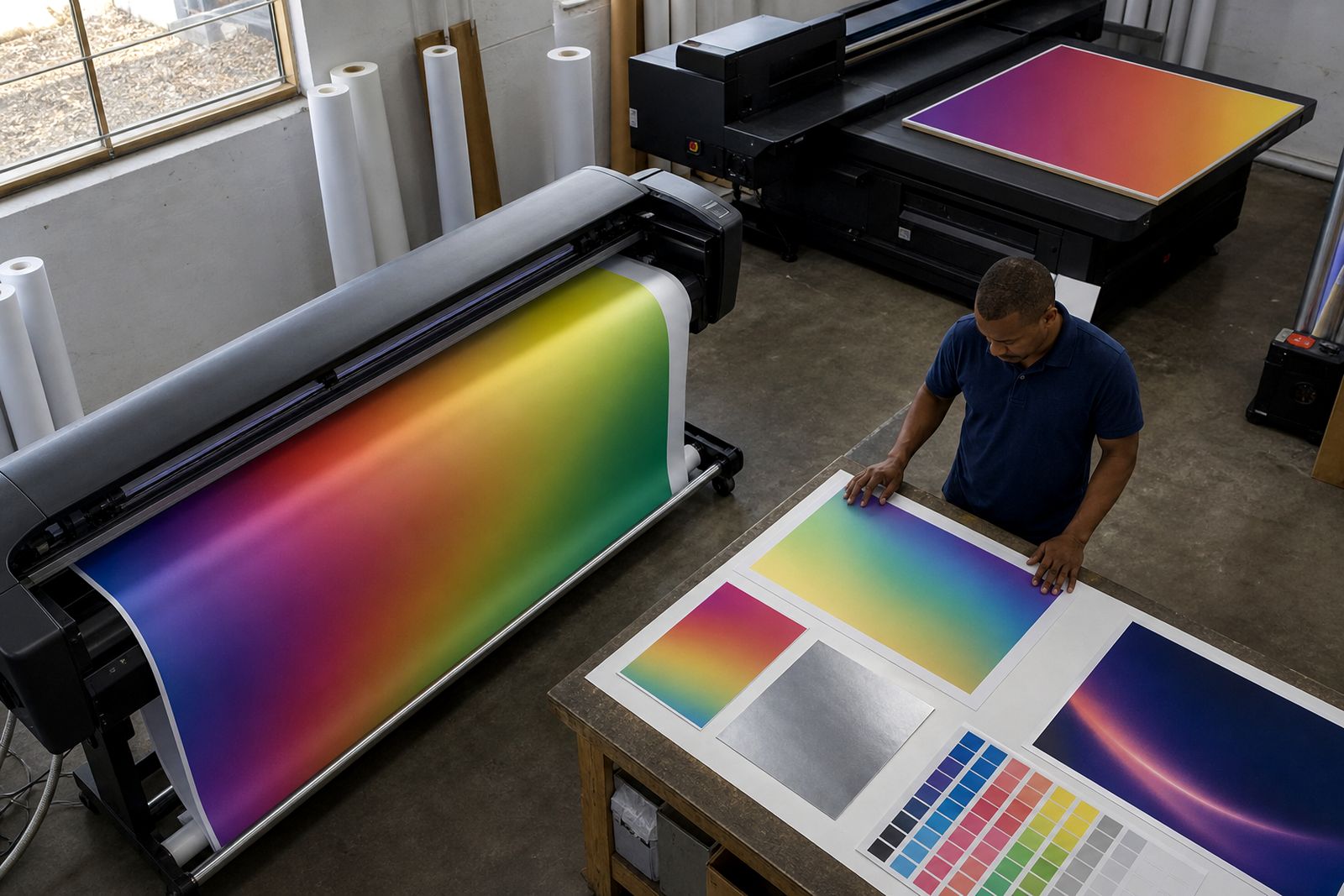
Media pack
Compare substrate choices for Epson graphic-arts output, including colour, drying and handling on posters, proofs and display work.
Read more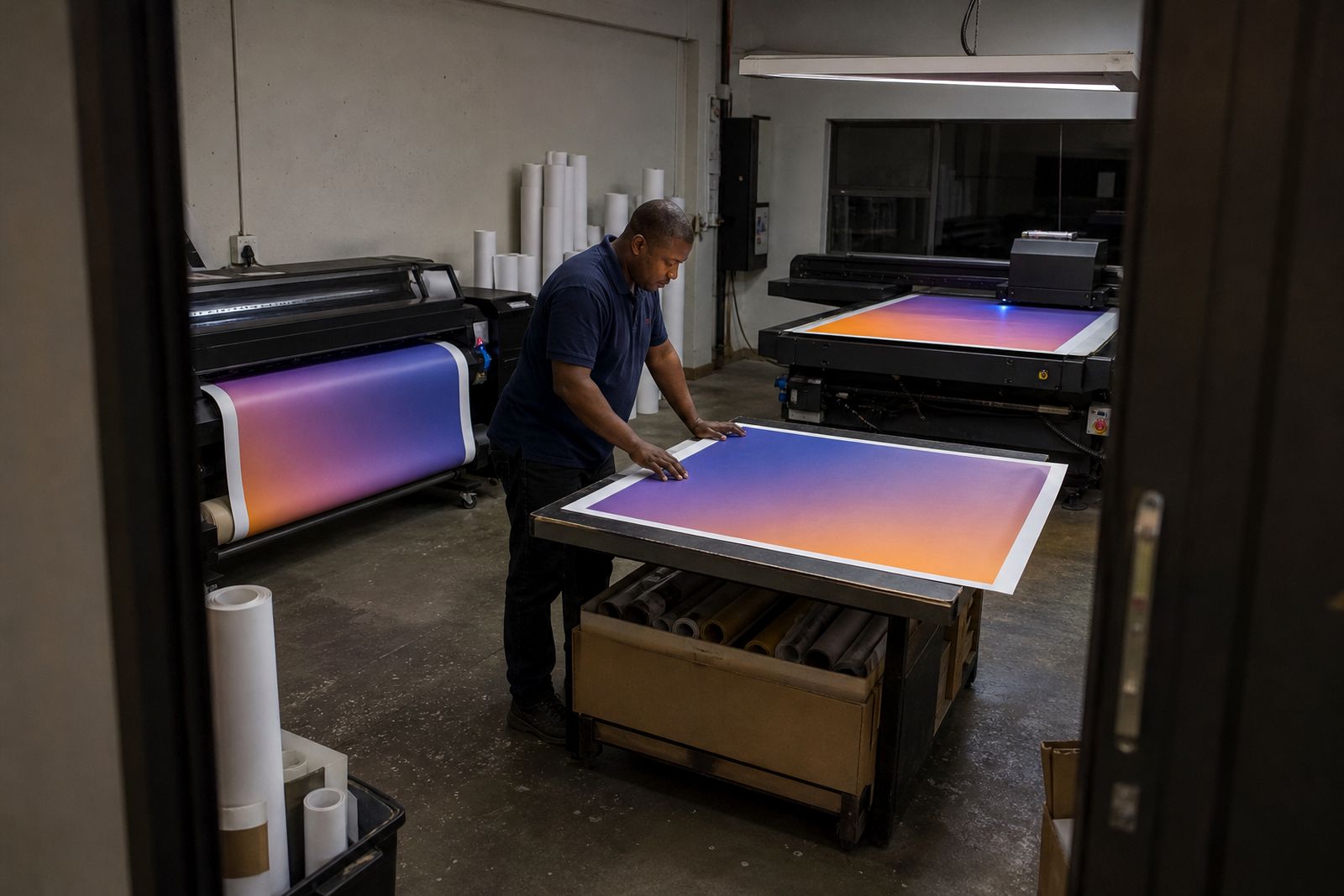
Night shift
Night shift deals with the unattended checks and restart issues that usually appear after the first settled print week.
Read more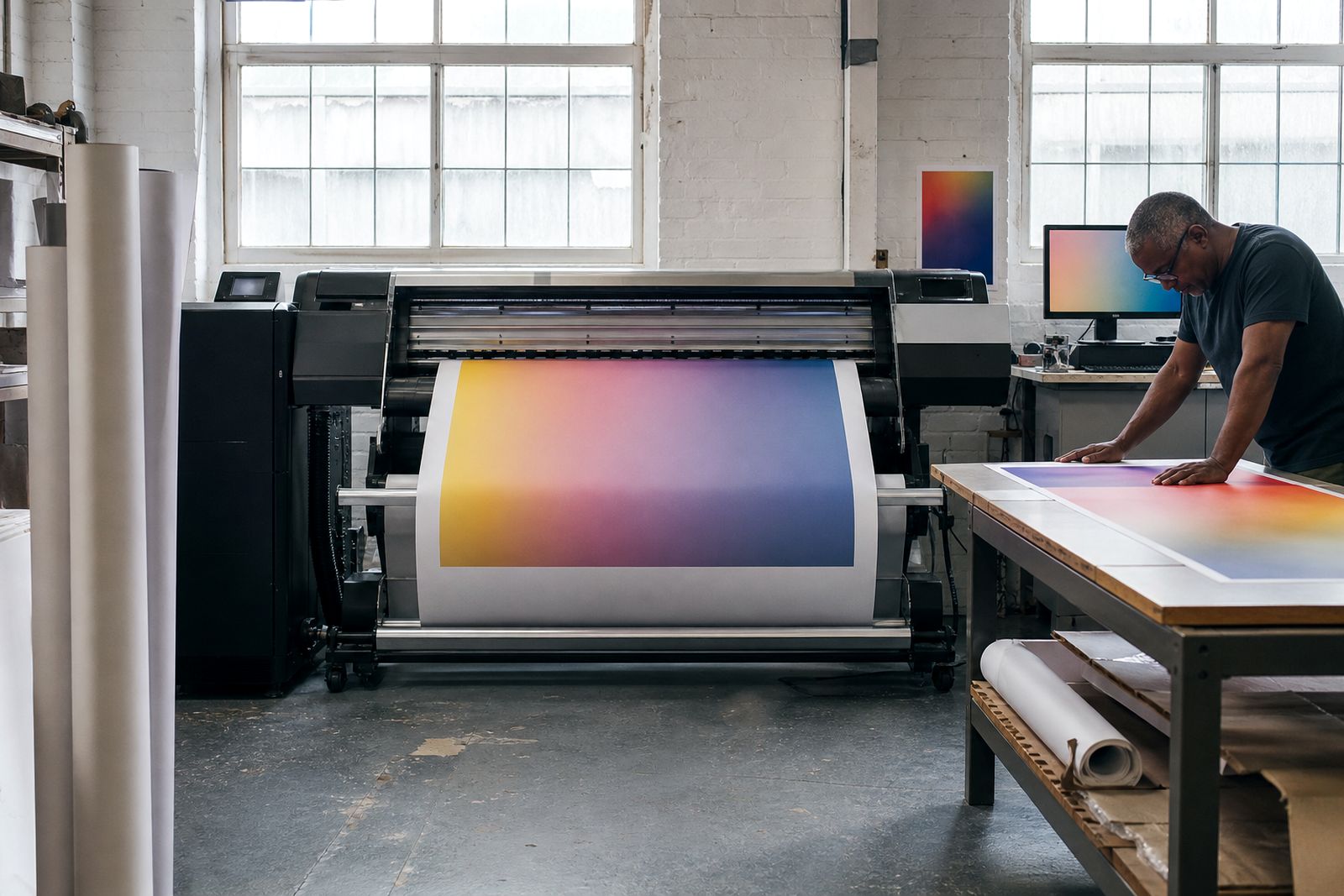
Photo path
Understand Epson output for photographic work where tone, surface quality and repeatability matter most.
Read more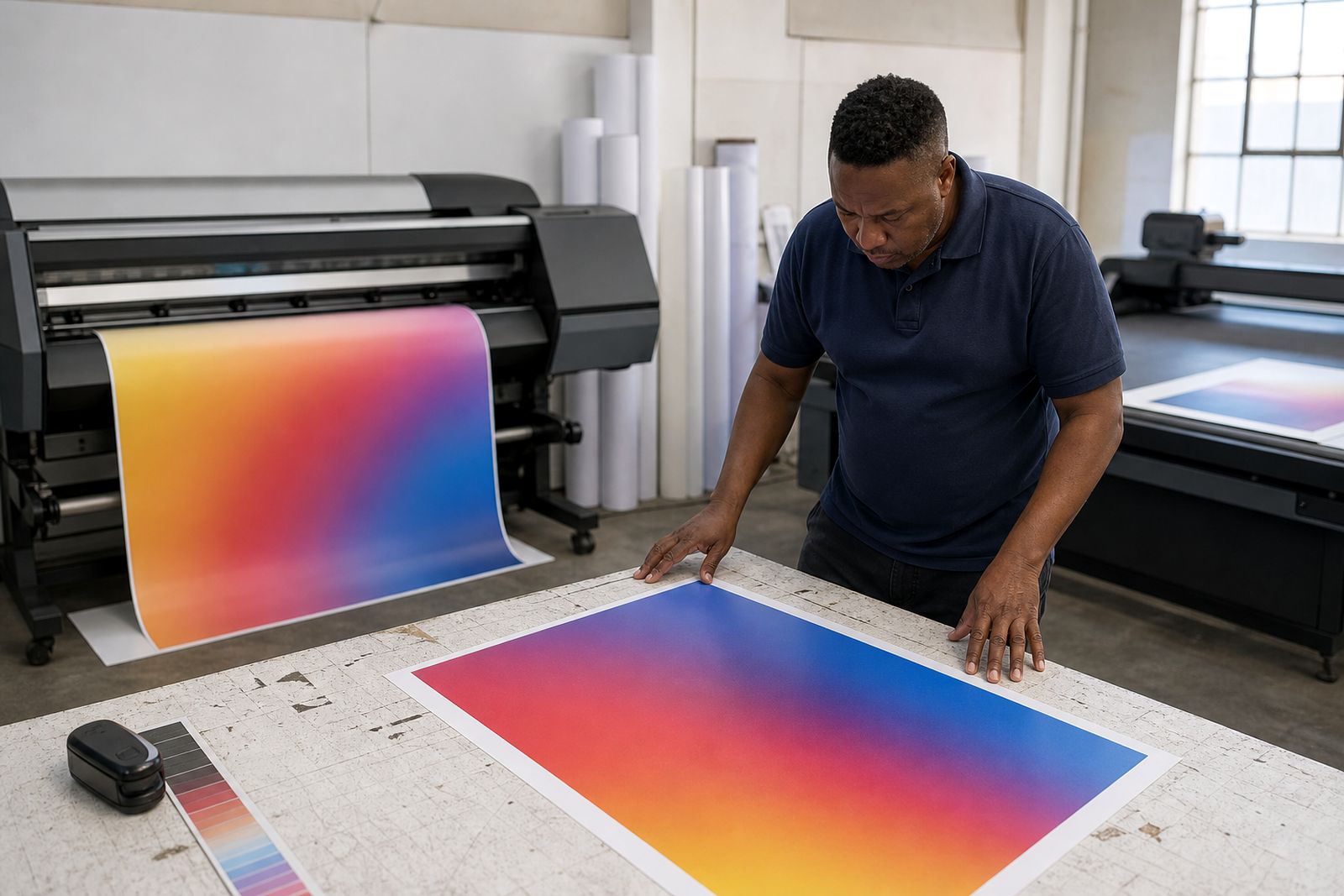
Proofing cell
Learn about Epson proofing for packaging, press approval and client sign-off where colour accuracy matters.
Read more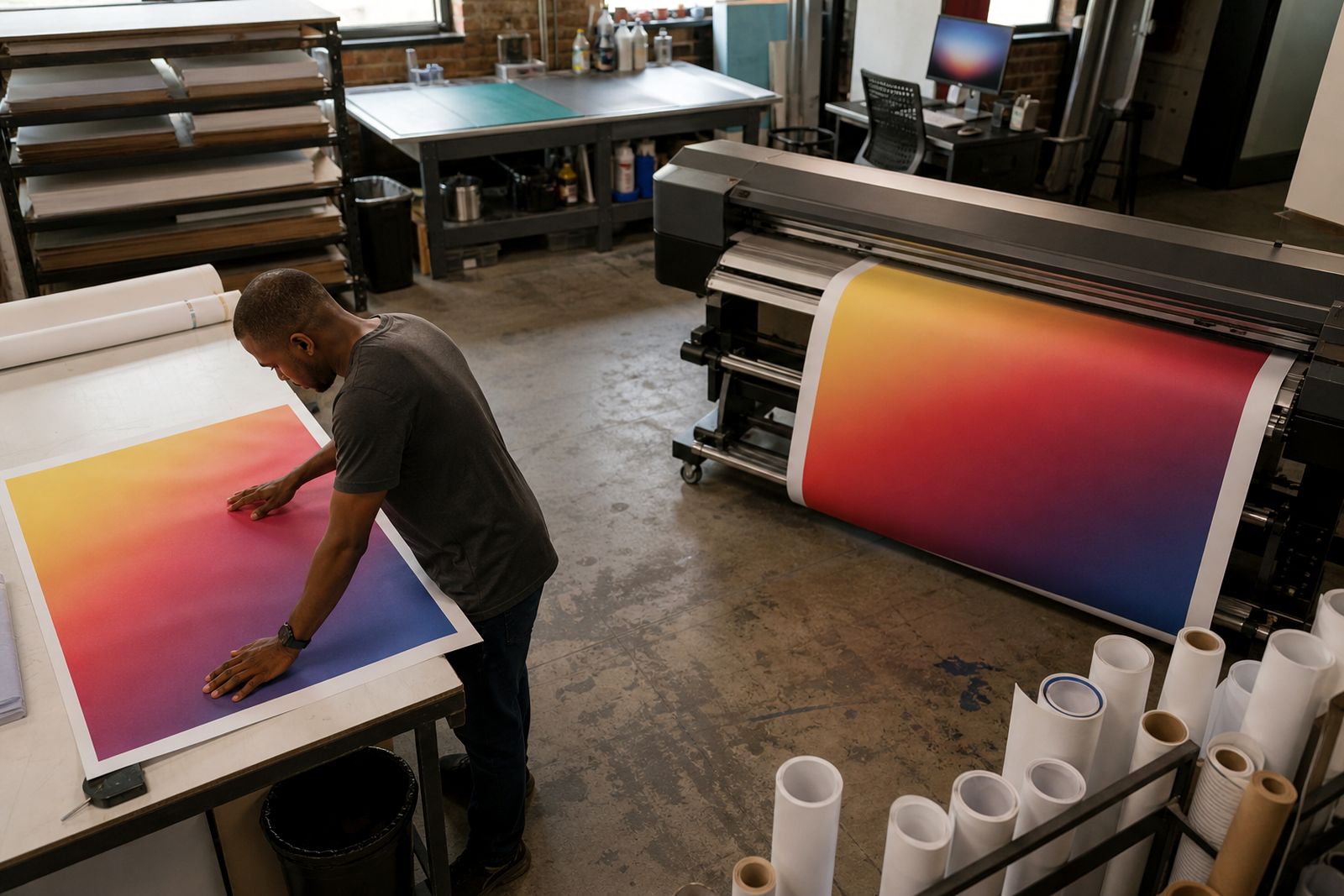
Ripping studio
See how RIP handling, queue control and file management affect Epson output in busy print production.
Read more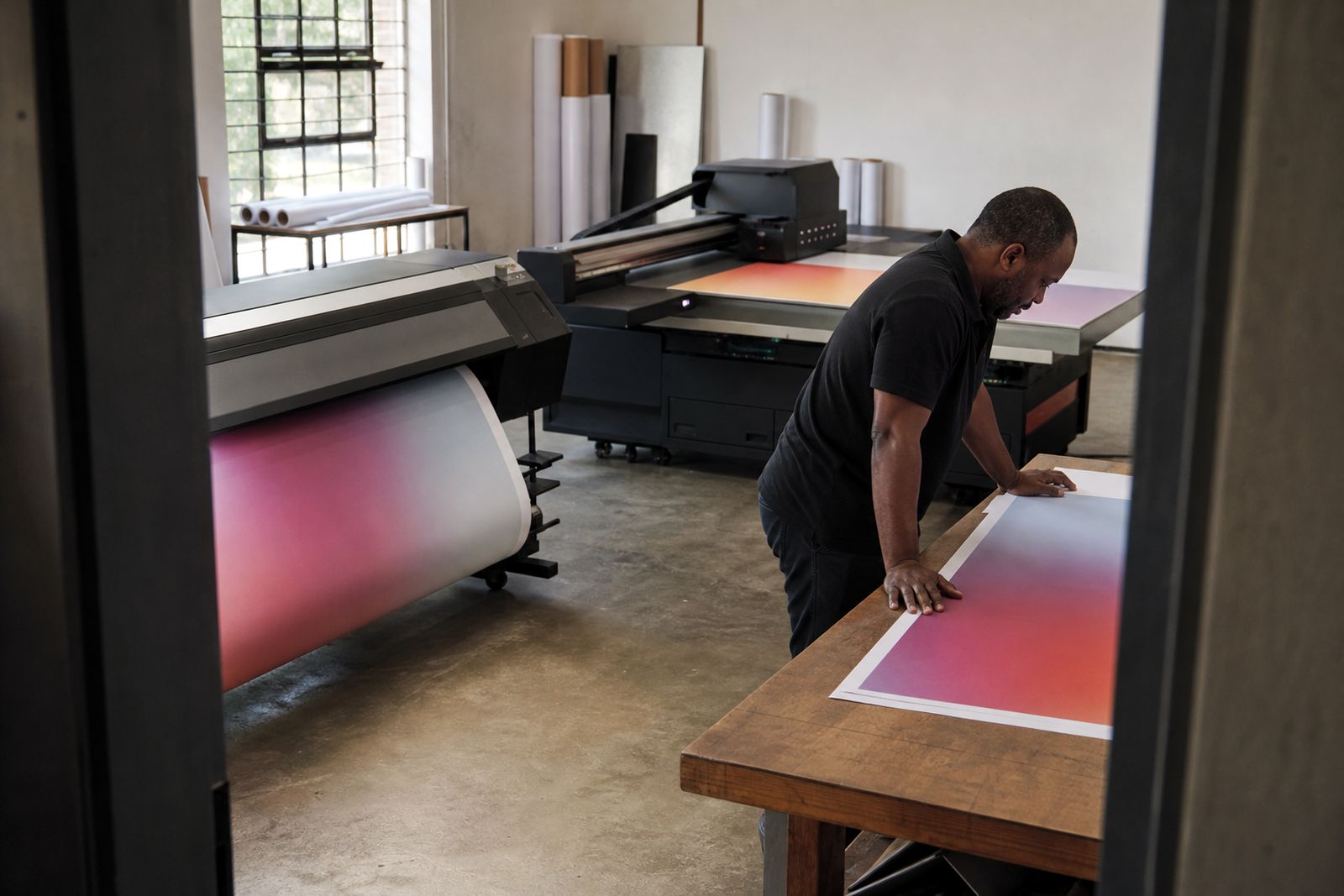
Service plan
See what is included in Epson printer support, from routine maintenance to service visits, for reliable graphic-arts production.
Read more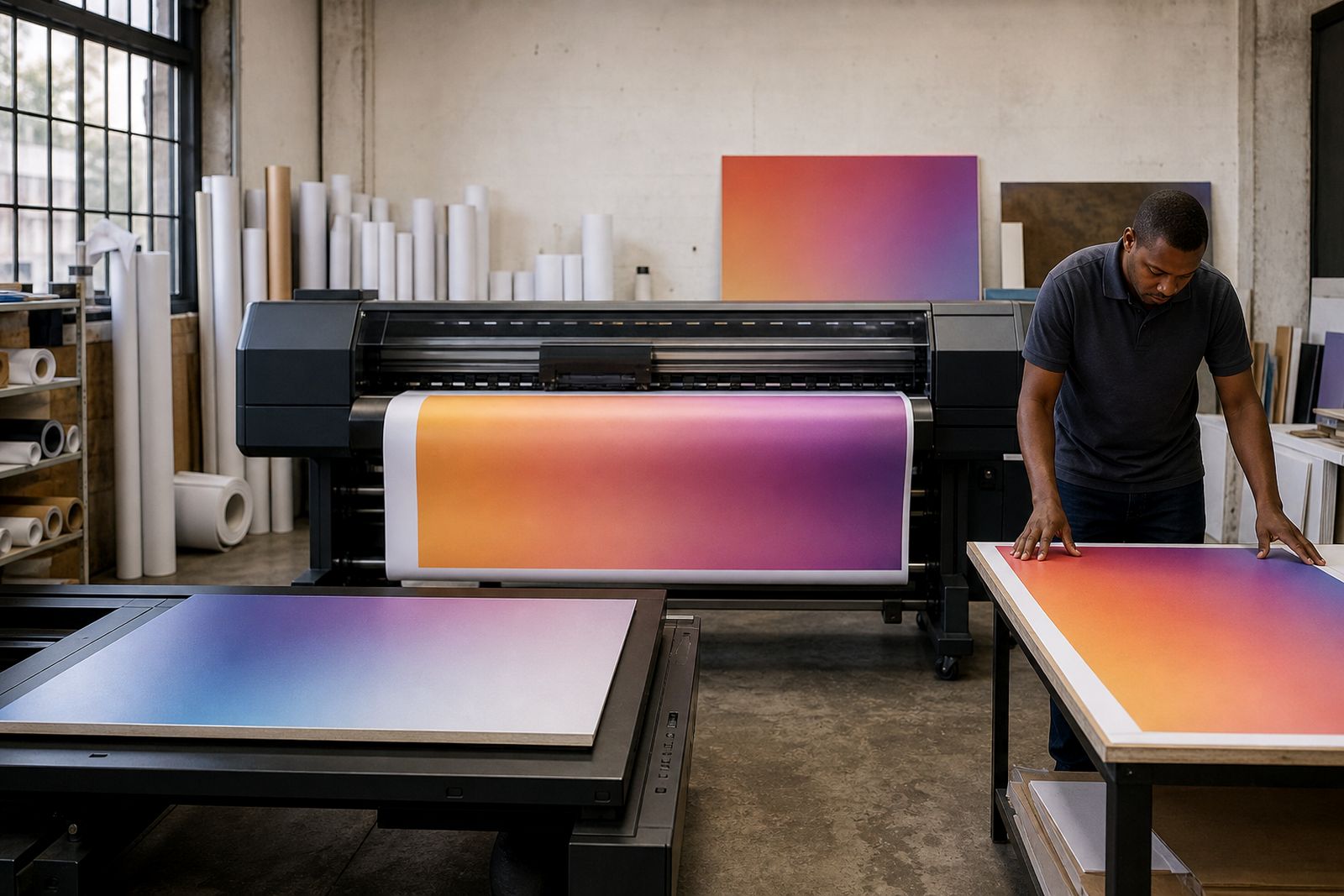
Signage path
Plan Epson signage output for posters, POS and indoor display work with practical choices for media, printer fit and production needs.
Read more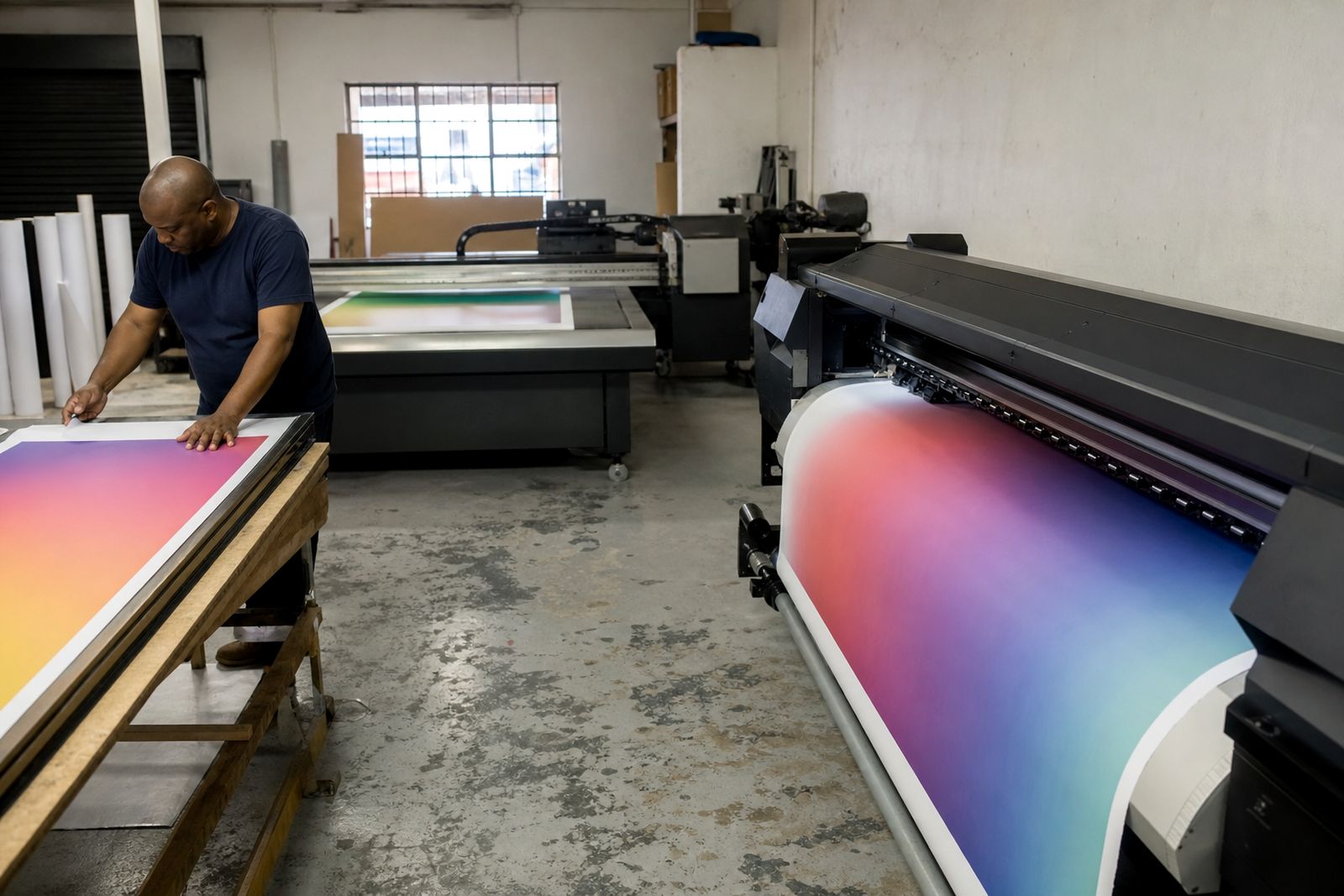
Spares bridge
Spares bridge keeps Epson graphic-arts sites moving when a worn part or missing consumable interrupts production.
Read more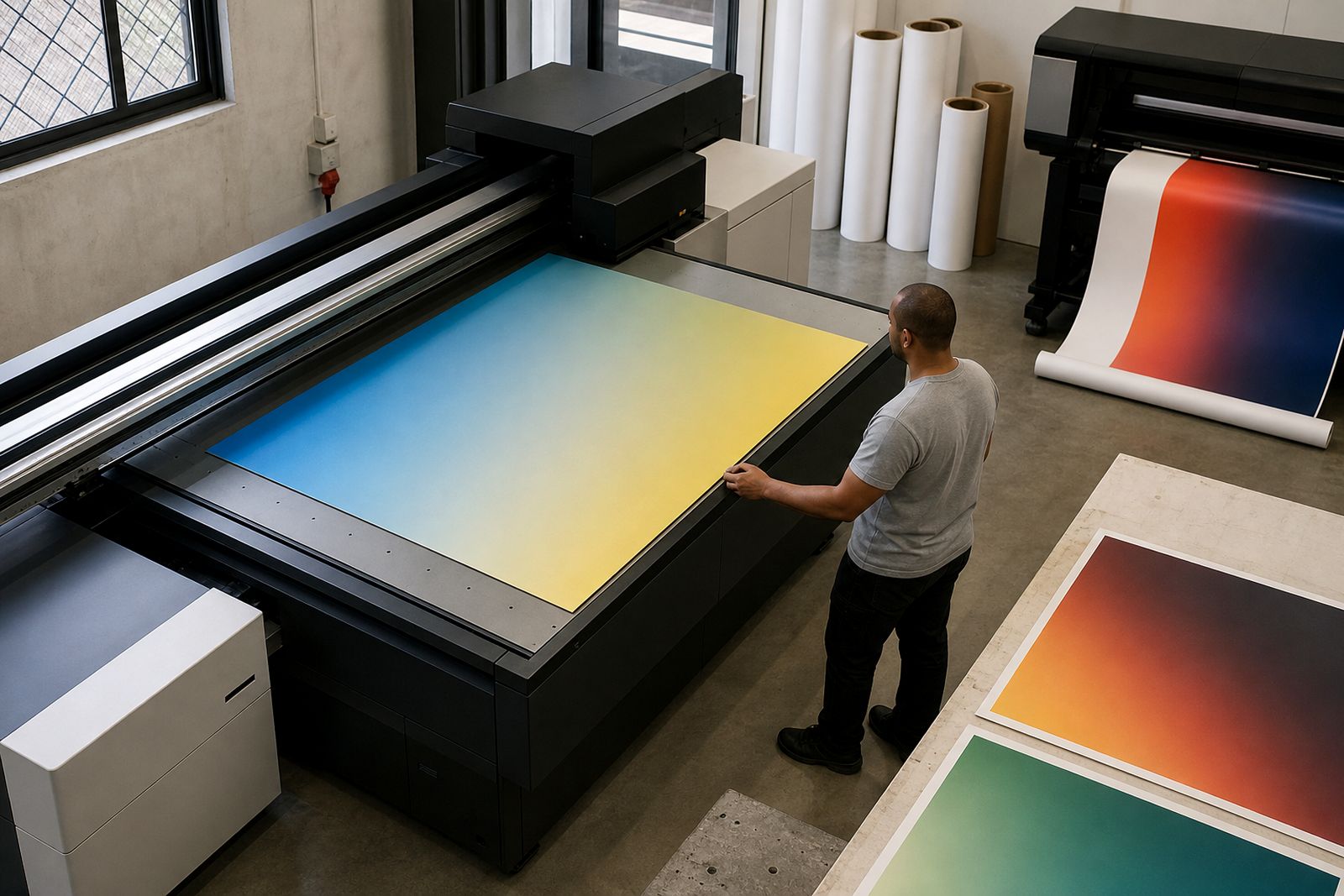
SureColor flatbed
Assess Epson flatbed printing for rigid media, display boards and direct-to-substrate work in a practical production setting.
Read more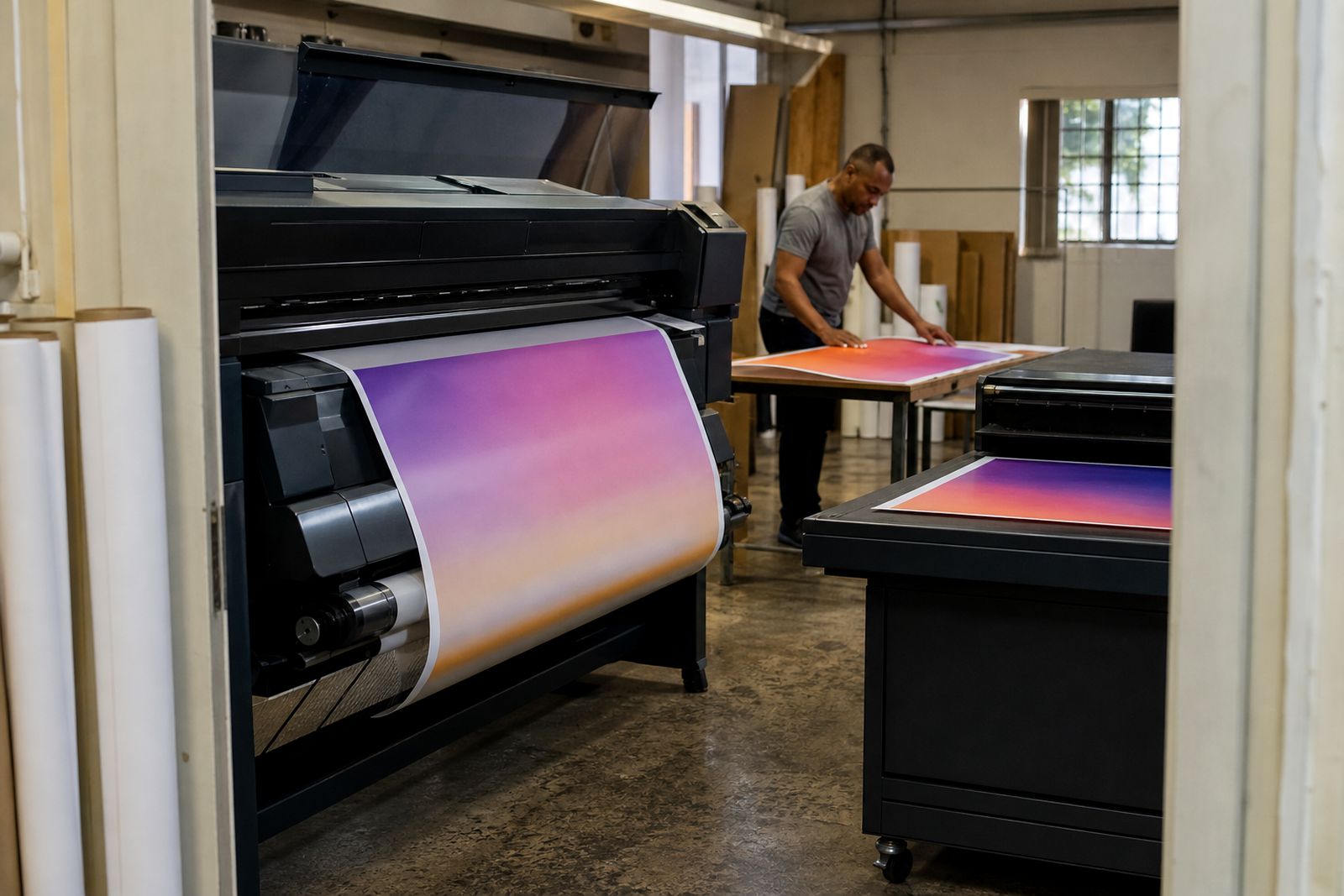
SureColor roll-fed
Compare Epson roll-fed printer fit, media handling and production needs for graphics, posters and photo output.
Read more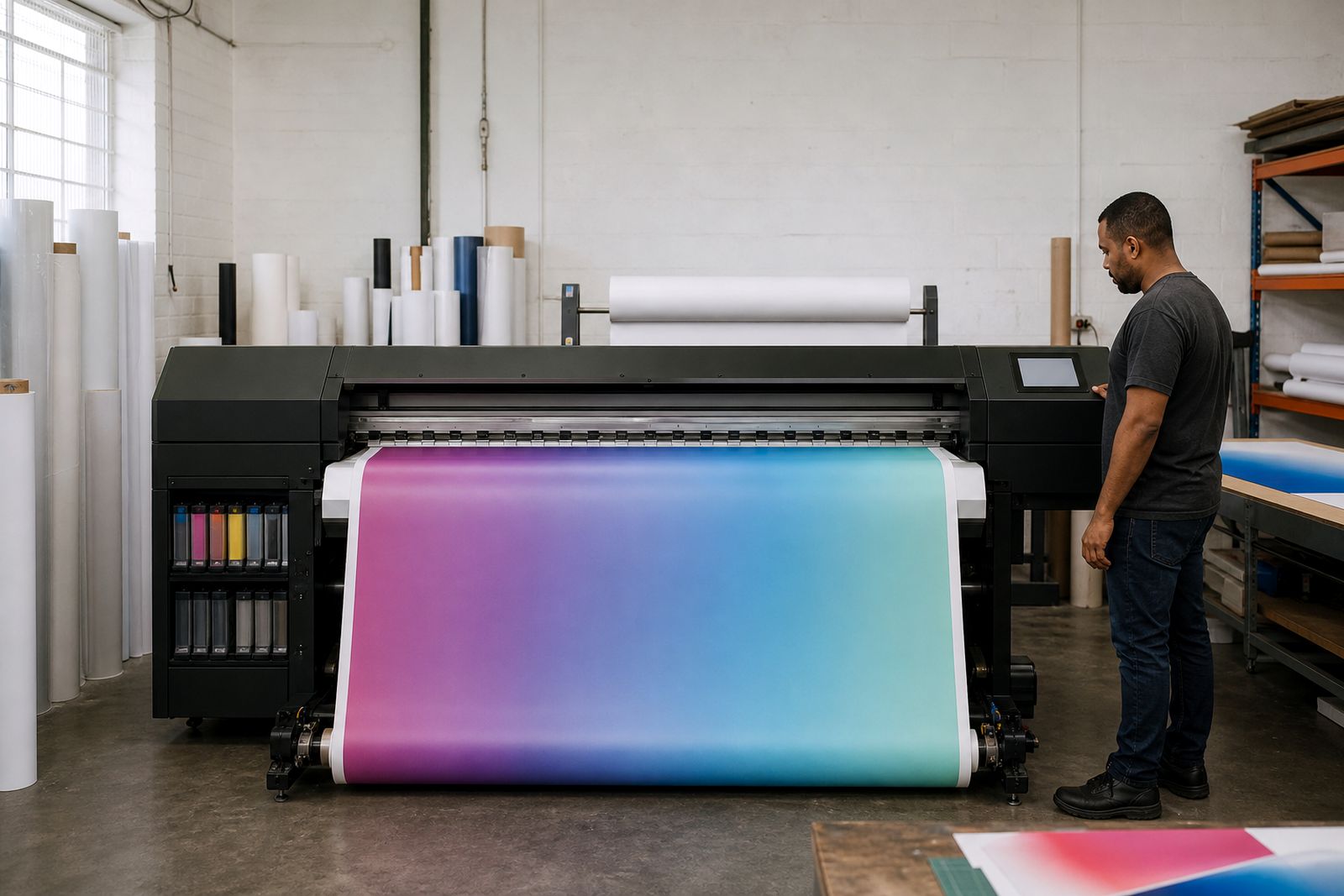
Textile path
Evaluate Epson textile printing for soft signage and fabric graphics, with attention to media behaviour and machine fit.
Read more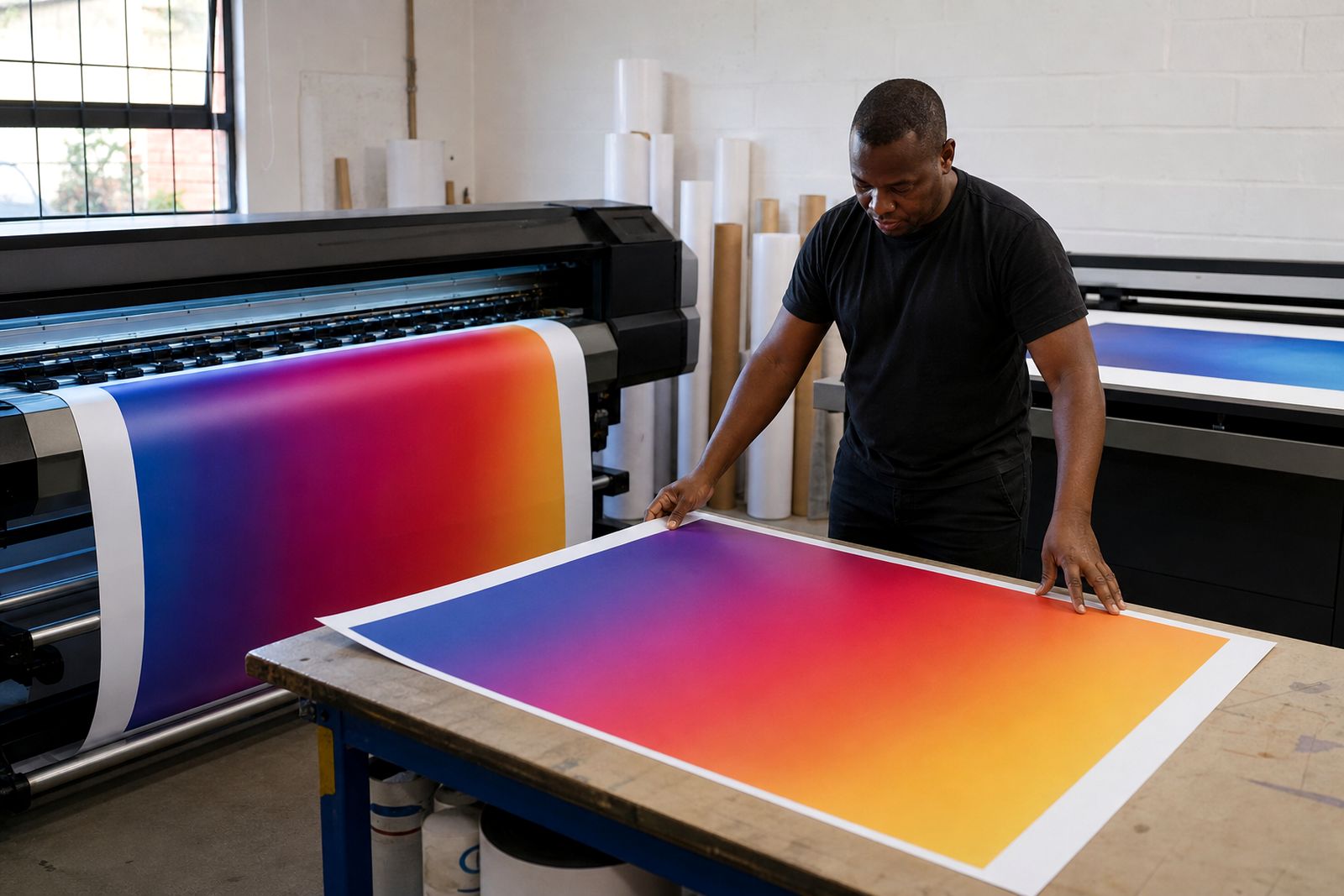
Training day
Training day deals with the operator habits and routine questions that usually appear after the first settled print week.
Read more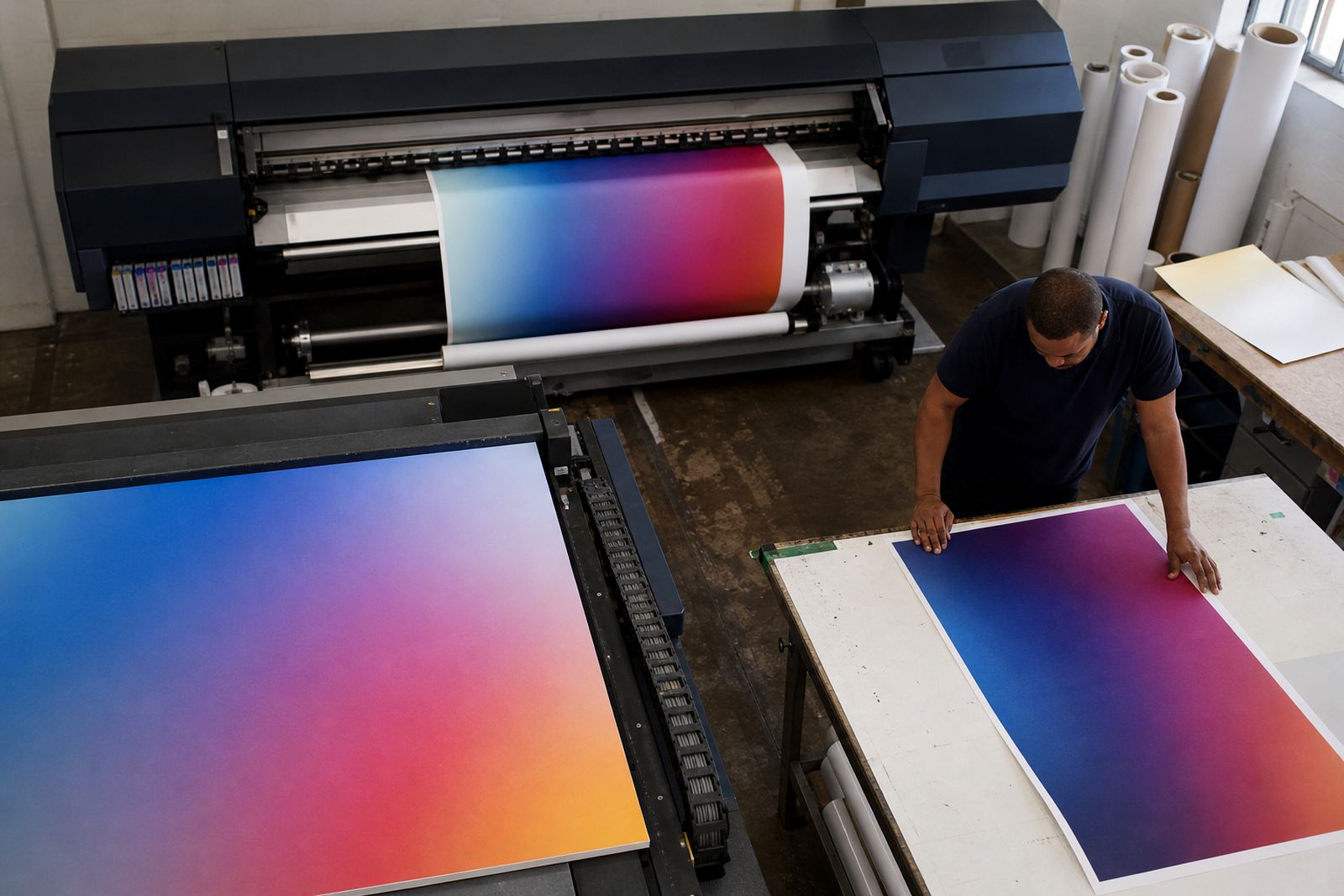
Training lab
Get practical Epson graphic-arts training on media loading, file handling and daily checks that support steady production.
Read moreWhat our Epson Graphic Arts customers say
Verified Google reviews
Tell us what you print and where it hurts
Send a note through our contact form with the media you print, the printer you run or are considering and where the workflow slows down, and we will come back with practical options and a quote.
Open the contact form