

SureColor roll-fed
SureColor Roll covers Epson roll-fed printing for graphics, posters and photo output, with media handling suited to busy print rooms.
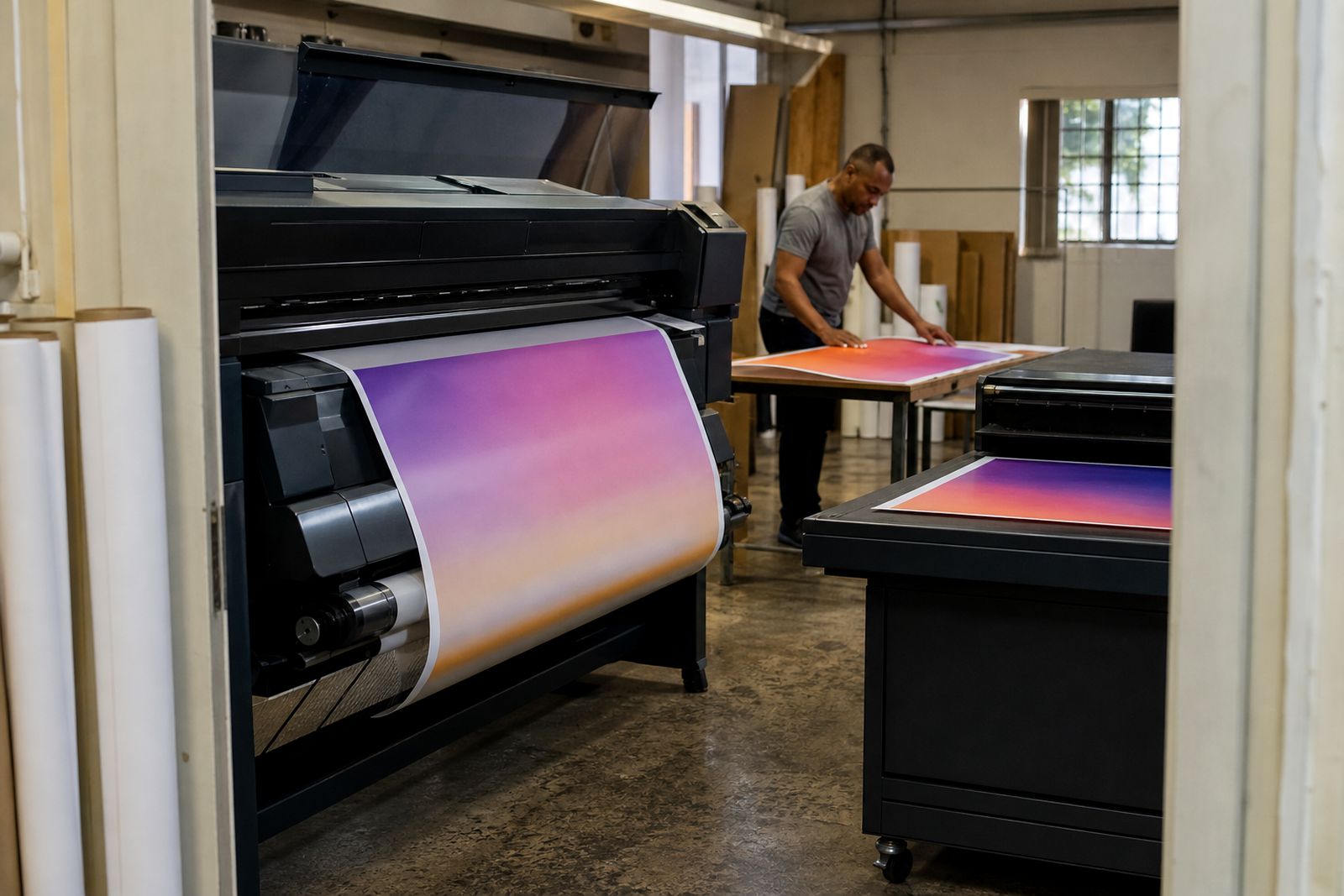
SureColor Roll production fit
The focus is Epson roll-fed production for graphics, posters, photo output and related applications. It helps print businesses compare width, media handling and routine needs against the jobs they run every week.
Roll width, media type and take-up requirements should be checked before comparing models. Cape Town moisture can affect paper behaviour, while Highveld dust and power cuts influence maintenance routines, nozzle checks and restart planning. eProfile uses these factors during Epson graphic-arts demonstrations in Gauteng and Cape Town.
Record the printer model, loaded media and current RIP settings before changing anything on a live device. A quick photo of the control panel, spindle setup and output sample helps when matching colour, tracking feed issues or repeating a successful setting on the next job.
What gets compared first
Most buyers start with output width, media range and whether the printer suits posters, canvas, photo papers or proofing stock. Ink set, cutter use, take-up support and the way the unit fits into an existing routine matter more than a long feature list. The useful comparison is the one tied to the jobs actually being printed.
Before using the contact form, note the Epson model, roll width, media brand and the fault or application being checked. Describe the current setup if banding, skewing or head strikes are part of the query. That gives the discussion a proper starting point and keeps the details tied to the right printer.
- Poster and photo output checks
- Roll loading and feed alignment
- Model and media details captured clearly
Gauteng and Cape Town print conditions
Power interruptions, dispatch timing and older production spaces can all affect how a roll-fed printer is assessed. If the Epson unit is currently running saleable work, separate the immediate print fault from broader routine questions. That makes the demo or discussion easier to frame around production needs.
Coastal air can change drying behaviour and paper handling on certain stocks. Inland sites often need closer attention on covers, platen areas and routine cleaning because dust builds up faster. A proper demonstration shows media loading, printing and finishing behaviour on Epson hardware rather than vague claims.
Details to bring for SureColor Roll
Bring the print application, required width and the stock that matters most to your work. Mention if the concern is colour accuracy, fine-art output, poster volume, trimming, take-up use or daily operator checks.
If a demo or discussion is being arranged, keep the notes linked to the exact printer and job type under review. It helps to place media information, sample output and any observed fault alongside the summary so later comparisons stay accurate.
Related pages
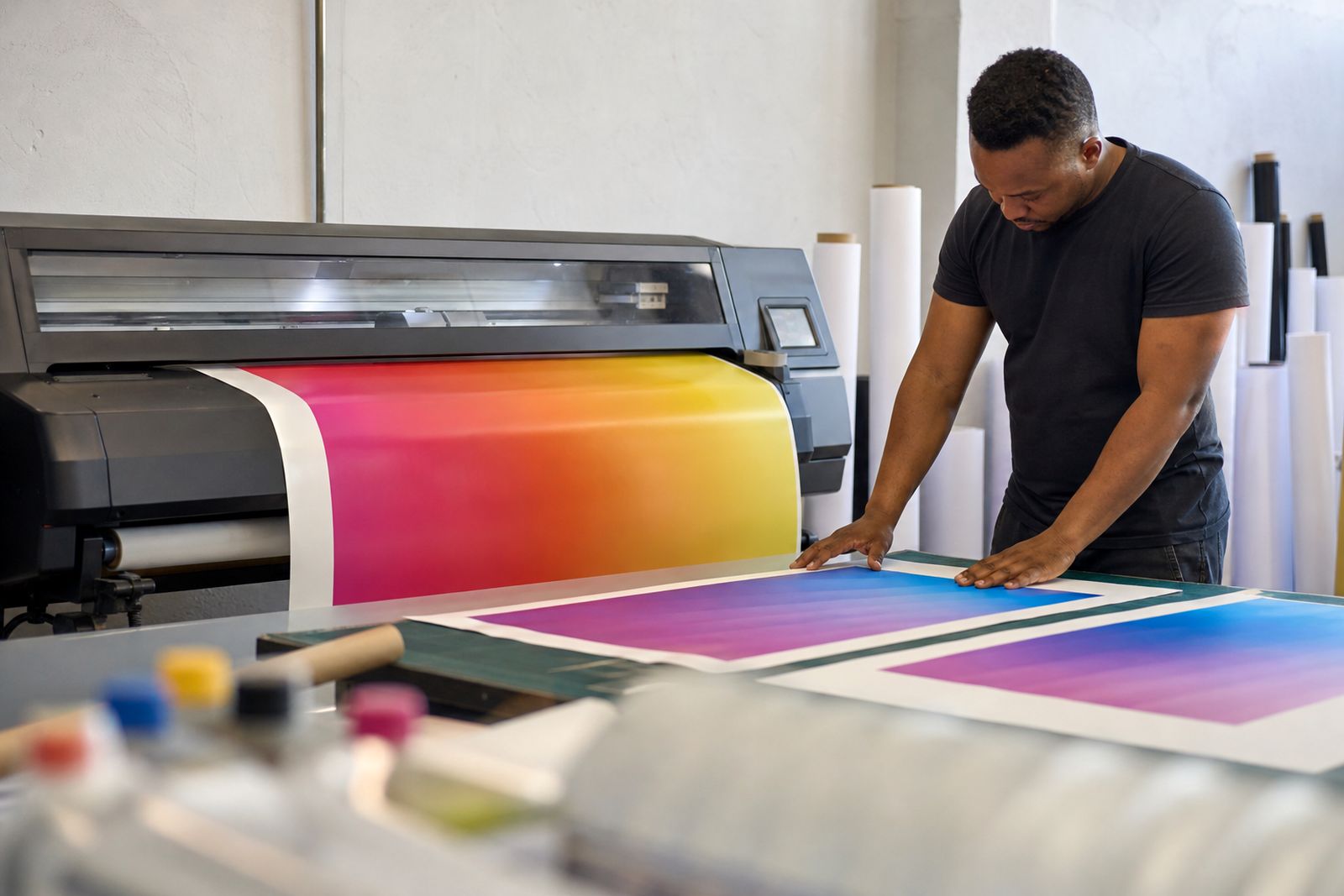
SureColor roll-fed specs
See the width, media compatibility and production details behind Epson roll printer options for graphic-arts sites.
Read more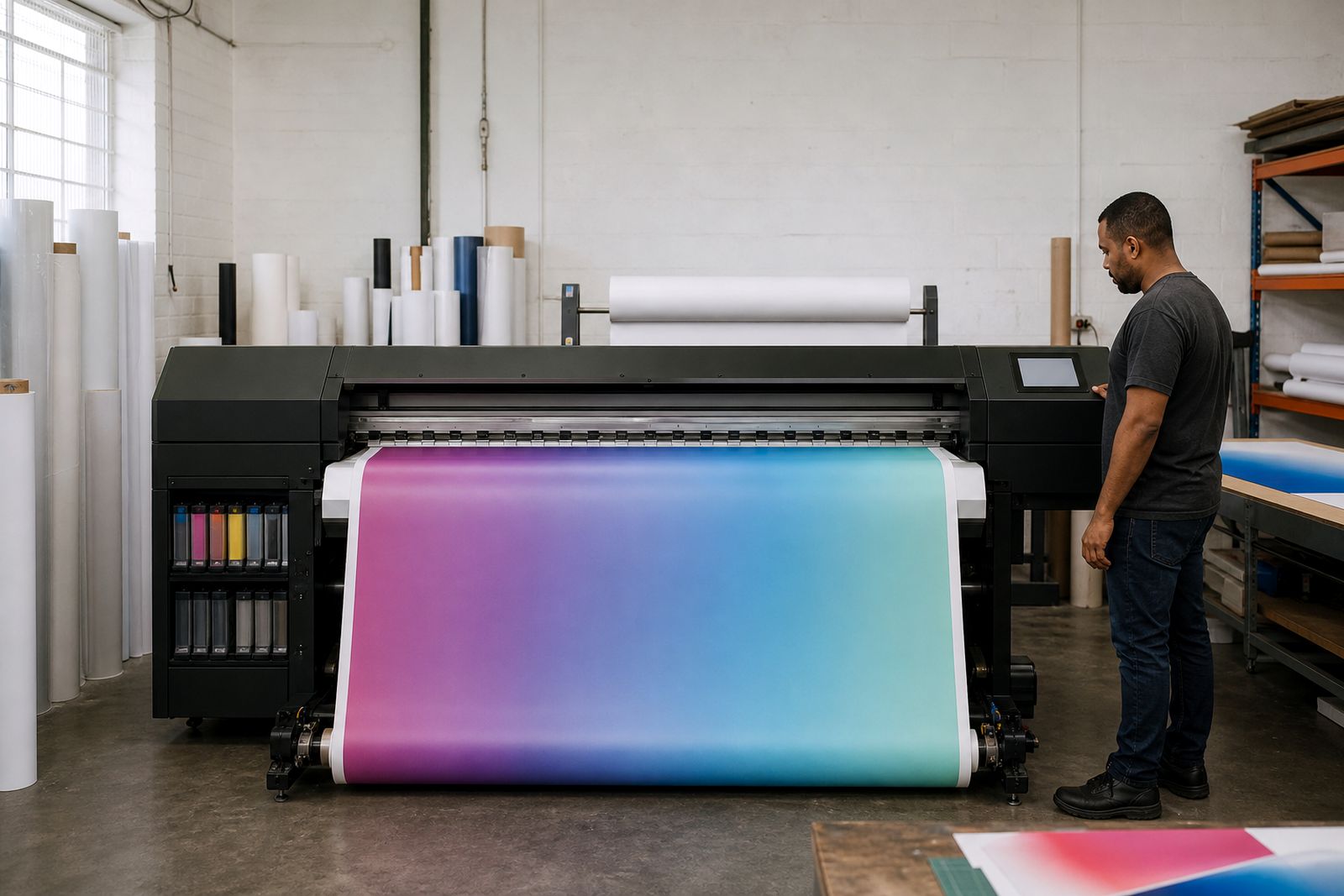
Textile path
Evaluate Epson textile printing for soft signage and fabric graphics, with attention to media behaviour and machine fit.
Read more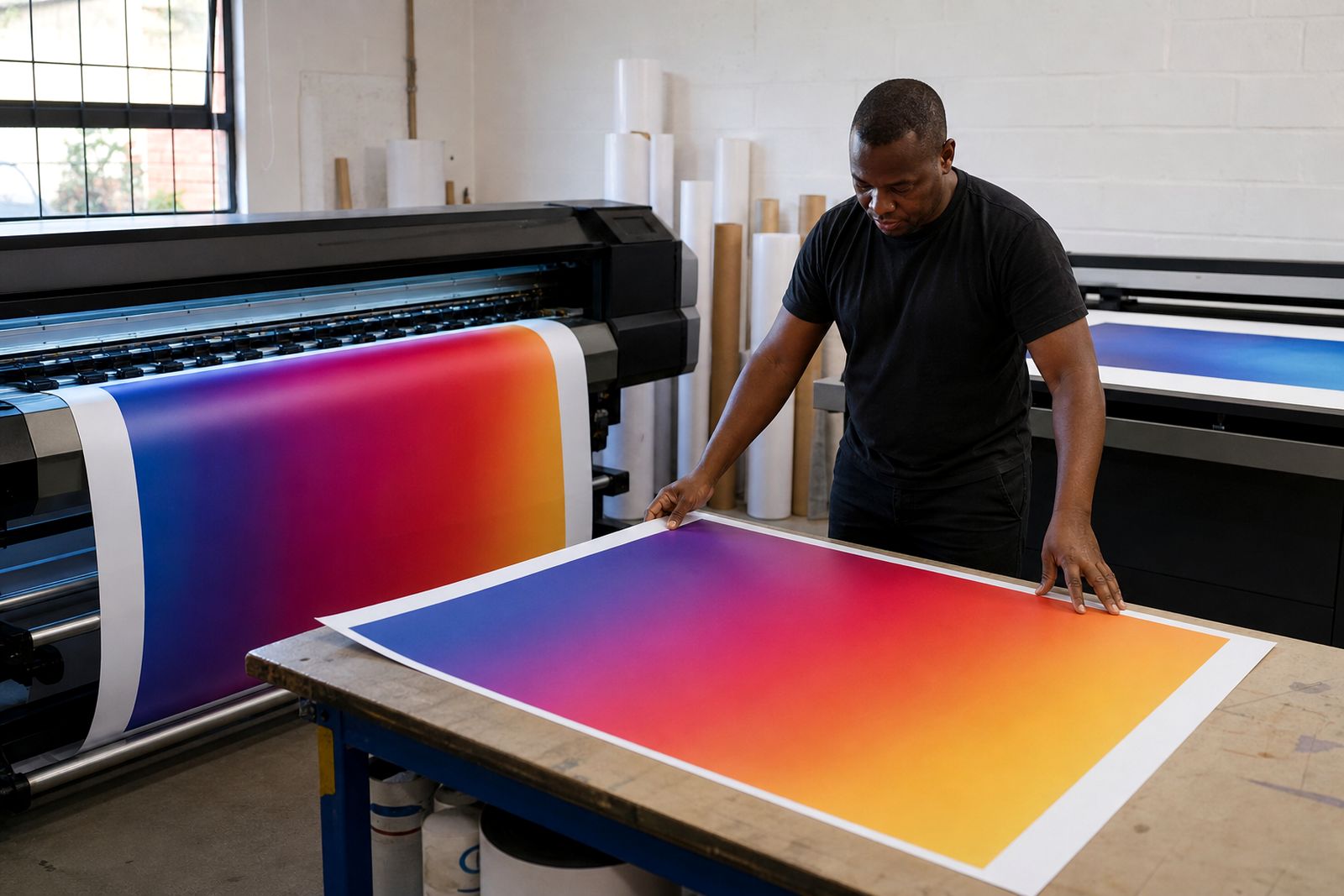
Training day
Training day deals with the operator habits and routine questions that usually appear after the first settled print week.
Read moreWhat our Epson Graphic Arts customers say
Verified Google reviews
Tell us what you print and where it hurts
Send a note through our contact form with the media you print, the printer you run or are considering and where the workflow slows down, and we will come back with practical options and a quote.
Open the contact form