

Training day
Training day deals with the operator habits and routine questions that usually appear after the first settled print week.
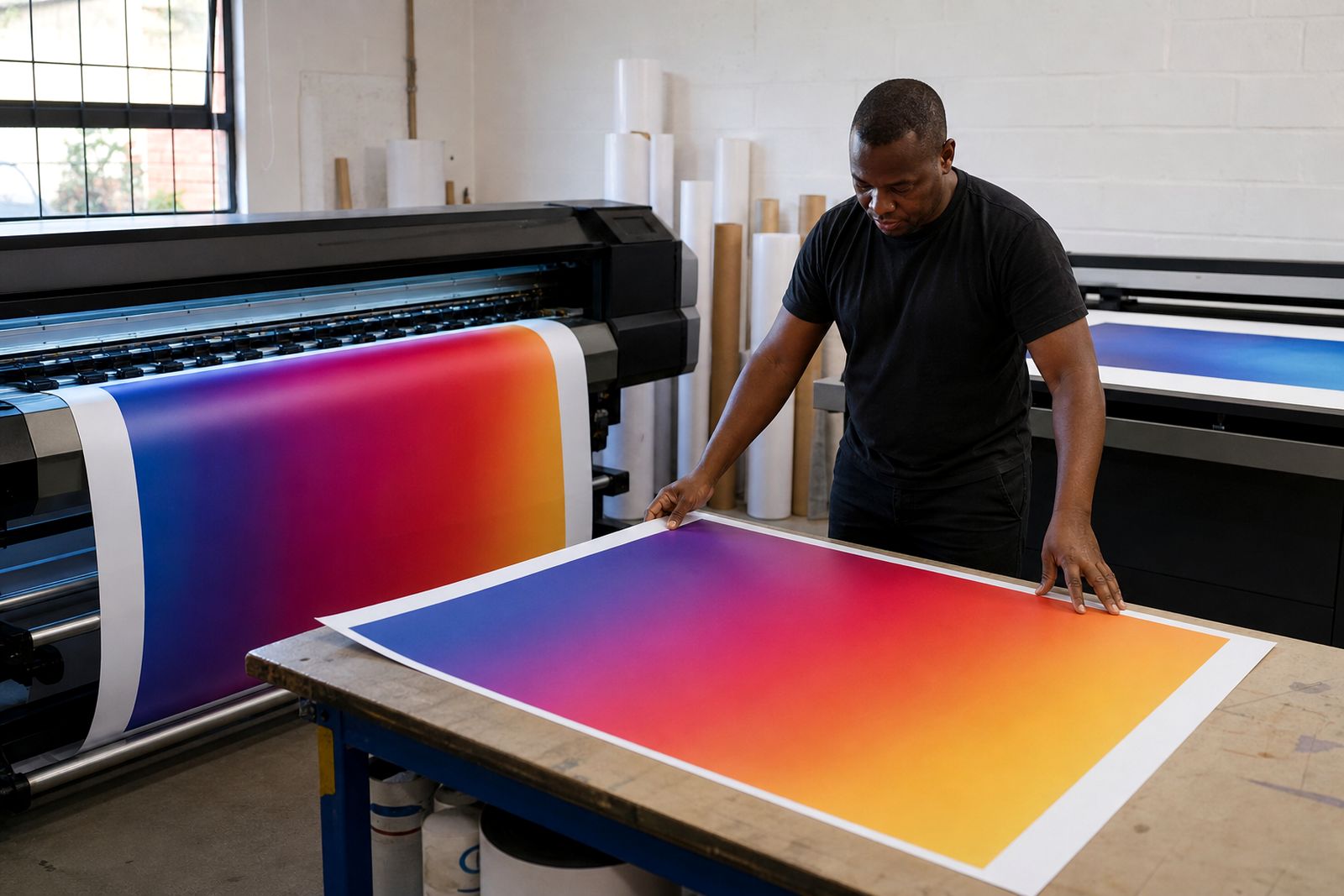
How training day helps print teams onboard
Training day covers the operator habits and routine questions that usually surface after installation. It is relevant for Epson print rooms that need practical guidance on daily use, consistency and avoiding preventable errors.
Training day starts where output usually drifts, after installation when settings, handling and routine checks begin to differ between shifts. Sessions focus on Epson graphic-arts production in Gauteng and Cape Town, with attention to room dust, coastal moisture, media storage and the stop-start effect of power outages on queued jobs.
Bring clear photos of the printer position, roll media storage, trimming area and any sample prints that show the issue. That record helps the session cover feed direction, platen condition, maintenance access and whether the operator can repeat the same setup on the next job without trial and error.
Checks covered on the training day
The session works through the sequence that affects consistency most, from nozzle checks and media loading to file handover and labelled sample retention. Teams leave with a tighter operating routine for the Epson model in use, plus notes that tie settings to the stock and application actually being printed.
Use the matching work notes alongside the training day when the issue sits between operator steps and RIP setup rather than with the printer alone.
- Operator routine for repeatable Epson output
- Nozzle, feed and media checks reviewed
- Training notes matched to current setup
Conditions print teams should flag
A useful brief includes whether the Epson unit is on live work, which media is being run, and whether the question is colour consistency, handling, head care or finishing alignment. Print rooms around Johannesburg and Cape Town often differ in available space, dust control and storage, so those details affect what should be checked first.
Cape Town humidity can change how certain papers and films behave after opening, while Highveld dust tends to show up in covers, sensors and unattended maintenance areas. Load shedding also matters, because interrupted runs, delayed cleanings and rushed restarts can alter results long after power returns.
What to prepare before the session
Use the training day when operators, sales staff or prepress teams need a focused Epson routine session instead of a basic product walkthrough.
Have the current job name, media brand, roll or sheet size, and any saved Epson preset ready when the training day begins. It also helps to keep one acceptable print and one failed print on hand so the discussion can compare placement, colour, banding or handling marks against the settings used.
Related pages
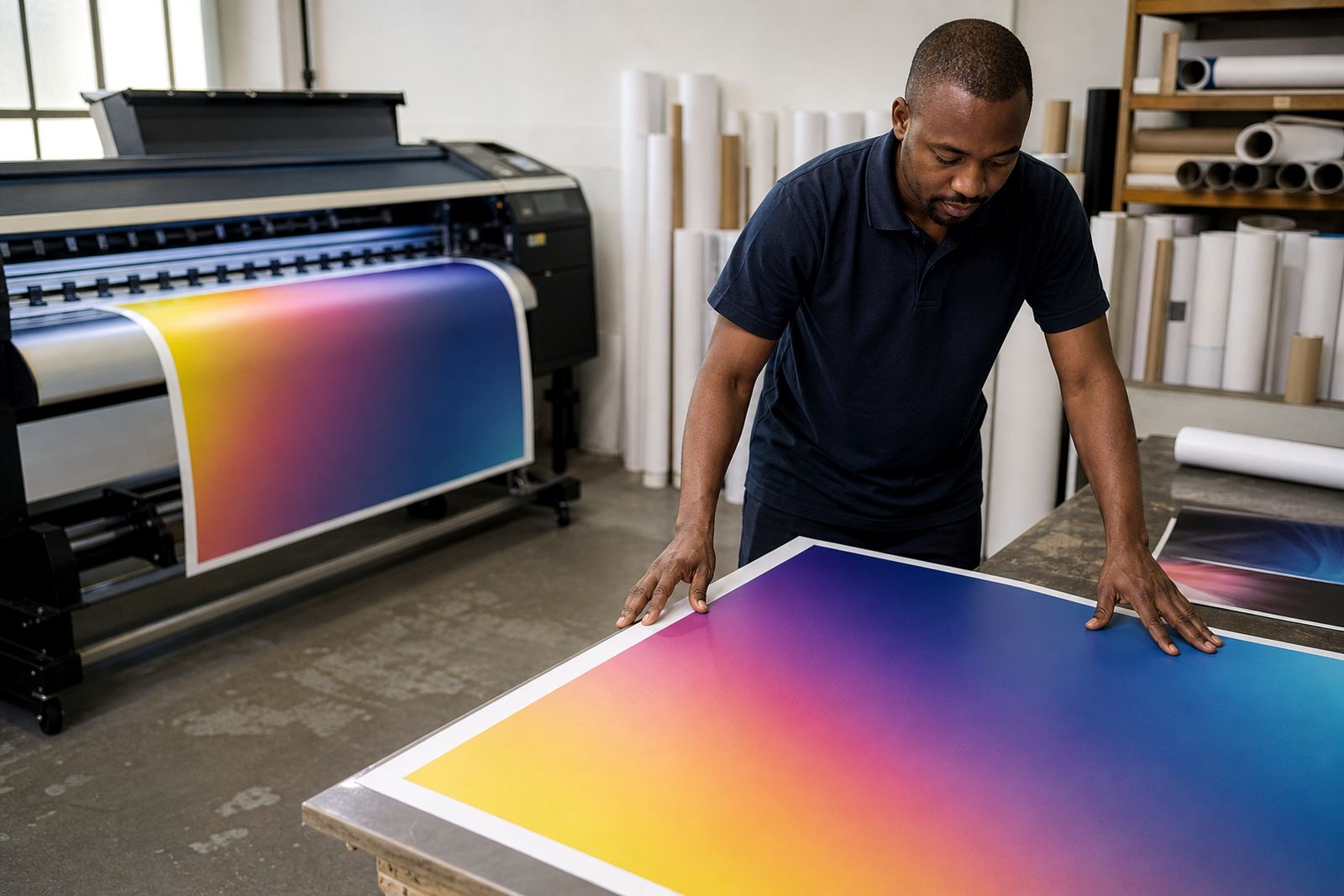
Training day specs
Training day covers the edge cases that show up after the first calm week.
Read more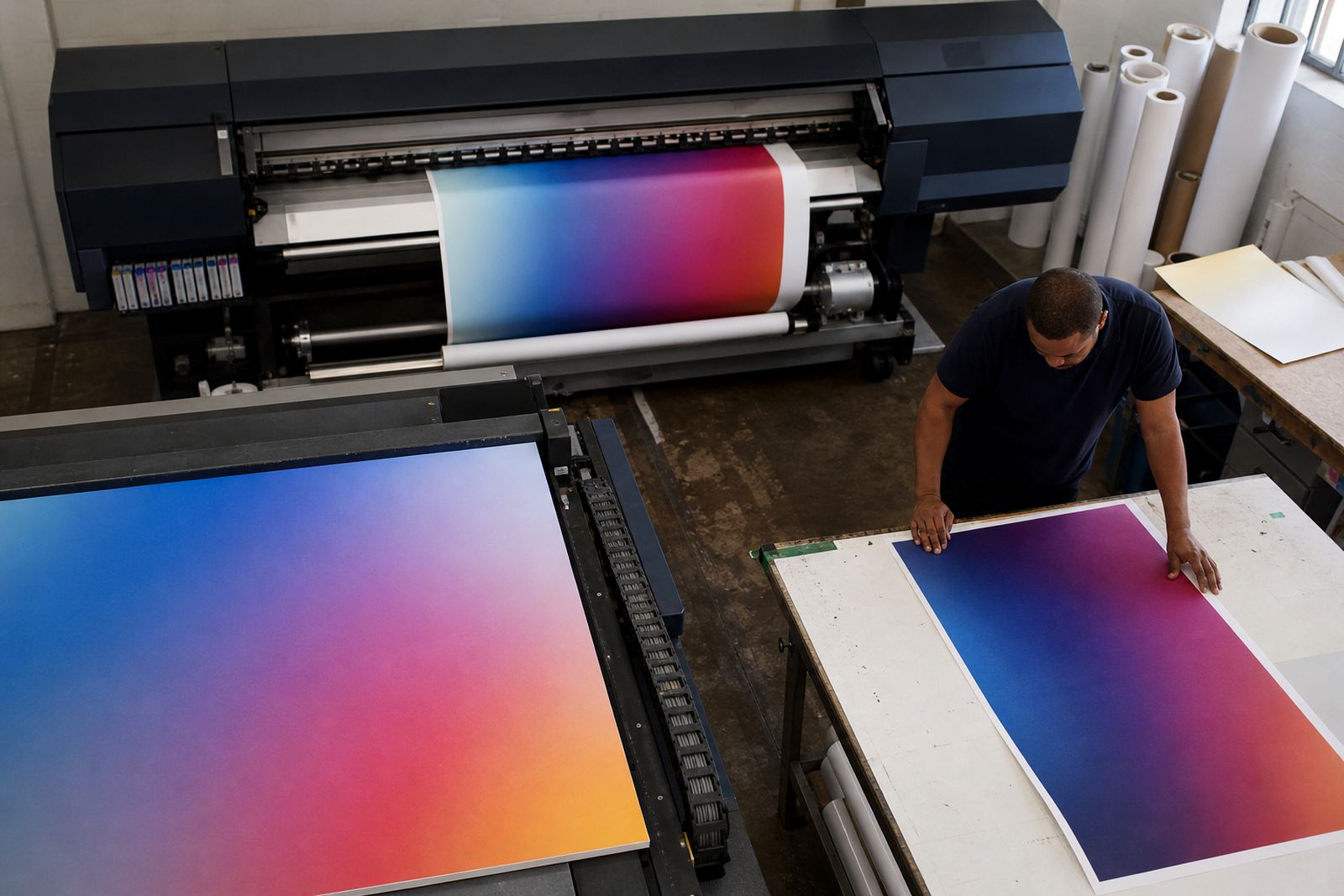
Training lab
Get practical Epson graphic-arts training on media loading, file handling and daily checks that support steady production.
Read more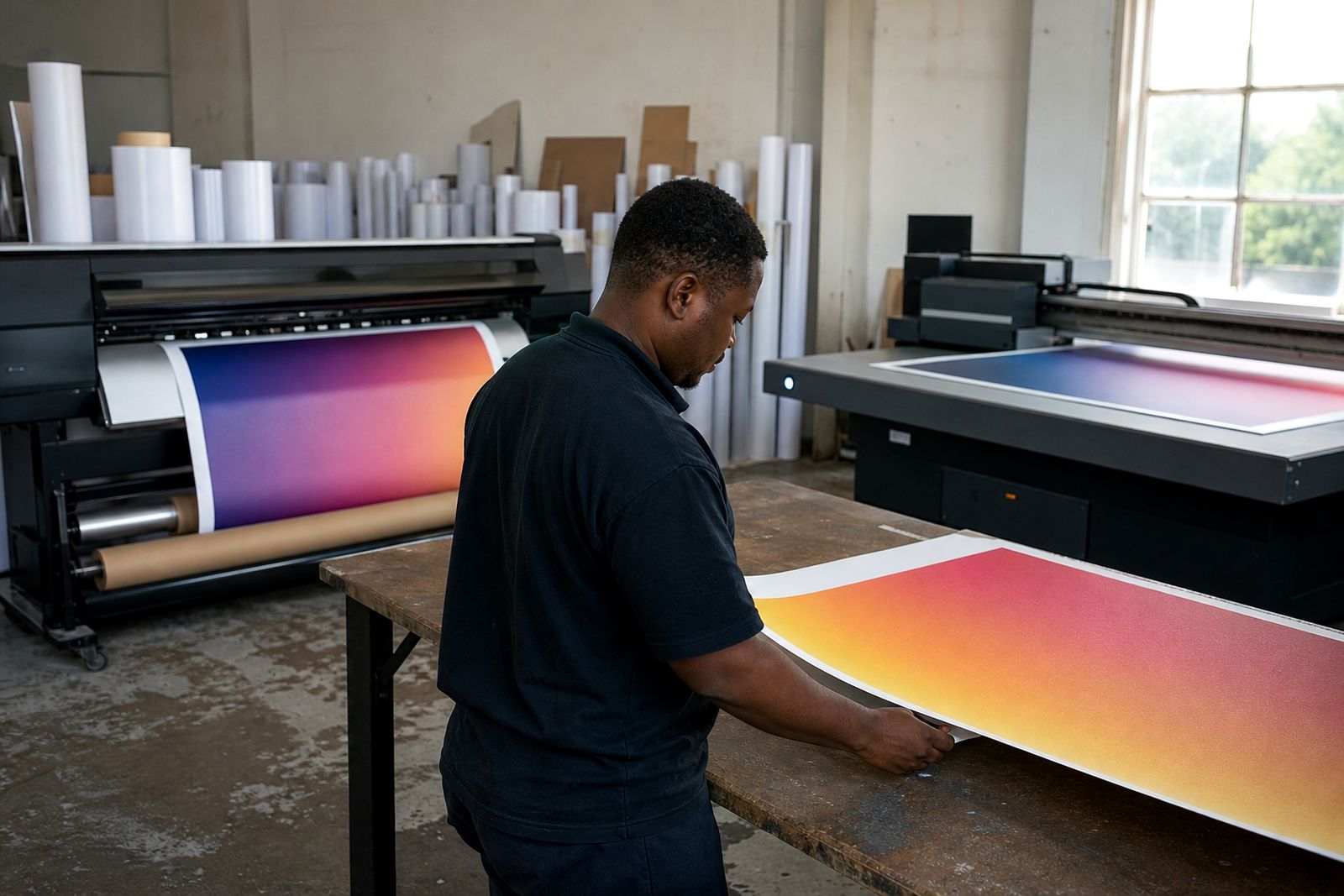
Coastal pack
Coastal pack deals with the humidity, storage and handling issues that usually appear after the first settled print week.
Read moreWhat our Epson Graphic Arts customers say
Verified Google reviews
Tell us what you print and where it hurts
Send a note through our contact form with the media you print, the printer you run or are considering and where the workflow slows down, and we will come back with practical options and a quote.
Open the contact form