
Support
Support
Support from eProfile
For Epson graphic-arts support, start by sending the issue through the eProfile contact form. Include the Epson model, your city, and the fault.
We handle enquiries during normal business hours from Sunnyrock, Gauteng. Email reaches the desk directly rather than disappearing into a portal.
First checks before you write
Note the last power, media, firmware and settings handoff, and mention whether the fault started after a weather shift or crew change. Dry Highveld air and Cape coastal humidity can point to different print and feed problems. Teams in Stellenbosch and Stellenbosch save a round trip when that context is in the first message.
What we send back
A simple sequence for Epson graphic-arts support: what to check first, what to photograph next, and when a part, workshop visit or demo-floor session makes more sense. Operated by Astros Marketing (Pty) Ltd from Sunnyrock 1401.
Escalation without drama
When production has stopped, write URGENT and the printer model in the subject line. Add a direct phone number in case the fault is easier to confirm on a short call. We will say when a remote fix is enough and when Gqeberha needs a hands-on look.
Keep exploring
Products · Solutions · Contact · Contact form.
Questions on Support? Careers questions can go through the contact form too, with your city and when you can start. Career enquiries are handled from Sunnyrock, Gauteng.
Gauteng graphic arts demos
We keep this careers page direct so applicants and suppliers can send the detail that matters. If your support job falls outside this setup, spell that out in the first message. Site access limits, clean-room rules, power conditions or export paperwork can all affect how a placement is handled. A short email with constraints beats a long email with adjectives. eProfile is here for buyers who already know the floor and need a supplier that answers plainly. Send the city, the week that matters, and the problem you have already seen on the floor. That gives the Sunnyrock team enough context to route the enquiry properly.
Profile briefs kept to one page
Most South African applicants do not need another broad careers summary. They need a supplier who will say which path fits a dusty Highveld bay, a humid coastal line, or a night shift that cannot wait for a specialist. eProfile writes for that reader. Keep the mail short. Keep the photos honest. Keep the subject line tied to Support. A clear brief helps the team assess the role, the site conditions and the handover without avoidable confusion. If you are comparing two roles or routes, name both in the first mail so we can separate the immediate need from the longer plan.
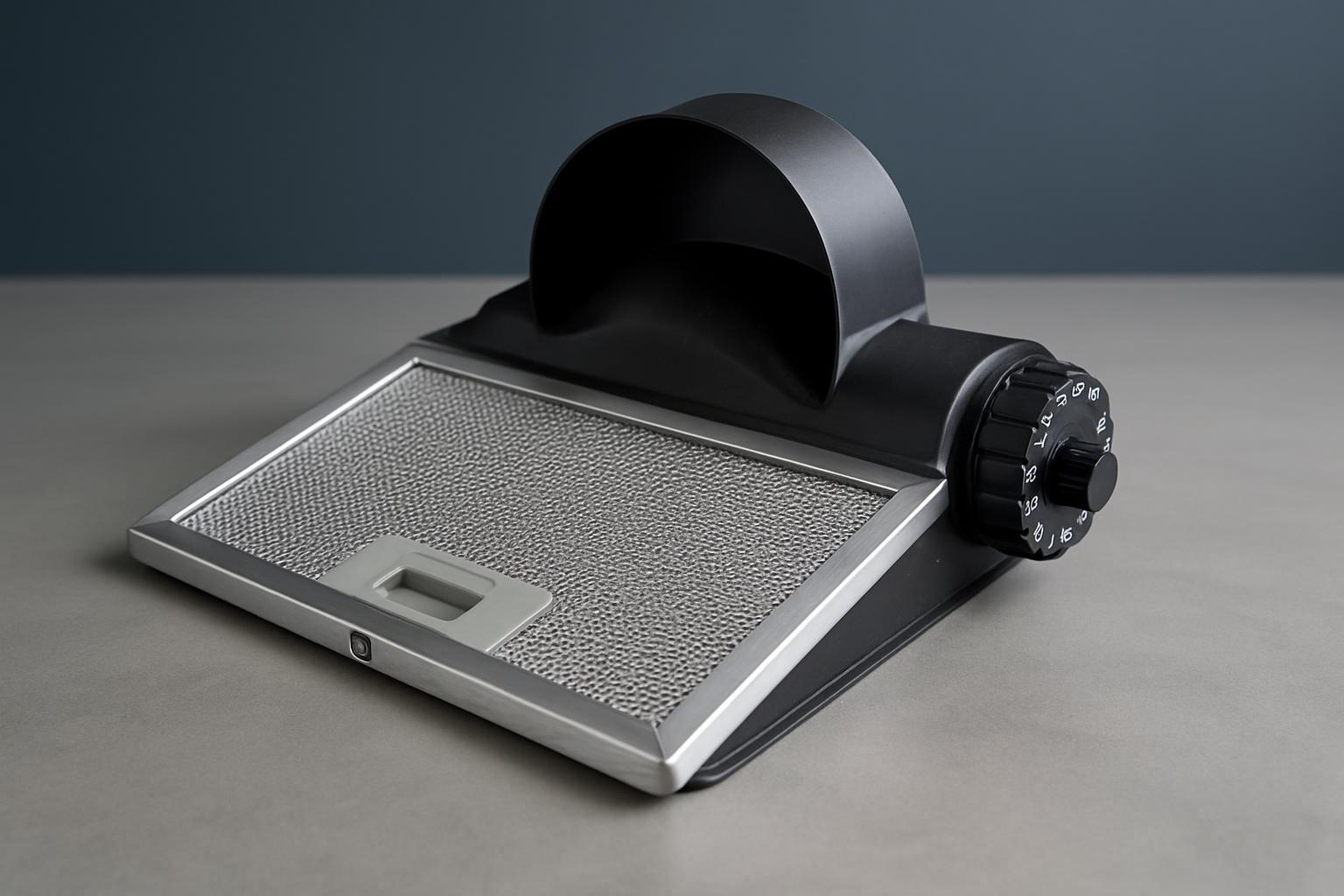

Commissioning
Step-by-step guidance for bringing Epson graphic-arts equipment into service on South African production floors, written for crews who know the workflow.

Remote Check
A clear route for remote checks on South African print sites, for operators who need practical troubleshooting rather than generic notes.

Parts support
A workable process for sourcing parts on South African print floors, with the detail technicians and production teams actually need.

Training Hour
Focused training support for South African print rooms, built around day-to-day operation, media handling and workflow use.

Escalation
A straightforward escalation route for South African print environments when the usual checks have already been done.

Warranty support
A practical warranty route for South African print hardware, covering the information needed before the next technical step.