
Warranty support
Warranty support explains what eProfile needs before moving an Epson graphic-arts warranty case forward, including machine details and fault notes.
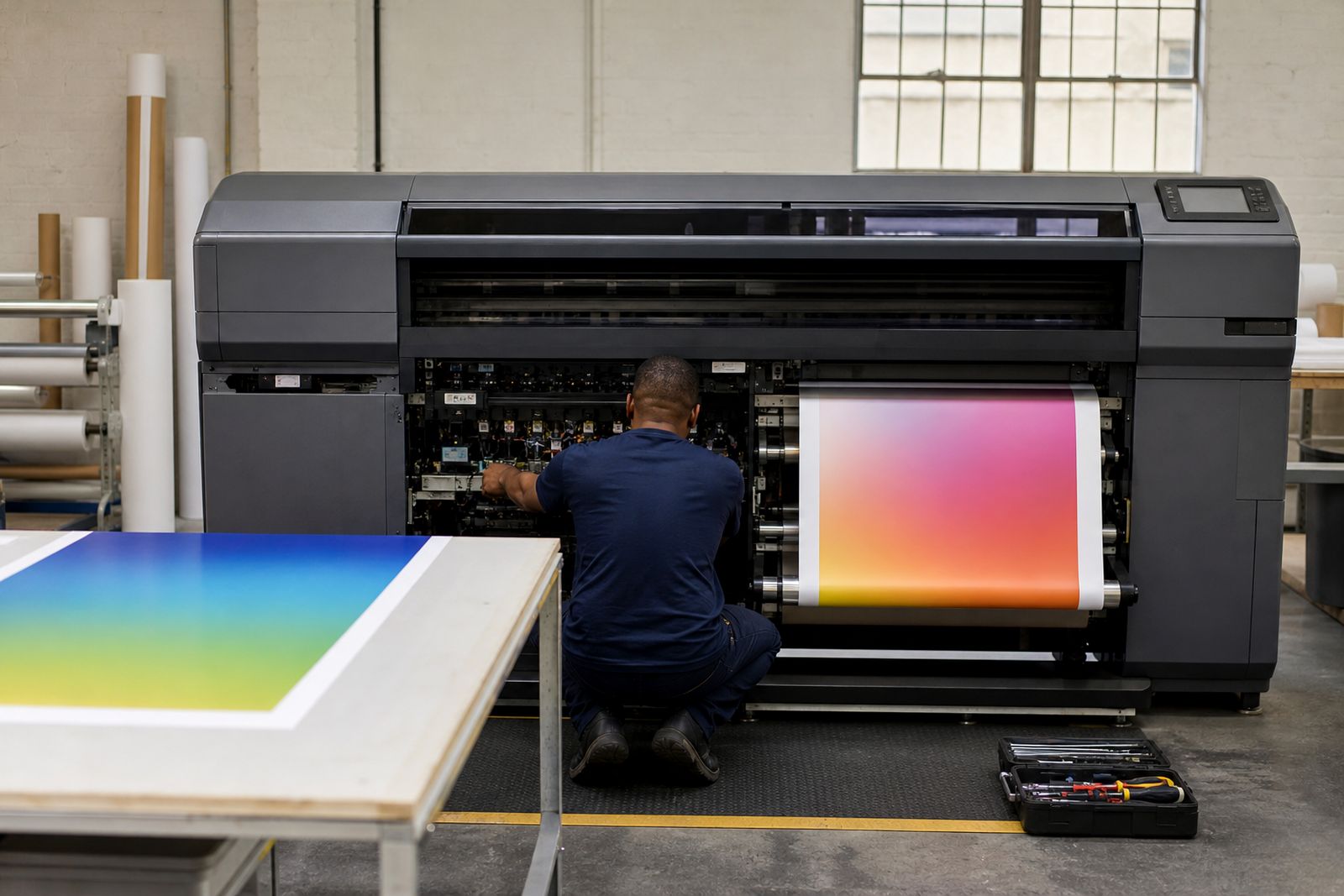
Warranty support for print rooms
Warranty support explains what eProfile needs before moving an Epson graphic-arts warranty case forward. It covers the machine details and fault information required before the next technical decision is made.
Before logging a warranty case, note the exact Epson model, serial number, ink set, and the fault seen on the machine. South African site conditions matter here: Cape Town moisture can affect media handling, while Gauteng dust often shows up around sensors, capping areas, and paper routes. Include whether load shedding, a UPS event, or a recent move preceded the fault.
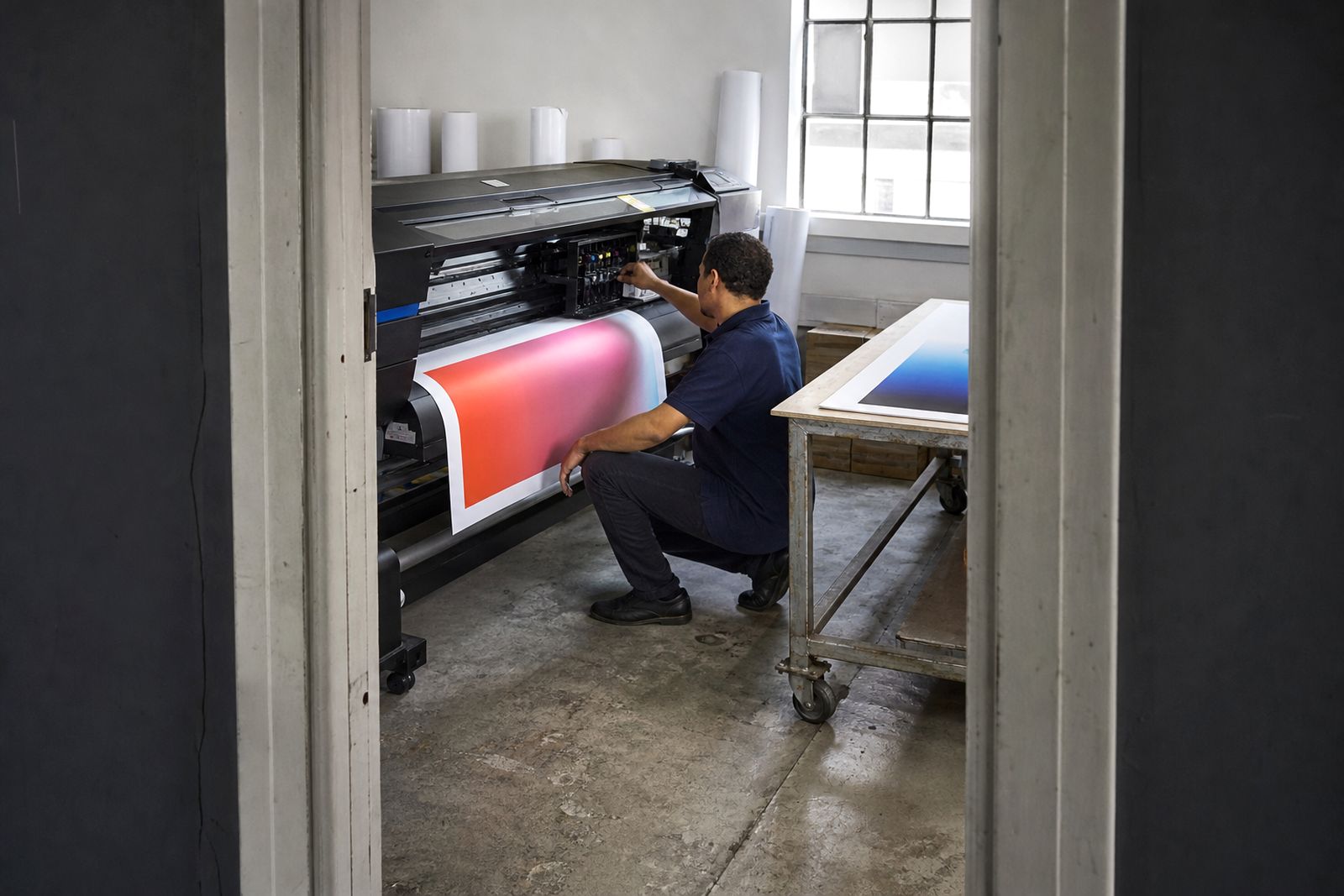
Begin with clear photos of the printer, the control panel, and the error or print defect in question. Add one image of the media loaded and one close shot of the affected output if banding, head strikes, or colour issues are involved. Those records help separate a hardware warranty matter from maintenance, media, or setup problems on site.
Warranty claim details
A useful submission states what failed, what checks were done, and what the machine did afterwards. List nozzle check results, error codes, cleaning steps, and any part recently changed. Keep the description tied to one fault at a time so the next technical decision is based on a clean record.
Use this warranty support together with the relevant machine details before you escalate the issue further. Confirm the site contact, installation address, and whether the unit can print at all or is fully stopped.
- Serial number and model recorded correctly
- Photos of panel, printer, and defect
- Fault notes from the site visit
On-site checks that matter
Record whether the printer is in daily production, idle, or newly installed at the customer site. Note any recent transport, firmware update, head clean, ink change, or media change before the problem appeared. This helps distinguish a warranty route from an operator setting, consumable issue, or transport-related fault.
Coastal humidity can change paper behaviour and drying, while inland dust can affect moving parts and sensor readings. Power interruptions may leave the machine in an unusual state, so mention any restart sequence followed after the event. For print quality faults, include the file type, resolution setting, media profile, and the result of the latest nozzle check.
What to include with the claim
Send the warranty request with photos, machine details, fault notes, and the checks already completed on site. Use a clear subject line.
Send the warranty request with machine details, photos, fault history, and the tests carried out by the operator or technician. Where parts of the unit were cleaned or reseated, state exactly what was touched and what changed afterwards. If the printer is needed for live work, mention which function is affected, such as printing, feeding, cutting, or maintenance operations.
What our Epson Graphic Arts customers say
Verified Google reviews
Also worth a look
Tell us what you print and where it hurts
Send a note through our contact form with the media you print, the printer you run or are considering and where the workflow slows down, and we will come back with practical options and a quote.
Open the contact form