
Printers
Demo Day
Demo Day shows a working Epson setup under trade conditions in Gauteng or Cape Town. Visitors can see media loading, RIP setup, colour checks and the first printed sheets in one session.
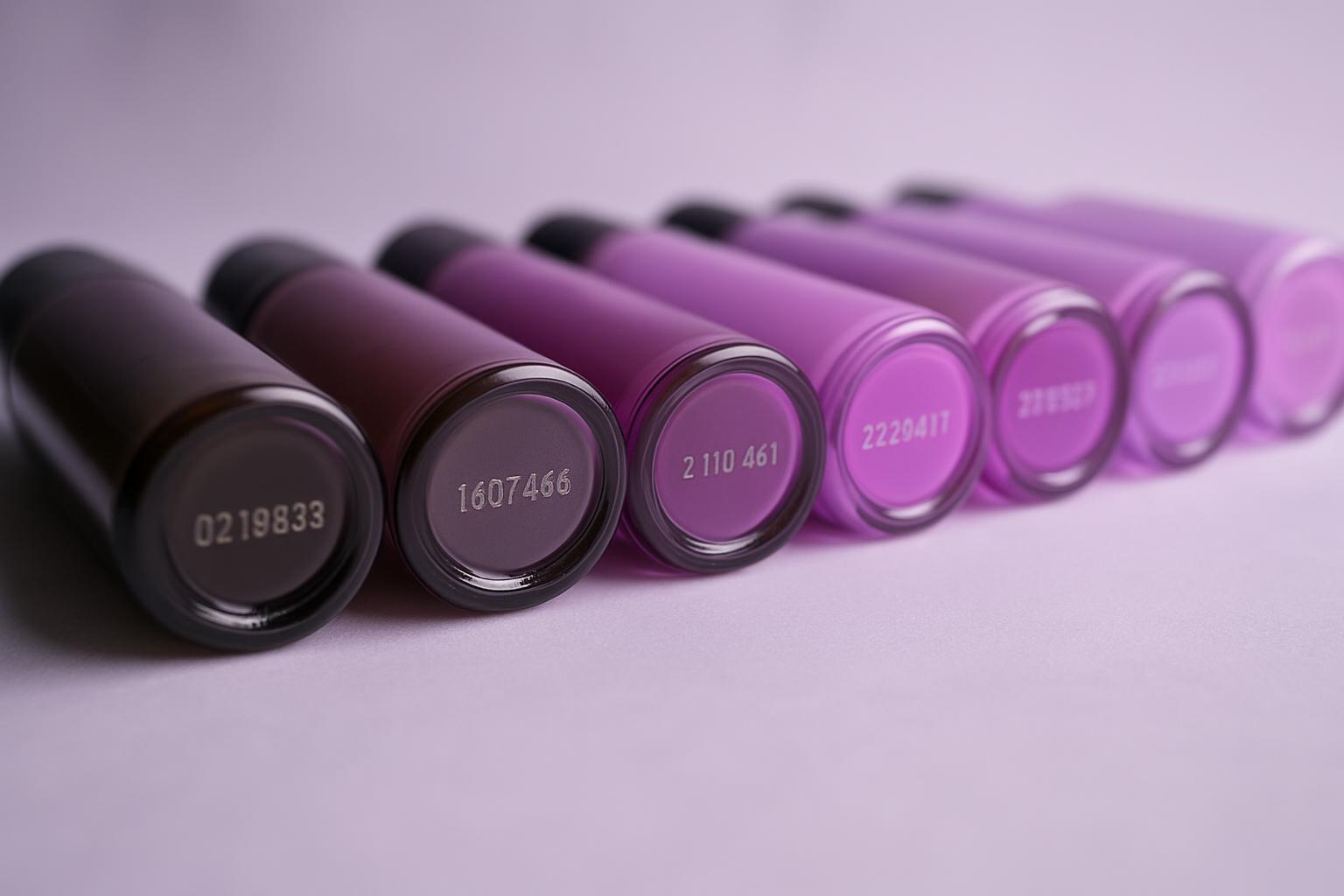
How Demo Day runs on the Gauteng and Cape Town floors
Demo Day explains how eProfile structures a practical Epson demonstration for trade visitors. It covers the flow of the session, the type of work shown on the floor and the preparation needed before the machine runs.
Each demo is planned around the stock and job type you want to assess, from photo papers and poster media to roll-fed display work. Cape Town moisture levels, inland dust and power interruptions are discussed during the run because they affect handling, nozzle checks and drying behaviour on Epson graphic-arts devices.
Bring a file that matches the kind of output you sell or approve every day. The team checks scale, resolution, media profile choice and print intent before the machine starts, then compares the sample on the spot so waste is kept visible rather than guessed later.
Material checks during the session
By the end of Demo Day, you should have printed samples, noted settings and a clearer view of which Epson model suits the work. Attention stays on file preparation, media behaviour and output quality, not on vague feature lists.
Use the contact form to request a Demo Day and state which Epson application you want to review, such as posters, proofing or photographic output. Include the city, the media you want shown and any file concerns so the session can be matched to the right machine and sample set.
- Roll loading and media alignment shown
- Nozzle check before live print output
- Printed samples reviewed with settings
Trade conditions that affect output
A useful demo accounts for where the printer will actually run, whether that is a busy Gauteng production space or a Cape Town studio near the coast. Dust, room temperature, ventilation and power stability can all change maintenance patterns and how confidently operators handle repeat jobs.
The session can include head checks, media feed observation and discussion around drying time for the selected stock. It is aimed at buyers, operators and production staff who need to judge Epson hardware in use, with the workflow visible from file to finished print.
Operated by Astros Marketing (Pty) Ltd from 2 Makro Place, Sunnyrock 1401.
Before You Arrive at Demo Day
Share the intended application, preferred media and any reference output before Demo Day. If there is a problem print you want discussed, include a photo and note the printer settings used at the time.
Arrive with the artwork, brand colours or sample job that matters to your team. That makes it easier to compare sharpness, density, handling and consistency during the demonstration instead of relying on generic test pages.
What our Epson Graphic Arts customers say
Verified Google reviews