
Studio
First Photo
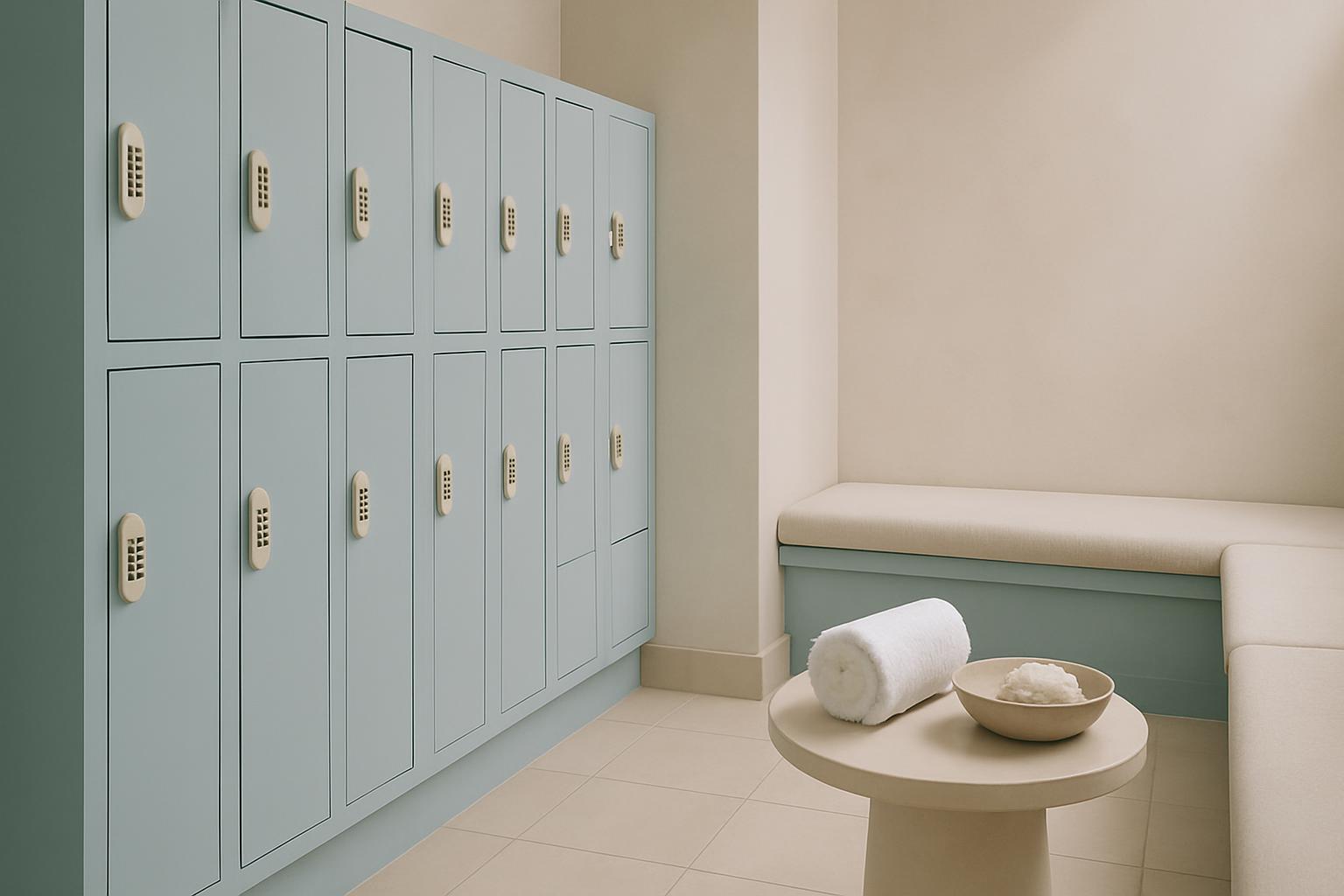
A practical floor note on the first install photos teams should send before an Epson demo or setup visit.
Before a sample leaves the floor, one accurate photo can settle later questions about colour, finish and condition.
First Photo records the print exactly as it left dispatch, before handling, packing or site light changes its appearance. Use one sharp image, neutral lighting and a view that shows colour, surface and any edge detail worth noting. To tie a first-print record to a job, send the job number through our contact form.
Dispatch image details that matter
- Room and branch named clearly
- One straight-on image of the print
- Job code or sample label visible
- Sender name matches the project record
Read this note alongside the related Epson hardware and media pages. First Photo covers the image record itself, while the linked pages explain which device, stock or application was shown to the buyer.
How First Photo frames Epson demo output for graphic-arts buyers
First Photo shows the install pictures eProfile wants before an Epson demo or setup visit. Clear images of the room, power points, access route and working area help us brief the right hardware and plan the floor properly.
Begin with the sample under even light and keep reflections out of the frame. Cape Town sea air, Highveld dust and changing site power all affect how prints are handled and checked before a demo. First Photo is written for Epson graphic-arts work moving through Gauteng and Cape Town.
Take the first image before the print is rolled, trimmed or mounted. Include enough of the sheet to show overall balance, then keep a second close view for texture, gloss or any mark that must be recorded. That simple habit helps later when a team compares the dispatched sample with what arrives on site.
What First Photo should leave behind
The aim is a usable visual record tied to the Epson model, media and job reference. One accurate image is more useful than a long message when colour, finish or handling is questioned after transport or setup.
Link First Photo with the related journal entry only when the same sample or setup is being discussed. Check the job name, media and site details before collection. Tell us the Epson model, the media and your monthly print volume, and the demo floor team will set up the right comparison.
- Image habits for live Epson demos
- Dispatch sample photographed before packing
- Photo record sent with project notes
Conditions that change the image
Plan for courier handling, warehouse lighting and older production rooms where wall colour can shift how a print looks in a phone image. Some Epson units are shown during booked demos, while others are documented during active setup visits. Where equipment is in use, keep the photo note separate from any technical fault report.
Coastal moisture can alter curl and surface appearance on certain media after printing. Inland dust shows quickly on dark solids and around sheet edges if handling is poor. Load-shedding also affects when teams can print, inspect and photograph a sample under stable light.
Operated by Astros Marketing (Pty) Ltd from 2 Makro Place, Sunnyrock 1401.
First Photo capture points
A practical floor note on the first install photos teams should send before an Epson demo or setup visit.
Send the image on the same day the demo, install check or sample handover takes place. Add the project summary and media name where a buyer needs a clear record of what was shown, especially when more than one Epson output sample is in circulation.
What our Epson Graphic Arts customers say
Verified Google reviews