
FAQ guide
Get quick answers on media, site details and demo planning for Epson graphic-arts installations in South Africa.
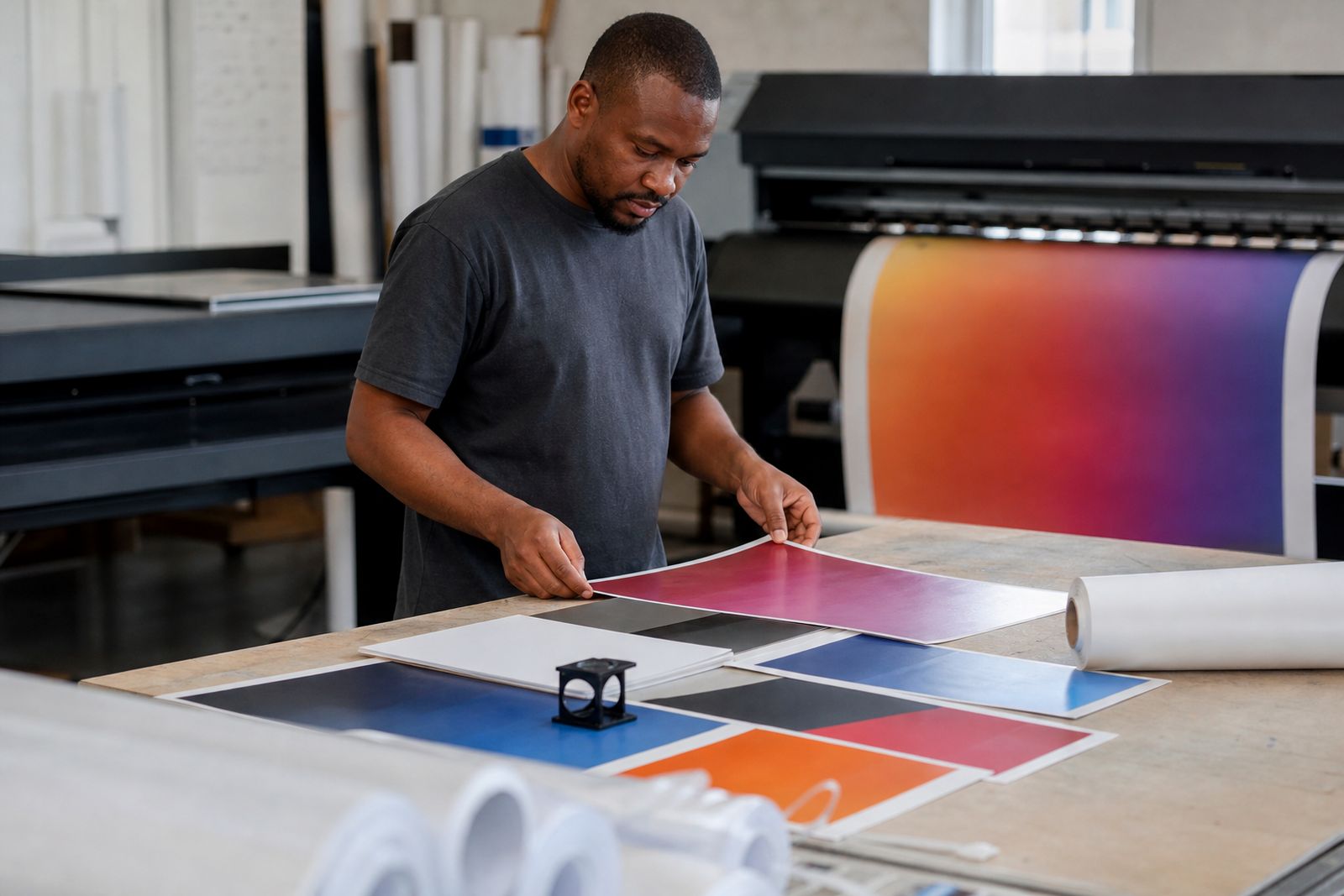
Questions raised during Epson demos
This FAQ covers the questions that come up most often around Epson demo floors and working print rooms. It gives South African teams a quick reference for media, routine and site details before a demo or installation.
Queries before a machine test in Gauteng or Cape Town usually cover approved media widths, roll loading, nozzle checks, RIP setup and the space needed around Epson graphic-arts units. South African site conditions matter, especially Highveld dust and coastal moisture during sample runs.
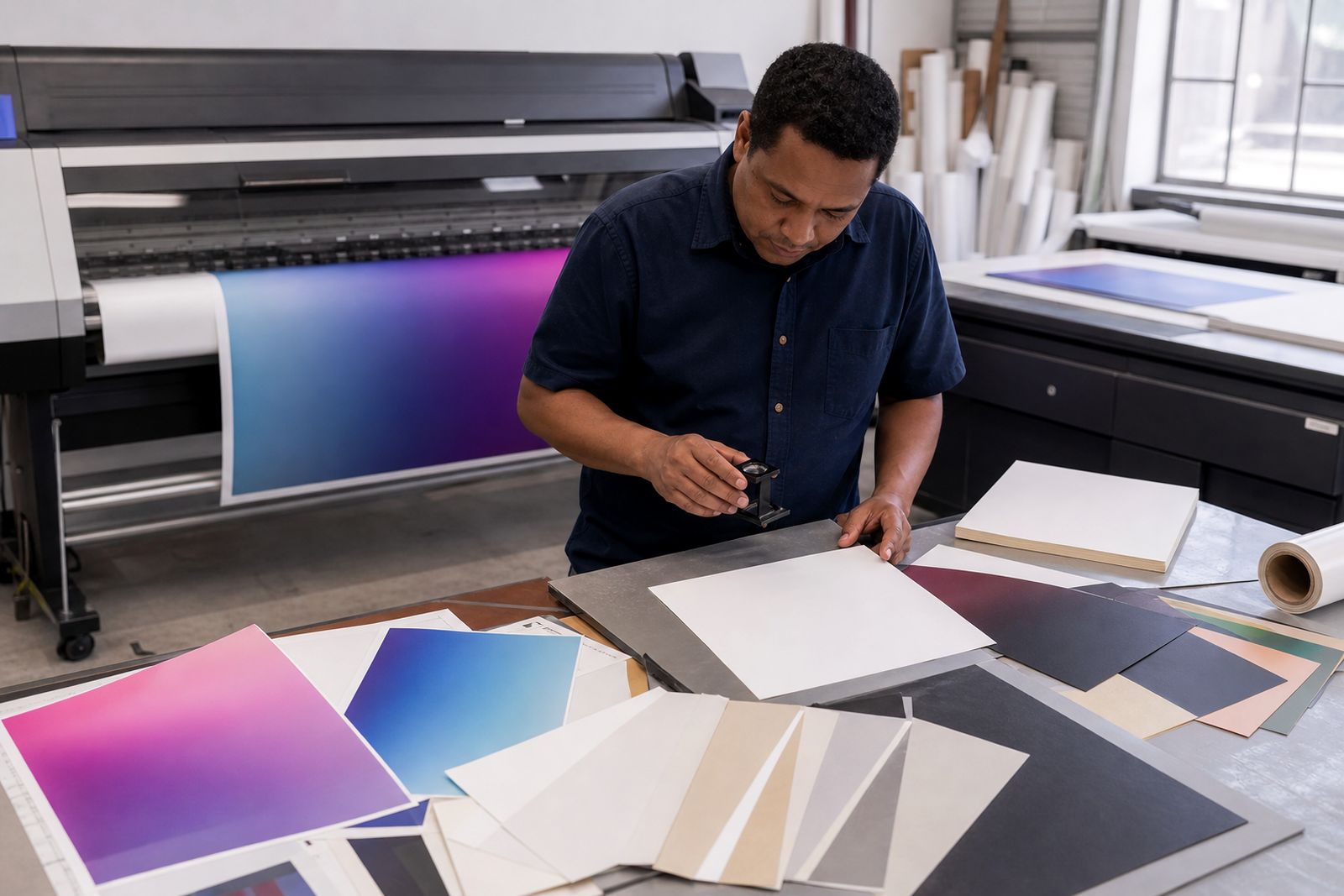
Take photos of the printer position, power points and media route before changing settings or moving stock. A short note next to the machine helps the next operator repeat platen gap, feed adjustment and cutter choices without guessing. That is useful when shifts change or a demo sample must be reprinted later for comparison.
What these common questions cover
Keep a working reference for demo-day checks, media handling and colour routine on Epson hardware. It points to the details teams usually need on site, such as head cleaning order, drying considerations, printable margins and file prep for repeatable samples. The aim is to reduce avoidable media loss when a machine moves from test prints to customer work.
Use the matching routine note alongside when media choice, RIP settings or sample approval need to be checked against what was shown on the day. Before equipment or stock is dispatched, compare the Epson model, ink set and roll specification with the recorded setup so the same conditions can be recreated. Tell us the Epson model, the media and your monthly print volume, and the demo floor team will set up the right comparison.
- Common Epson demo questions answered
- Machine position photographed before settings change
South African print-room conditions
The FAQ notes account for booked demo sessions, courier timing, older premises and live production environments where stoppages carry a cost. Some sites are evaluating a new Epson unit, while others need answers for a machine that is printing jobs every day. In those cases, it helps to separate a once-off print defect from routine operating checks such as maintenance cycles, media profiling and file handling.
Cape Town humidity can change how certain papers and films feed, while inland dust often means more frequent wiping around sensors and covers. Power cuts also affect when test charts, nozzle patterns and colour comparisons should be printed and labelled. A visit to the demo area is meant to show Epson hardware, media behaviour and routine decisions under working conditions in South Africa.
Notes to capture on demo day
Use the This FAQ notes to cover the questions that come up on demos, media handling, colour routine and daily operation before the machine reaches a customer site.
Record the date, Epson model, media type, RIP used and any settings changed during the session so future samples can be matched properly. Attach this FAQ page to the job file when a buyer wants written backup for what was tested, including print mode, resolution and finishing observations. That keeps the reference tied to the exact demonstration rather than a general product summary.
What our Epson Graphic Arts customers say
Verified Google reviews
Also worth a look
Tell us what you print and where it hurts
Send a note through our contact form with the media you print, the printer you run or are considering and where the workflow slows down, and we will come back with practical options and a quote.
Open the contact form