

Durban port
Durban port updates tied to inbound stock, dispatch planning, and the practical knock-on effects for local supply.

Durban harbour stock movement
Stock movement and dispatch planning affect Epson supply into KwaZulu-Natal. Buyers get a practical view of inbound hardware and local knock-on effects.
Container activity through Durban affects when Epson hardware reaches KwaZulu-Natal and when inland transfers can be booked. For buyers tracking incoming units, port-side movement links directly to dispatch planning, loading access and the stock pressure that follows when vessels, road slots or depot handling shift.
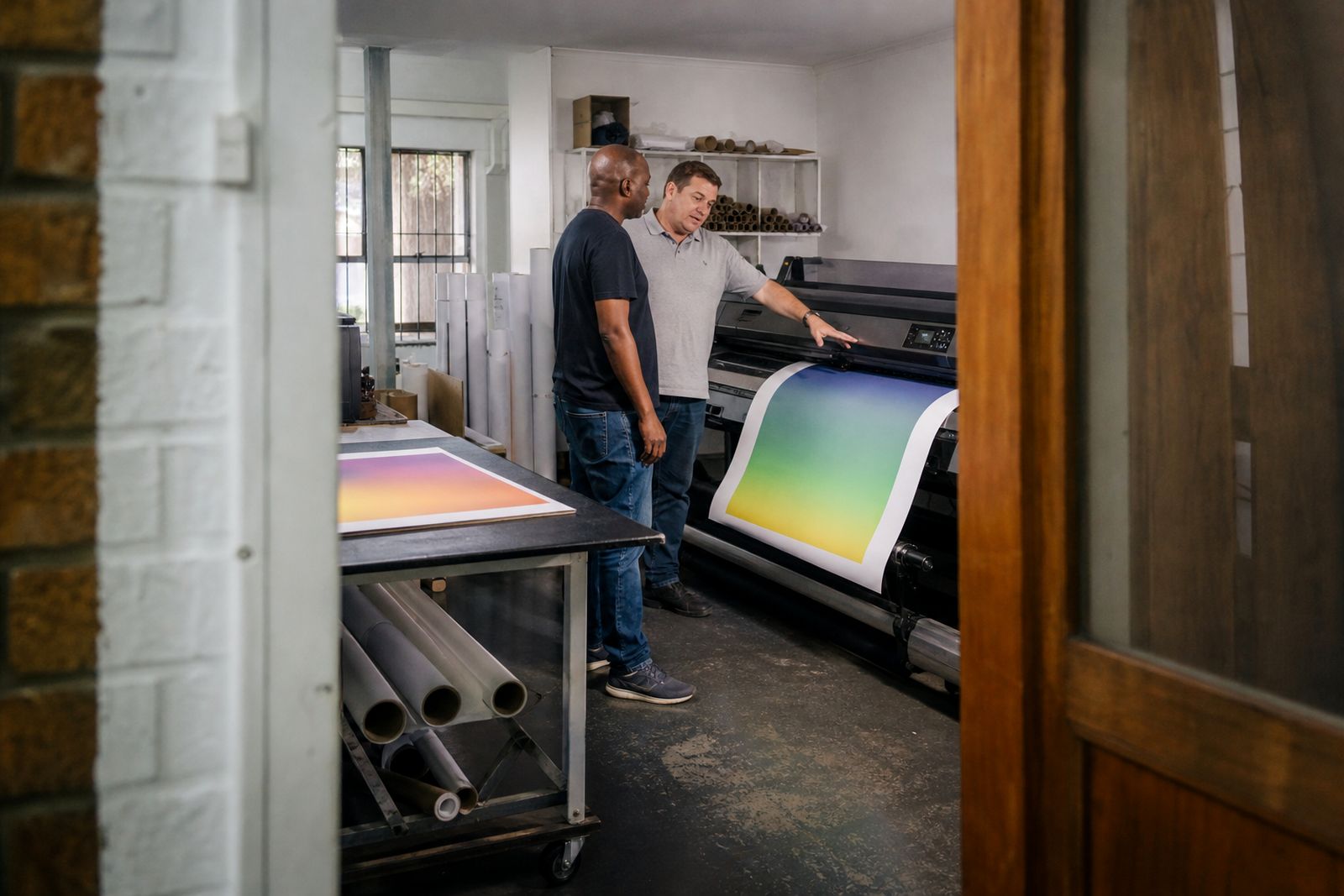
Include current site photos before any discussion on delivery or installation. Pictures of the receiving bay, door widths, power points and media storage help us flag handling risks, while notes on output faults on the active device show whether the issue is incoming stock, setup conditions or the printer itself.
Information needed for Durban dispatch
The useful record here is not a generic project summary but a working note with the Epson model, expected stock movement, access constraints and media on hand. That gives purchasing and operations the same reference when planning receipt into Durban, onward movement into KZN, or a demo tied to the same hardware class.
Link the matching project entry and any related job record before stock is reassigned or a delivery date is discussed. Check loading access, available power and media requirements again after each port update, then send changes through the contact form with the current device and any output defect.
- Inbound stock checks for KZN allocations
- Receiving-bay photos with access widths
- Current device issues logged against stock
KZN conditions that affect installation
Durban deliveries need more than a stock reference. Note whether the unit is moving into a warehouse, a production site with restricted loading, or a buyer location where lift access, stairs or parking change unload planning, especially for larger Epson graphic-arts hardware.
Coastal humidity and salt-heavy air can alter storage habits for media, packaging and opened consumables around Durban. Power availability on site also matters, so record outlet type, circuit stability and any UPS arrangement when the incoming device must go straight into production or demo use.
Port-side details to capture
Include site photos, loading access, power details, media requirements and any output issues already seen on the current device.
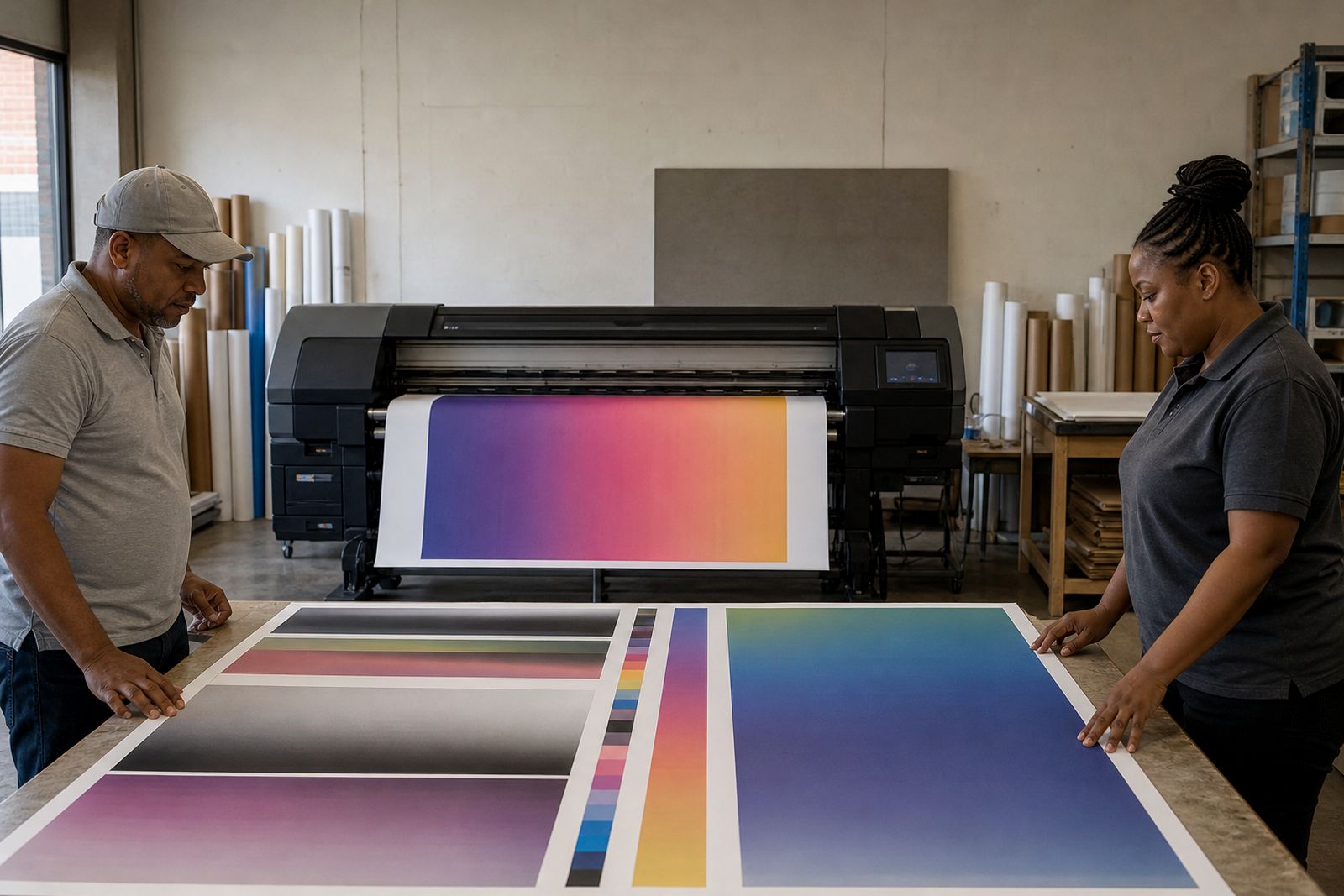
Record the latest stock position with photos of the site that will receive the unit, plus loading access, power details and the media planned for first use. Add any banding, feed marks, head strikes or colour drift seen on the current device so the next step is based on the actual operating condition, not assumption.
What our Epson Graphic Arts customers say
Verified Google reviews
Also worth a look


Tell us what you print and where it hurts
Send a note through our contact form with the media you print, the printer you run or are considering and where the workflow slows down, and we will come back with practical options and a quote.
Open the contact form