

George branch
George notes explain supply, sample viewing and the realities of supporting Epson customers beyond South Africa's main metros.
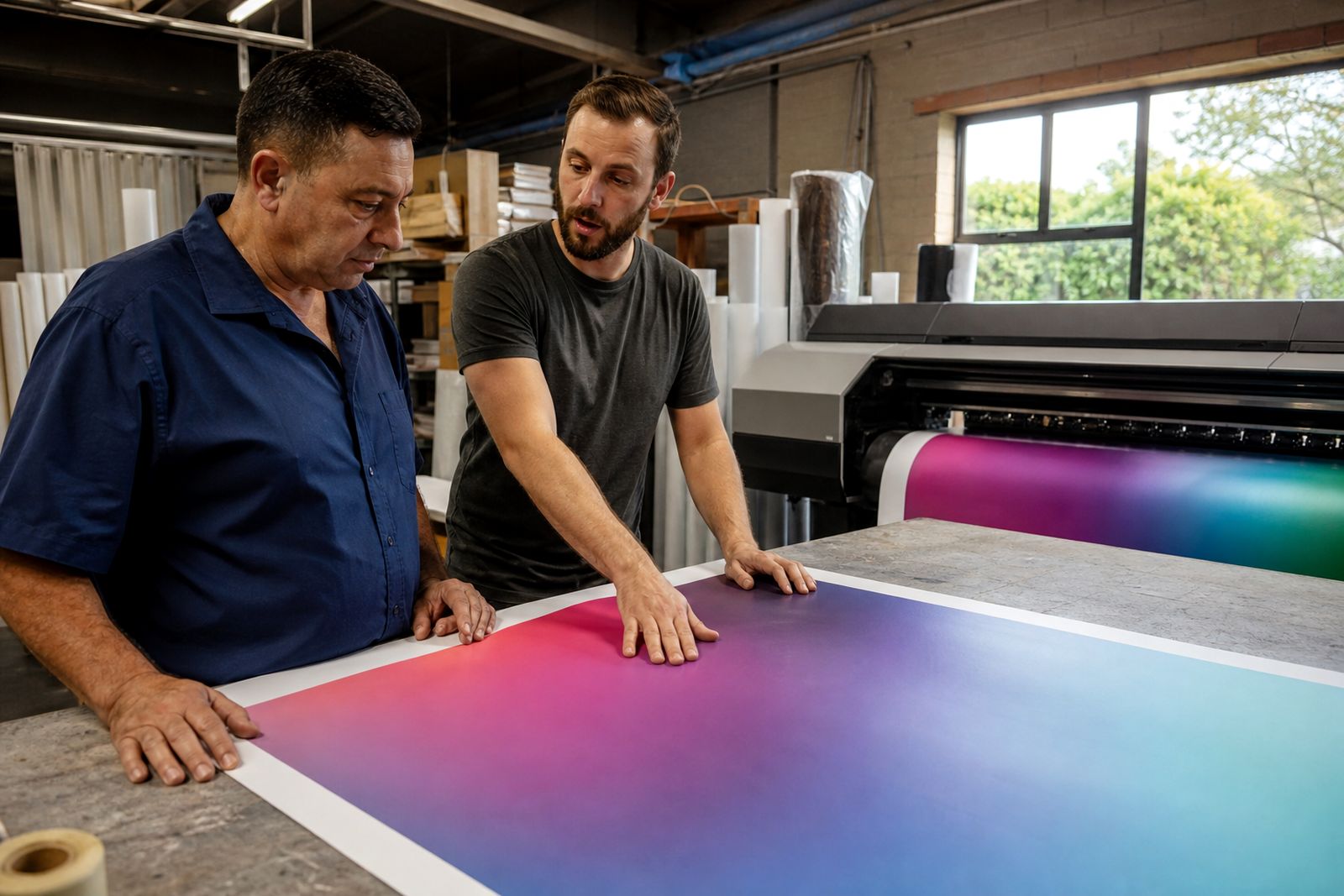
Supply rhythm for George
George handles supply and support outside the main metros. It covers route-based delivery, sample visibility and the practical issues that come with placing Epson equipment in the Garden Route market.
George sits outside the big city print corridor, so planning starts with distance, stock position and the handover point. Jobs for the Garden Route often mix indoor posters, short-run signage and proofing for clients who cannot pop into Gauteng or Cape Town to view output. Epson demos for this area need workable media choices, transport-aware packing and sample sets that show colour in coastal light.
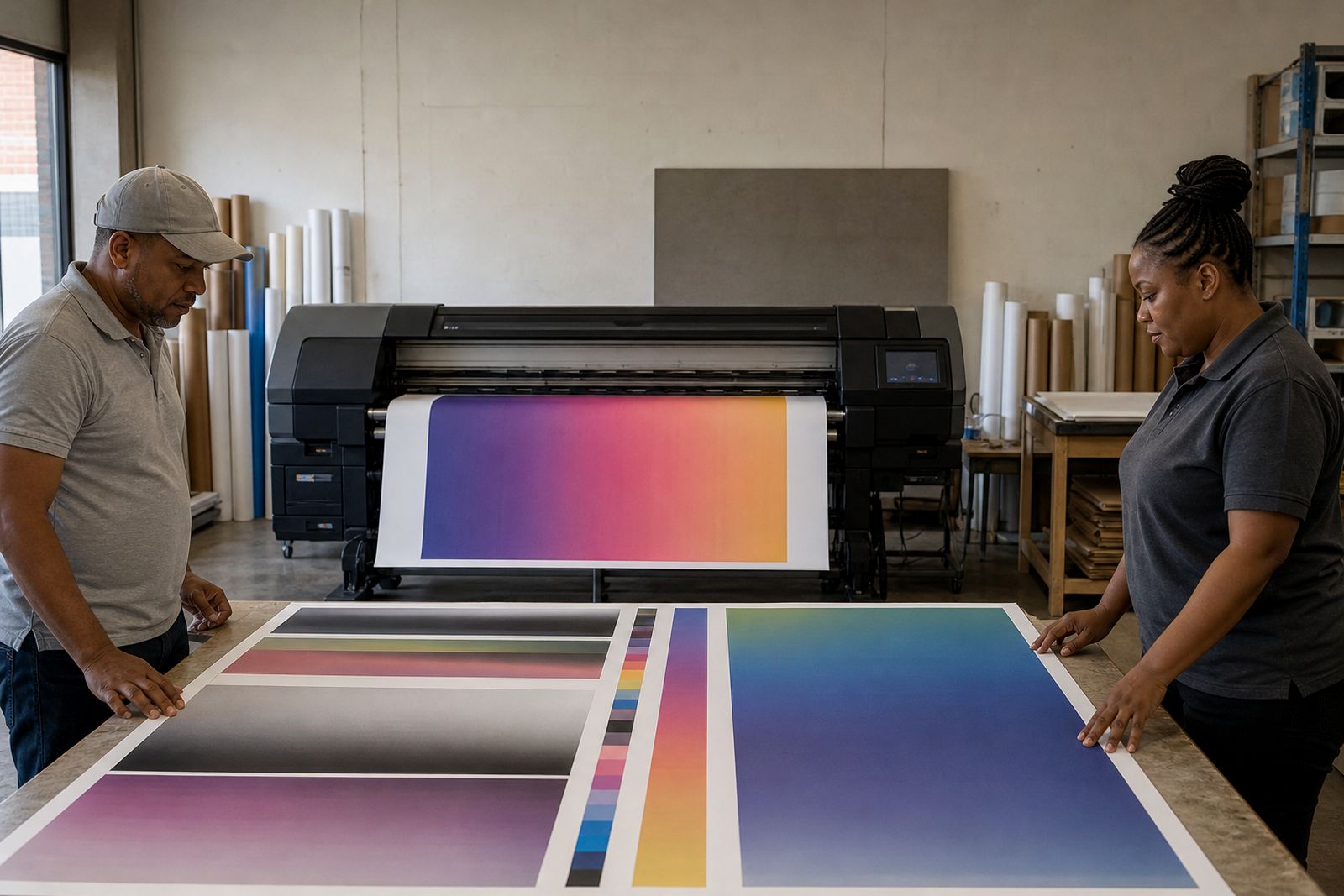
Photograph the printer space before any unit is moved or tested. Include bench height, power points, doorway width and the wall area for roll loading, because these details change which Epson setup makes sense in George. A good image set also helps when discussing ventilation, storage of media and where finished prints will be trimmed or packed.
What the George brief must cover
The useful outcome here is a written demo brief tied to the work you print in the Garden Route. That means the Epson model under review, the media to be tested, expected file types and the sample pieces required for sign-off. Clear notes beat vague options when stock has to travel and every reprint adds cost.
Link these notes with the nearest line note before adding extra devices or media lines. Check quantities, delivery route and print purpose against that record before anything is packed for dispatch. Tell us the Epson model, the media and your monthly print volume, and the demo floor team will set up the right comparison.
- Route-based planning for Garden Route installs
- Workspace photos before media and unit selection
- Photos and job details kept together
Garden Route operating conditions
George work has different pressures from metro accounts because stock movement, site access and service travel need more thought. A customer near the bay may want proof sets, wallpaper samples or poster output, yet collection and delivery windows can be tighter than in Johannesburg. Notes should separate urgent print needs from longer-term equipment planning so the Epson discussion stays useful.
Sea air, damp mornings and changing weather can affect how media is stored and how prints are handled after output. Dust from transport, weekend shutdowns and power cuts also matter when nozzle checks, maintenance cycles and sample reviews are scheduled. A George demo should show loading, print behaviour and routine steps that suit this region, not a generic city setup.
What to send before a George demo
Send print applications, file types, expected volumes and clear photos of the work area so the Epson hardware demo reflects the real job.
Include the print application, sheet or roll size, monthly volume and the file formats your team sends most often. Add photos of the work area, note whether access is on a route run or direct delivery, and state if colour matching to an existing job is required. This gives the Epson demo a proper brief rather than a broad product viewing.
What our Epson Graphic Arts customers say
Verified Google reviews
Also worth a look
Tell us what you print and where it hurts
Send a note through our contact form with the media you print, the printer you run or are considering and where the workflow slows down, and we will come back with practical options and a quote.
Open the contact form