

Midrand yard
Midrand distribution notes covering yard access, stock movement, and the branch logistics behind hardware allocations.
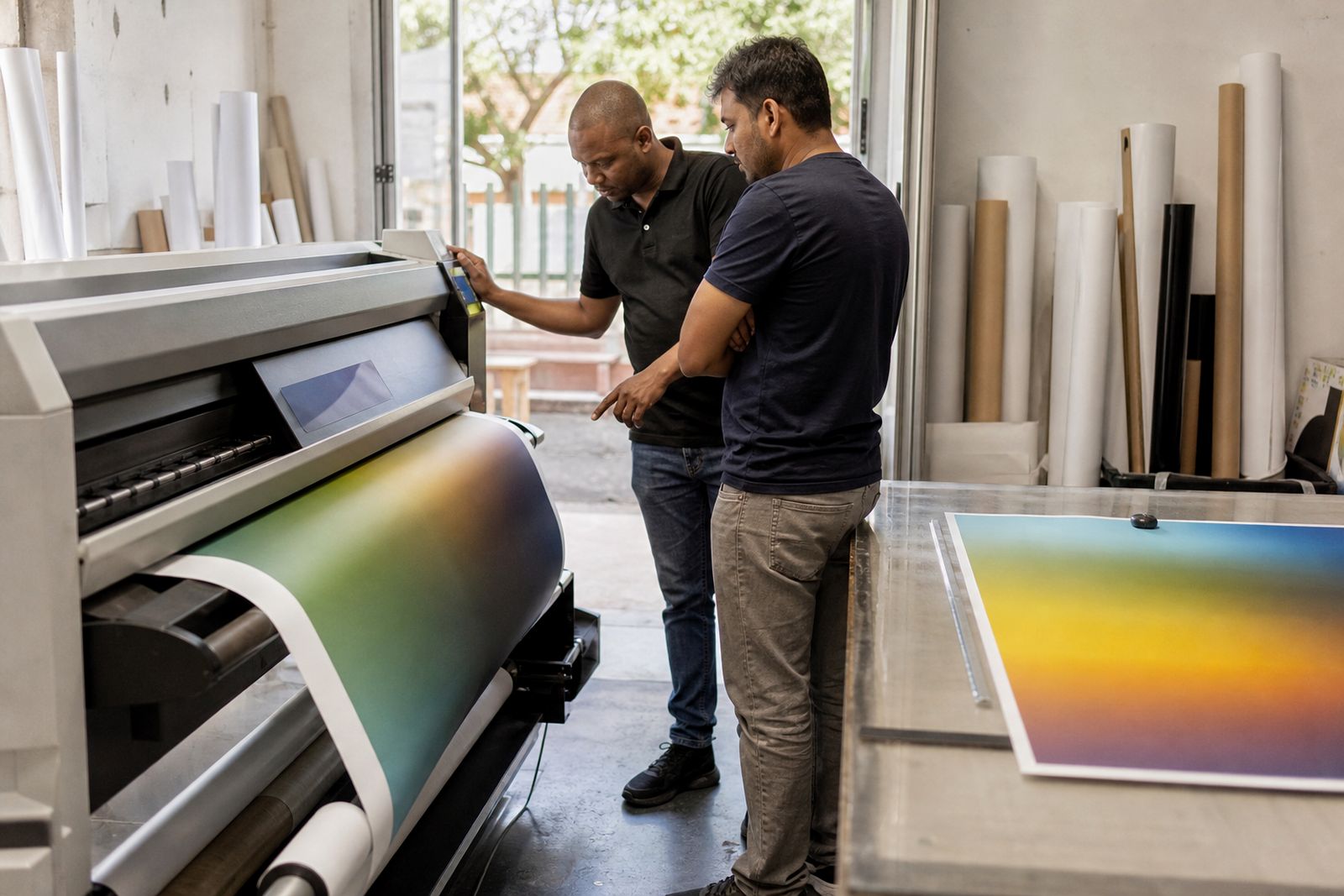
Handling points for Midrand
Midrand yard cover the logistics behind Epson hardware allocations. It looks at yard access, stock movement and the branch handling that supports distribution in Gauteng.
Midrand yard handles Epson hardware for the Gauteng branch, with units moving from yard receipt to dispatch through the designated access gate and offloading area for larger devices. Stock movement, pallet condition and bay positioning matter here because they affect inspection before a demo unit is booked out.
Add the first arrival photo and one wide shot of the loading area before any notes are filed. That record should show wrapping, labels, and the machine position on handover so the next team can check condition against the same reference. Include substrate widths and any crate dimensions if the demo involves wide-format handling.
What to record at Midrand
Record the Epson model shown, the media loaded, and the route the unit took through the branch yard. Note whether handling needed a pallet jack, tail lift access, or extra clearance around the crate. A short checklist should cover transport, setup and output in one sequence.
Link these notes with the matching routine note and the related project entry before adding more job detail. Confirm access instructions, artwork samples and handling notes before sending anything through the contact form. If a branch-specific issue came up during the visit, mention the exact point where stock movement or loading changed the demo setup.
- Bay access and offloading notes
- Arrival photos logged before unpacking
- Branch handling details kept on record
Gauteng yard conditions to note
Midrand handling can differ from Cape Town because yard traffic, dispatch timing and branch allocation patterns are not the same. Gauteng-specific details include access during busy collection periods, unit staging space, and any checks done before hardware moves to the demo area. Keep OR Tambo and wider distribution routing in mind where stock is being prepared for onward movement.
Highveld dust should be noted where packaging stays open during inspection or where a unit waits in the loading zone. Power interruptions can also affect when checks, test prints and system startup are done, so the timing of each step is worth recording. The aim is to show Epson hardware handling in working conditions, with actual branch context attached.
Midrand visit file contents
For a Midrand demo, include artwork samples, substrate widths, access notes and floor photos so the demo covers handling, output and routine, not guesswork.
That gives the branch, the demo team and the buyer one record of what was shown and how the hardware was handled. Where logistics affected the session, write down the exact constraint rather than a general remark.
What our Epson Graphic Arts customers say
Verified Google reviews
Also worth a look

Tell us what you print and where it hurts
Send a note through our contact form with the media you print, the printer you run or are considering and where the workflow slows down, and we will come back with practical options and a quote.
Open the contact form