
Project
Umbilo Shop
Umbilo shop notes on branch layout, customer flow, and which Epson lines need the clearest in-store explanation.
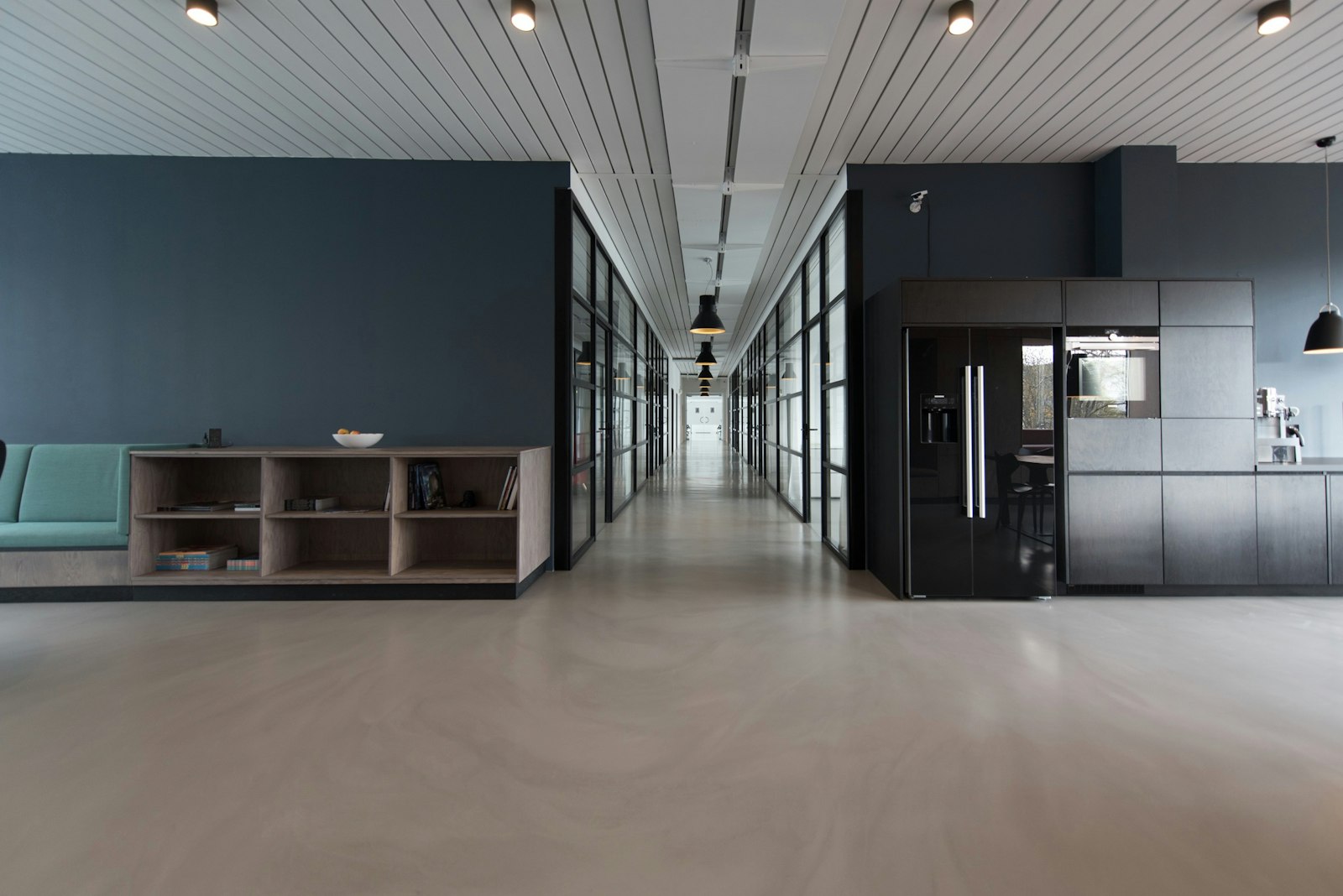
Umbilo counter traffic and print demand
The Umbilo Shop page covers in-store Epson discussions in Durban, including branch layout, customer flow and the product lines that need the clearest explanation on the floor.
Demo notes at Umbilo Shop follow the work coming over the counter. Focus on the branch layout, how customers move from enquiry to sample review, and which Epson graphic-arts units need the clearest explanation in that setting. Coastal air, daily handling, and limited display space all affect what should be shown first.
Begin with photos of the current display area, the service counter, and any active sample boards. Those images help tie the Epson discussion to actual sightlines, queue points, and where staff stop to explain media choices. Keep one short job sheet with stock, size, finish, and timing beside the printer notes for later reference.
Notes to carry into the demo
The useful outcome here is a page that names the Epson model under discussion, the sample jobs worth showing, and the questions staff hear most often in store. Include checks for media handling, output viewing distance, and where printed examples should sit near the counter. A short working checklist is more useful than broad product language.
Link Umbilo Shop to the matching Workflows note and the relevant branch record before adding extra product lines. Check sample stock, job timing, and site photos against that note before anything is sent from your side. Use the contact form with this Umbilo Shop page referenced and the size of the display or print area.
- Counter samples matched to live enquiries
- Site photos taken before display changes
- Stock and timing notes kept together
Durban shop conditions that affect demos
Umbilo discussions should account for branch traffic, staff handover between enquiries, and the space available for printed examples near the sales area. Some Epson units are easier to explain with a finished sample in hand, while others need attention on media loading, colour intent, or job setup. Separate daily sales questions from technical print faults when writing the branch note.
Durban humidity can change how certain media feels and feeds, especially when packs have been opened on site. Dust from regular foot traffic still matters around touch points, cutter areas, and sample racks even in a retail setting. Use the demo slot to show print handling, output comparison, and workflow decisions that staff can repeat during customer conversations.
Operated by Astros Marketing (Pty) Ltd from 2 Makro Place, Sunnyrock 1401.
Umbilo sample-job briefing points
Brief Umbilo Shop with sample jobs, stock details, production timing and site photos so the demo can focus on the print work that actually moves through the shop.
Record the sample jobs discussed for Umbilo Shop with the stock used, expected production timing, and any site photos that explain the branch setup. That makes it easier to keep the Epson conversation tied to actual store work in Durban rather than broad product descriptions. Add notes on which lines need the clearest in-store explanation before the next visit.
What our Epson Graphic Arts customers say
Verified Google reviews