

Highveld pack specs
Highveld pack covers the edge cases that show up after the first calm week.
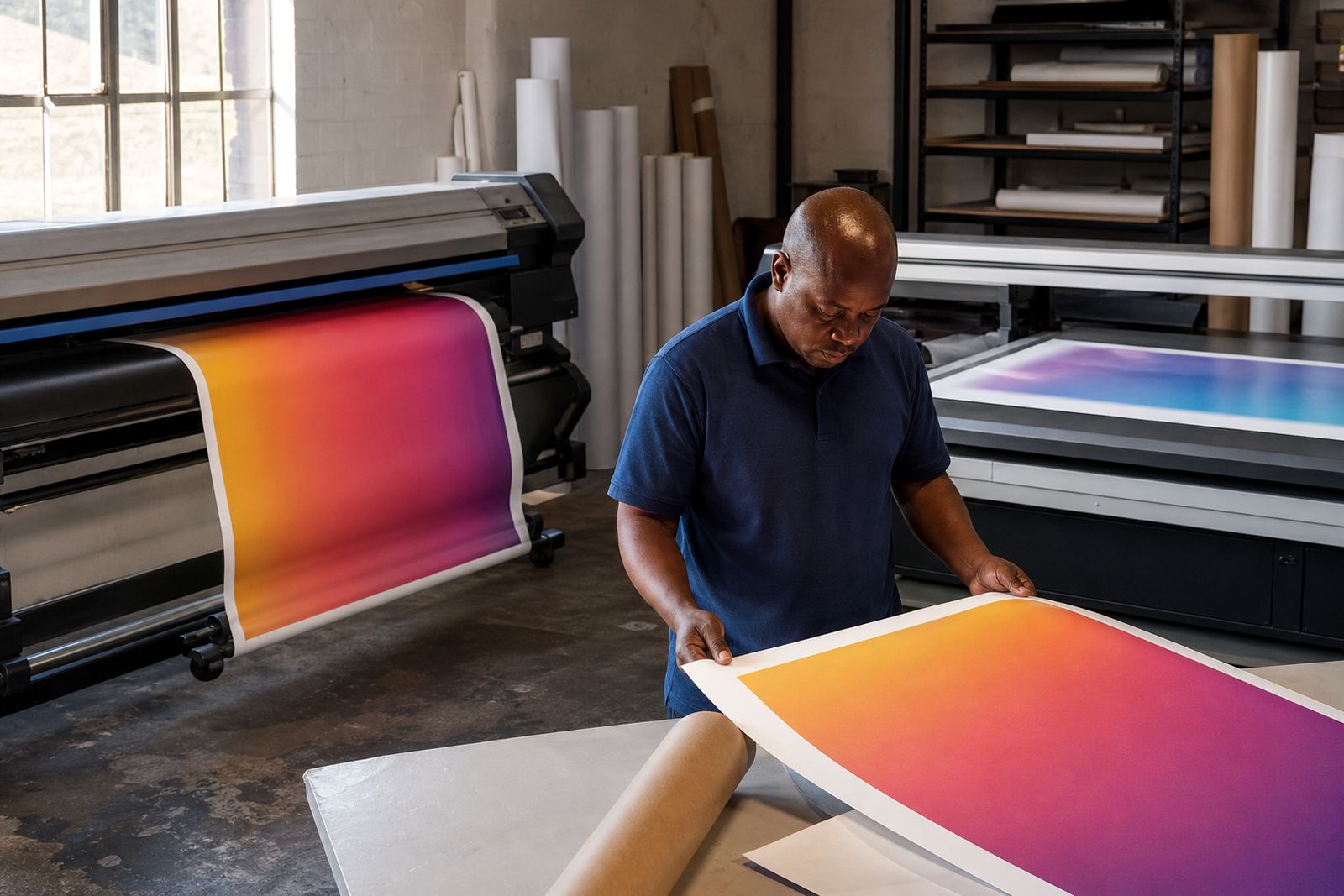
Highveld operating checks for Epson units
These specs list the operating and site details that matter under inland floor conditions. They expand on the main guide with the practical checks linked to dust, static and air movement.
These specifications focus on inland print-room conditions around Gauteng where dry air, dust load and static build-up can upset graphic-arts output. They cover the site details to verify before an Epson demo, installation handover or routine review, including power quality, extraction direction and the space kept around the unit for loading and service access.
Record the machine position and surrounding vents before any setup changes are made. A short spec sheet for the pack is useful next to the printer because operators can check humidity range, media acclimatisation and cleaning points during the shift rather than relying on memory after a stoppage.
Documents used during handover
The pack specs set out the readings and observations that matter on the day, from room temperature and relative humidity to media storage and available circuit capacity. The aim is to match Epson hardware demos and routine notes to the way a Gauteng production room actually runs, with fewer assumptions about ideal conditions.
Keep the site requirements in one place before a demo or machine move with the matching routine note. Tell us the Epson model, the media and your monthly print volume, and the demo floor team will set up the right comparison.
- Humidity and static checks for Gauteng
- Power, airflow and dust points
- Photo record of printer area
Inland production conditions to verify
Highveld sites often need extra attention on airborne dust, winter dryness and static at media feed points. Older industrial units in Johannesburg, Midrand and Pretoria can also present uneven power, narrow loading routes and air movement from open roller doors, all of which should be checked before a graphic-arts demo on Epson equipment.
Inland rooms often need different maintenance intervals, especially where powder dust settles on covers, sensors and cut-sheet routes. Nozzle checks, colour references and sample sets need to reflect machine behaviour in working production conditions.
Site data to gather first
Use the pack for Gauteng print rooms that need Epson hardware demos, routine notes and handover details matched to day-to-day production.
Capture the room readings and machine details on the same day as the demo, inspection or install discussion. For pack work, the useful basics are printer model, media type, RIP in use, suburb, humidity reading, power arrangement and any visible dust or airflow issue near the Epson unit.
What our Epson Graphic Arts customers say
Verified Google reviews
Also worth a look
Tell us what you print and where it hurts
Send a note through our contact form with the media you print, the printer you run or are considering and where the workflow slows down, and we will come back with practical options and a quote.
Open the contact form